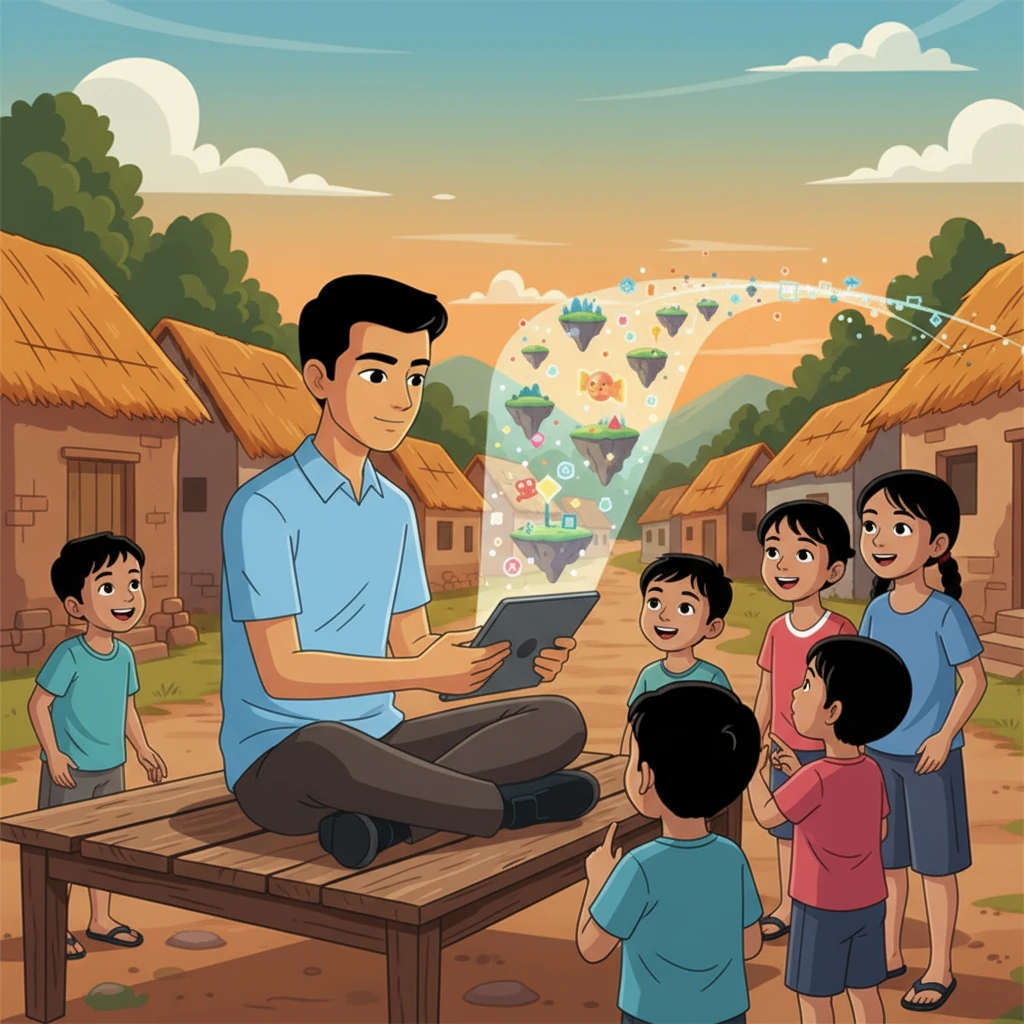
Follow Aarav’s inspiring journey as he transforms his rural world through the power of gamified learning. This story showcases how technology and imagination come together to unlock every child's potential, proving that the light of knowledge can shine anywhere.
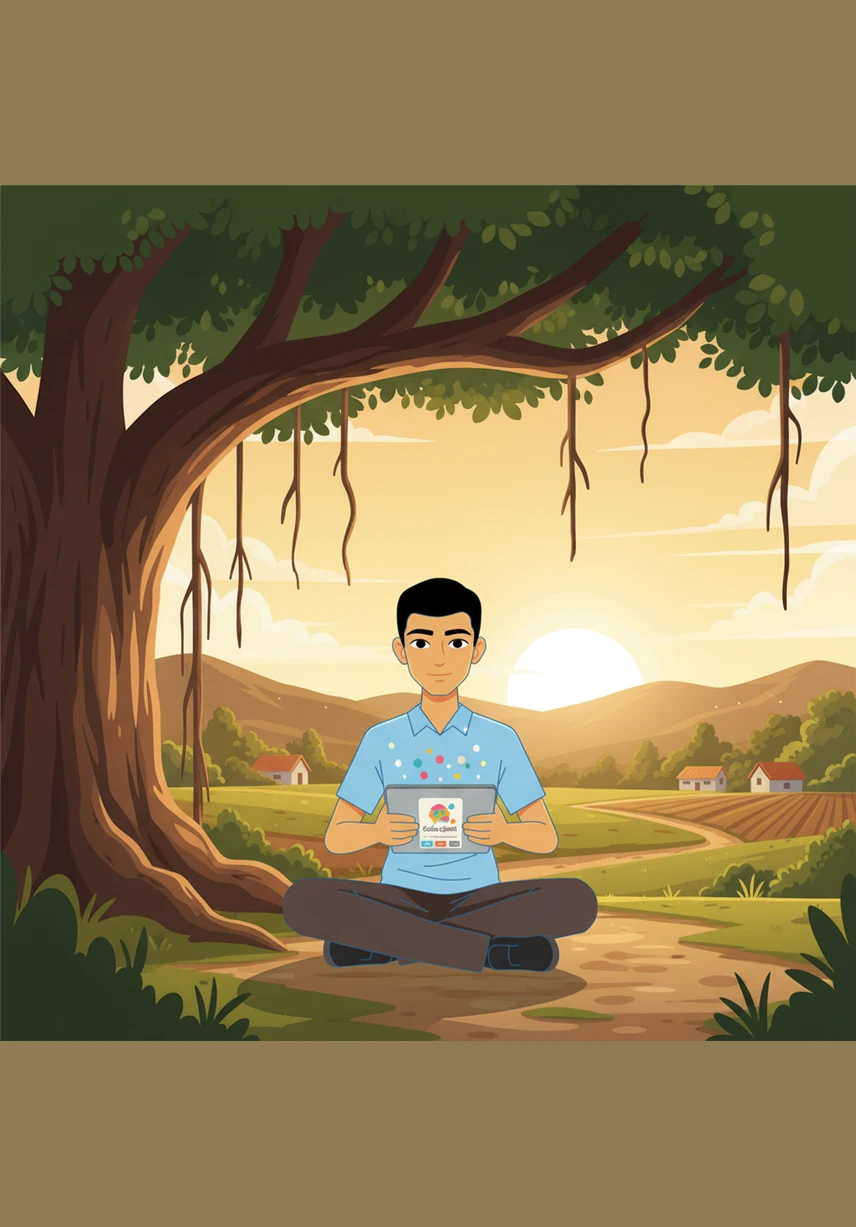
Aarav sits beneath the shade of a sprawling banyan tree, holding a tablet that glows with the vibrant colors of the EduQuest app. The rural landscape stretches behind him, bathed in the warm, golden light of the late afternoon sun as he begins his journey.
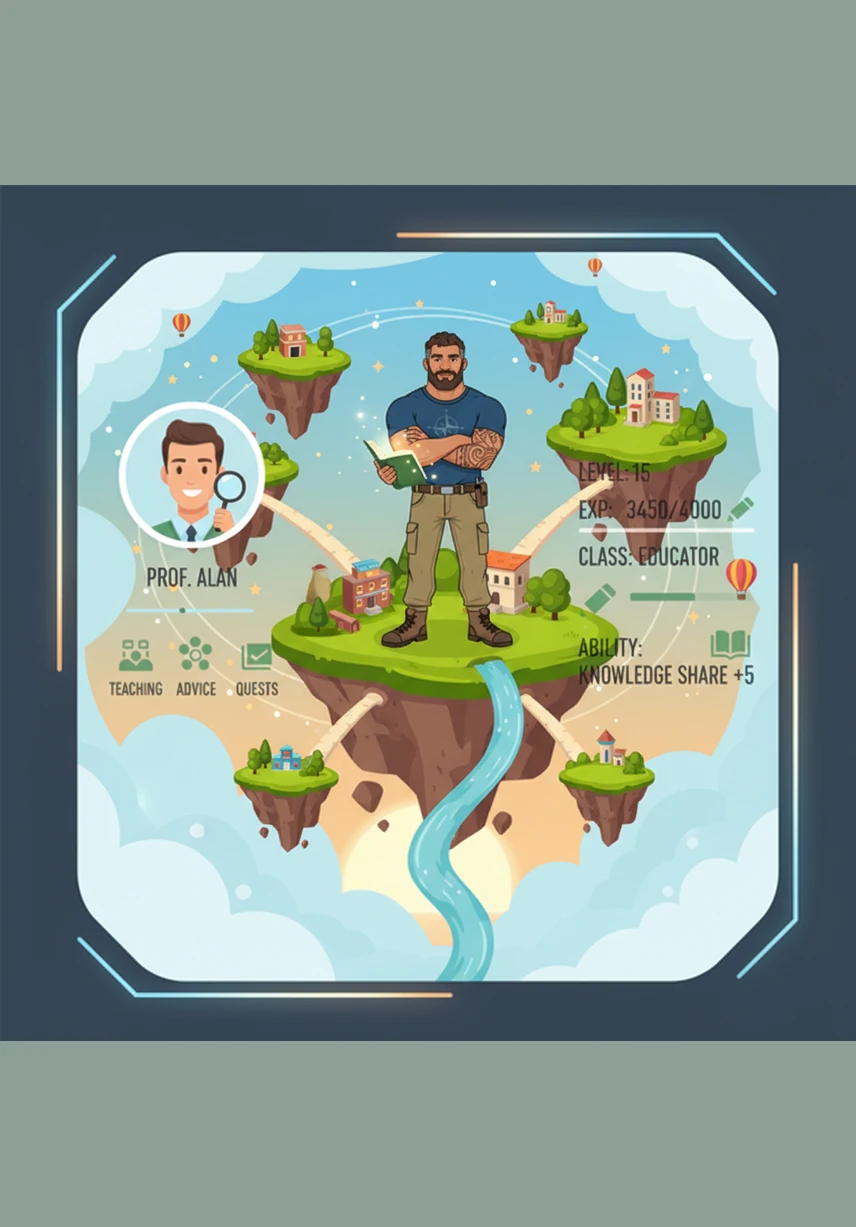
The app’s dashboard comes to life, presenting a magical map where different subjects appear as floating islands. Aarav taps on the English island, which sparkles with interactive icons for typing games and spoken practice modules.
A mandatory video lesson begins, showing a high-definition 3D animation of the solar system. Aarav watches intently as planets spin across the screen, making complex science feel like a cinematic adventure right in the palm of his hand.
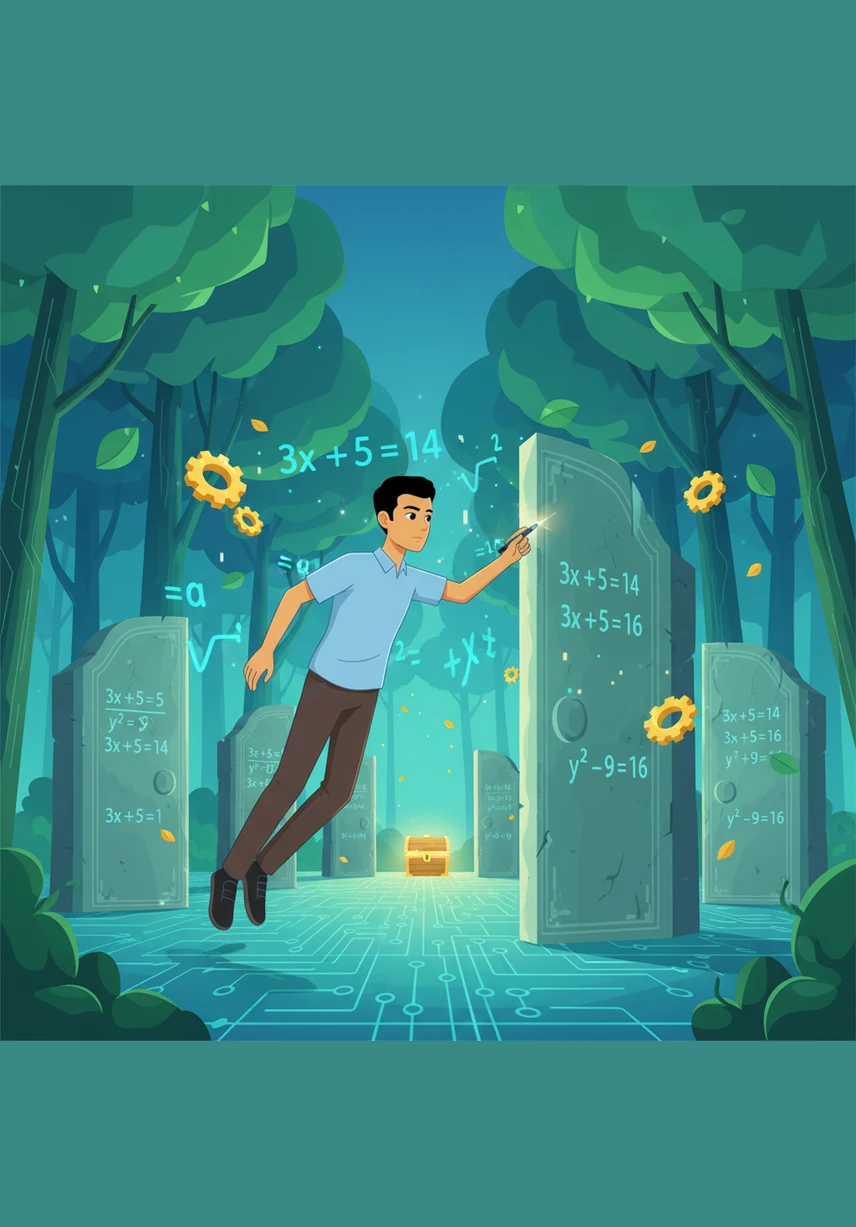
He dives into the Math Puzzle Maze, where he must solve algebraic equations to unlock stone gates within a lush, digital forest. Each correct answer helps his avatar move closer to the hidden treasure at the center of the labyrinth.
Aarav practices his English pronunciation by speaking into the tablet’s microphone during a vocabulary quest. A friendly digital tutor provides instant feedback, and a transcript of his words appears on the screen alongside a celebratory gold star.
A bright notification pops up on the screen, announcing that Aarav has maintained a five-day learning streak. Digital confetti rains down on his avatar, and he earns a shiny Knowledge Warrior badge to add to his growing collection.
At the village school, Mr. Gupta opens the teacher dashboard to review the class performance. He smiles as he sees the colorful charts and graphs showing Aarav’s incredible accuracy and rapid progress in his science modules.
Back at home, Aarav’s mother uses the parent dashboard to see her son’s latest achievements. She records a heartfelt voice message of encouragement, which will appear as a special notification for Aarav the next time he logs in.
The class leaderboard refreshes, showing Aarav’s name climbing to the very top of the rankings. He feels a surge of confidence as his peers’ avatars cheer for him in the virtual hall of fame, celebrating his hard work.
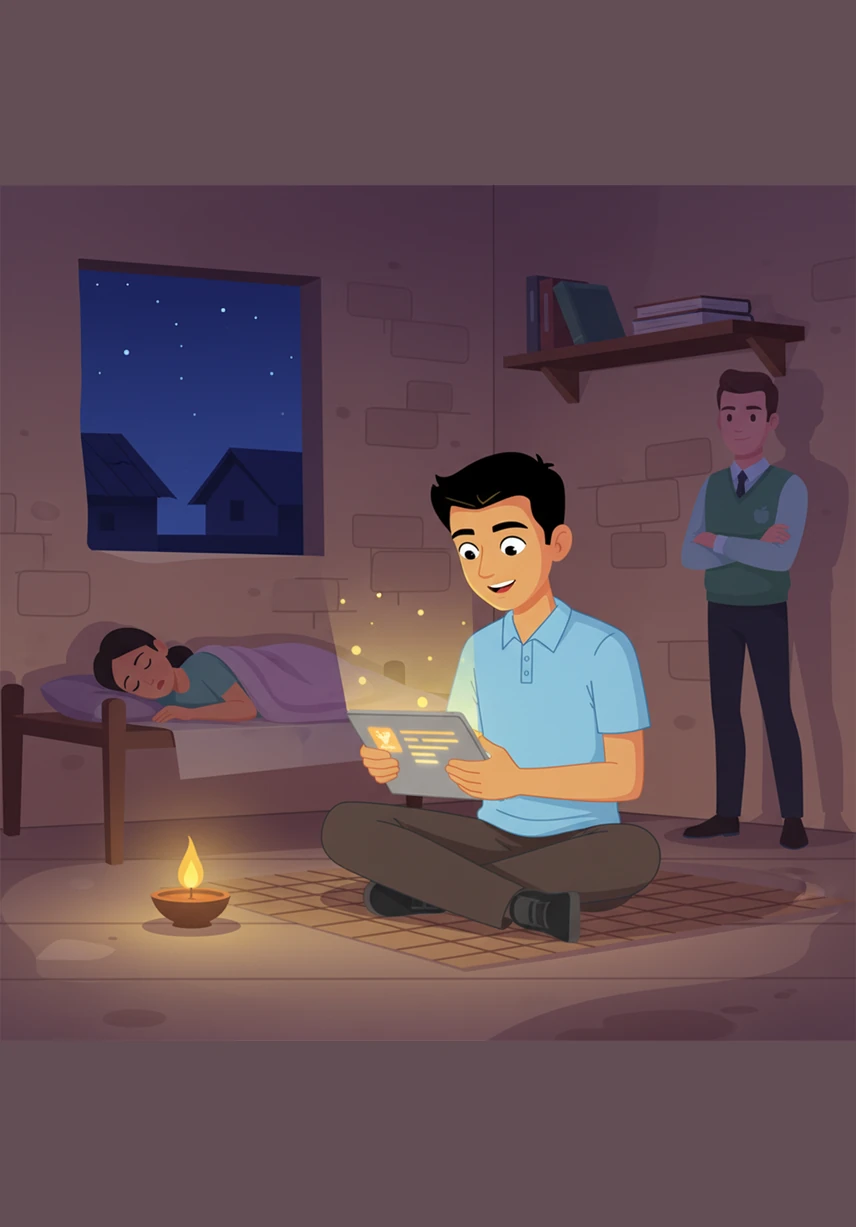
As night falls and the village grows quiet, the app continues to function perfectly without an internet connection. Aarav keeps learning by the light of a small lamp, his eyes reflecting the bright, hopeful future that education has opened for him.
Prompt de geração(Faça login para ver o prompt completo)
. Build a complete, production-level frontend for an Offline Gamified Learning Web App for Rural Students (Grades 6–12) using React (preferred) or HTML/CSS/JavaScript if simpler. 🔹 Core Requirements The app must work as a Progressive Web App (PWA) with offline capability Clean, modern, game-like UI Fully responsive (mobile + desktop) Use component-based architecture 🔹 User Roles (Create separate dashboards) 👨🎓 Student Dashboard Features: Select Class (6–10 gamified, 11–12 non-gamified) Select Subject and Language Watch video (mandatory before quiz unlock) Game modes (only for classes 6–10): Math: Time Attack, Puzzle Maze Science: Simulation UI (basic interactive) English:Typing game Sentence correction Spoken English practice UI Quiz system: Easy, Medium, Hard levels Progress tracking: Score, accuracy, typing speed Graphs (use charts) Rewards: Points, badges, streak display Leaderboard (class-wise ranking) 🧑🏫 Teacher Dashboard Features: Upload videos (UI only) Upload notes View student performance Send weekly star ratings 👨👩👧 Parent Dashboard Features: View student progress View teacher ratings Record/send voice feedback (UI only) 🔹 English Learning Module (IMPORTANT) Include: Typing practice component Spoken English UI (mic button + transcript display) Dictionary popup (word → meaning + pronunciation UI) Word formation & sentence builder UI 🔹 UI/UX Requirements Use modern design (cards, gradients, icons) Include: Sidebar navigation Dashboard cards Progress bars Animated buttons Use reusable components 🔹 Technical Requirements Use React with functional components + hooks Use basic state management (useState/useEffect) Use Chart.js or similar for graphs Include routing (React Router) Include dummy data (no backend required) Organize code into: components/ pages/ assets/ 🔹 Offline Support Include basic service worker setup Cache main assets 🔹 Output Format Provide full project structure Provide all code files Keep code clean and well commented Do NOT skip any major part 🔹 Goal The UI should look like a real gamified learning platform, not a simple student project. “Give step-by-step files one by one” “Make UI more modern and gamified (like Duolingo)” “Add spoken English module and typing game UI” Better animations Gamification elements (badges, streaks) More attractive dashboard design Colorful and engaging interface for students main topic-Gamified Learning Platform for Rural Education Give me a full working code