Pixel Pete's Pet System Adventure - 教育ストーリー

Pixel Pete's Pet System Adventure

ストーリー紹介

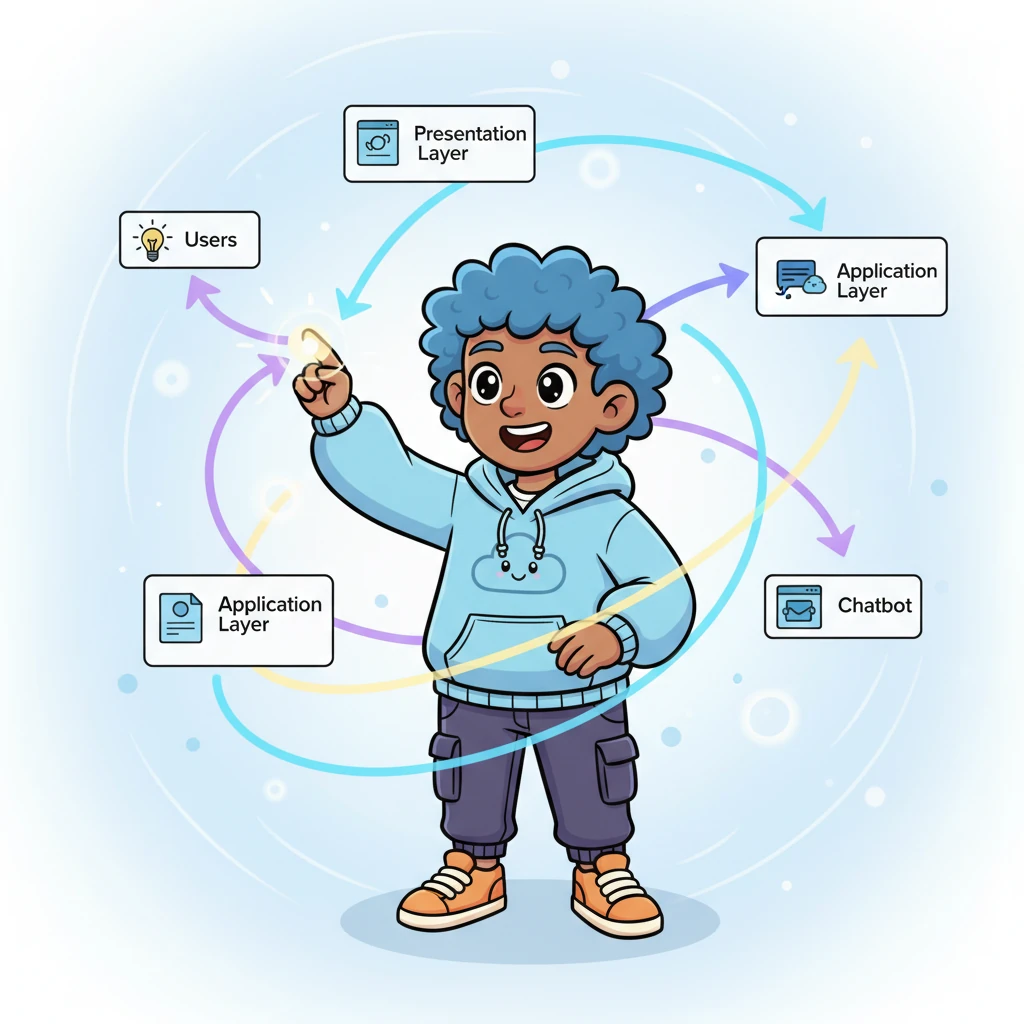
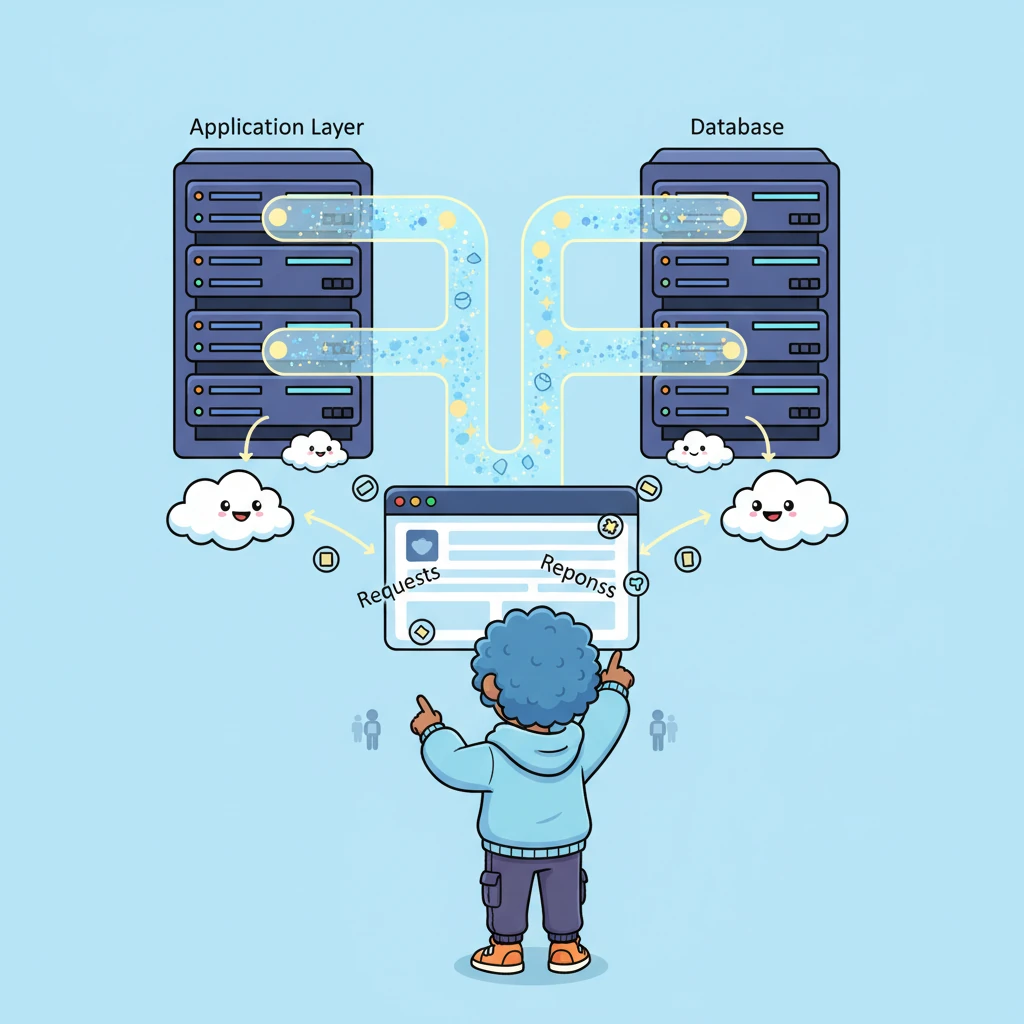
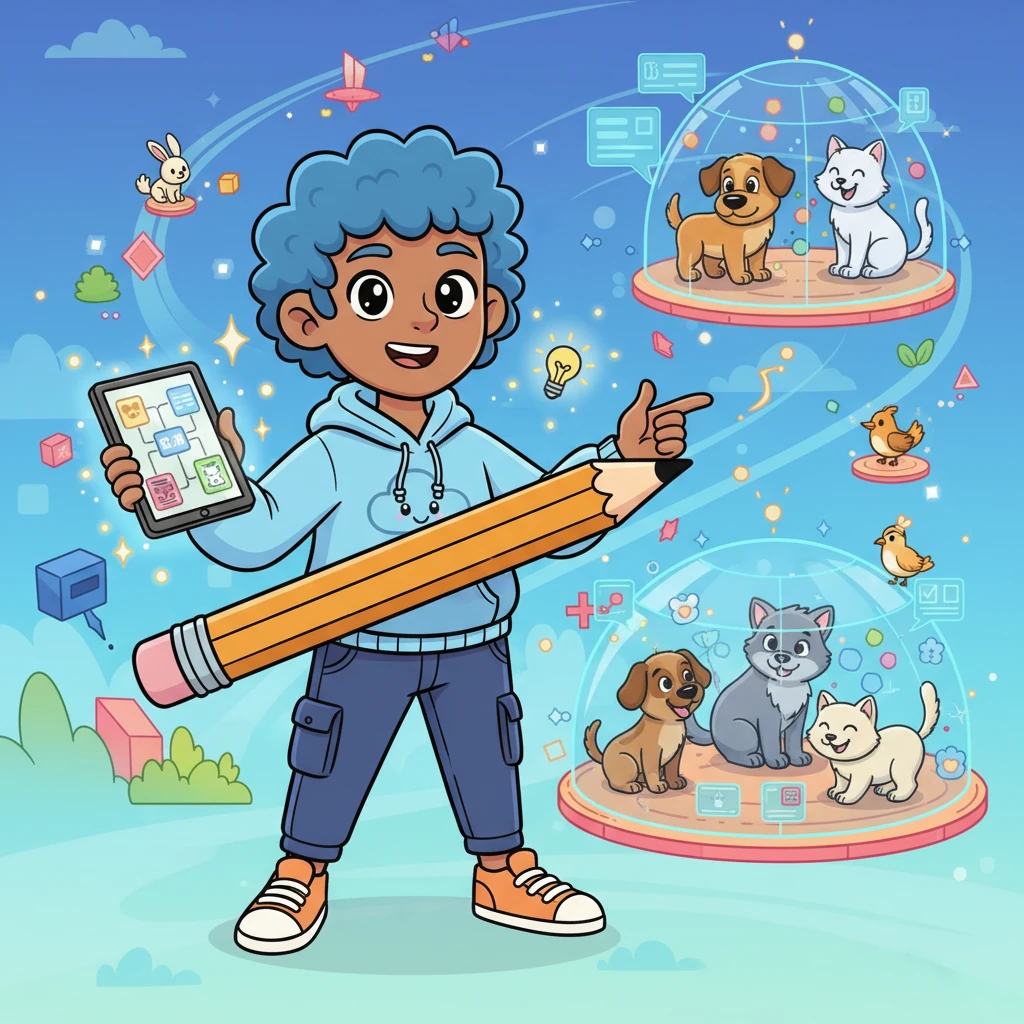
Join Pixel Pete, a cheerful little architect, on a grand adventure as he builds a magical digital world for all his animal friends! This vibrant story unpacks the wonders of system architecture with playful charm, showing how clever design helps pets and their owners stay connected and cared for. Discover a world where every digital layer is a fun, interactive part of a bustling, helpful system!


Ratings:Not enough ratings
言語:英語
公開日:
読書時間:1

キーワード

Generation Prompt

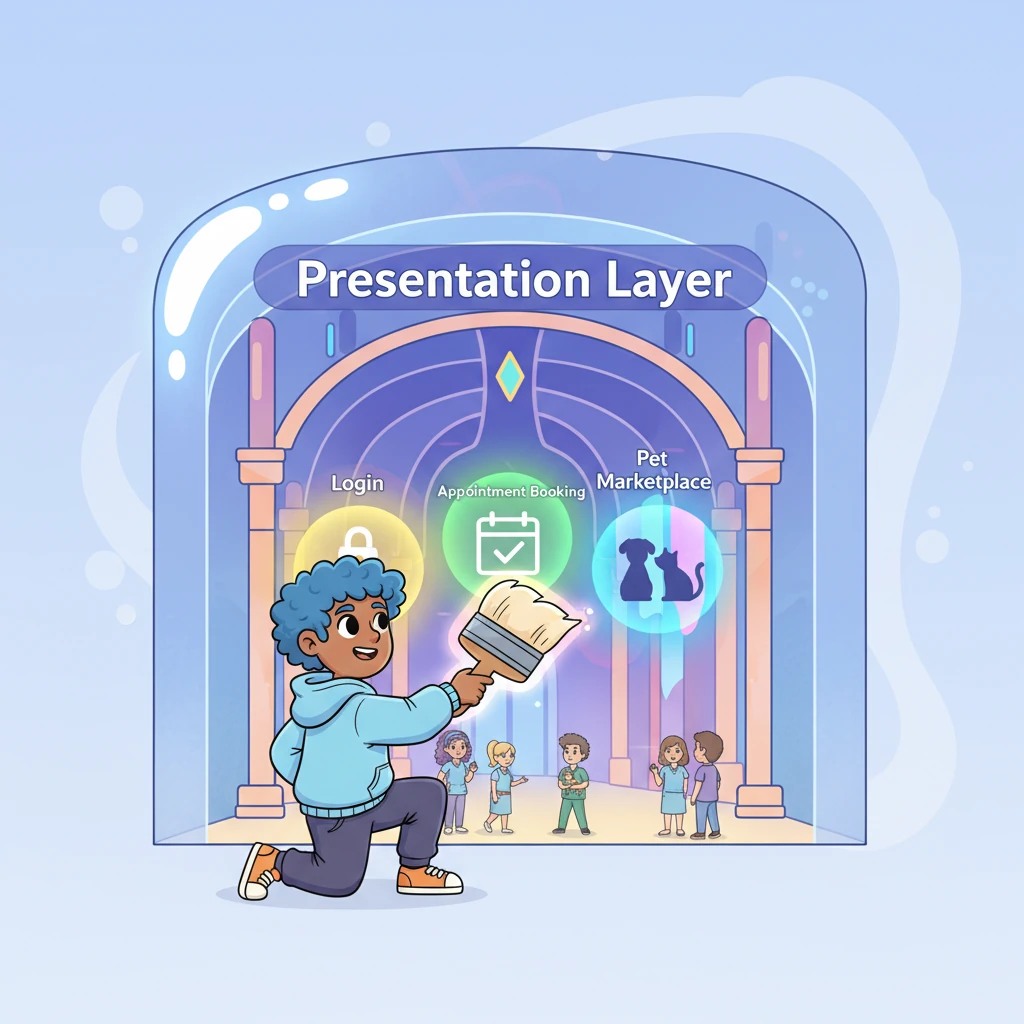
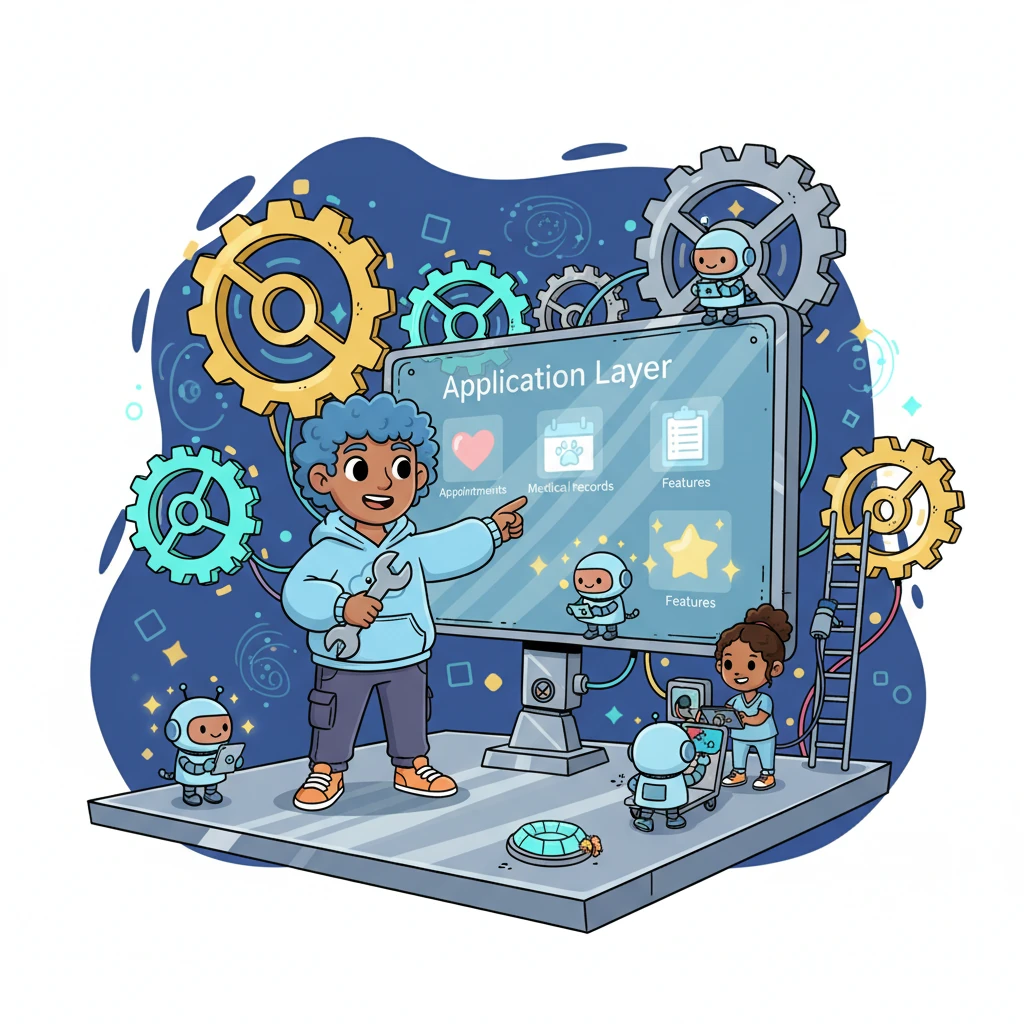
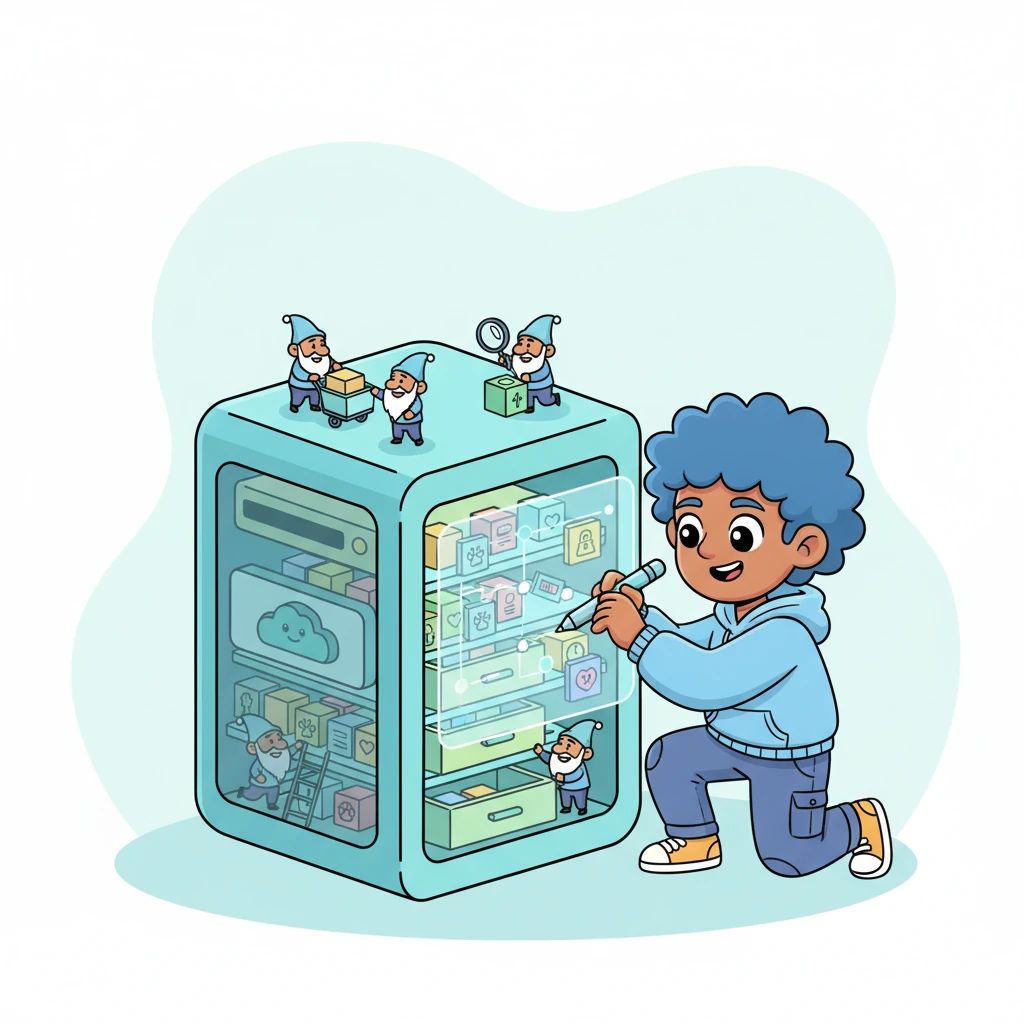
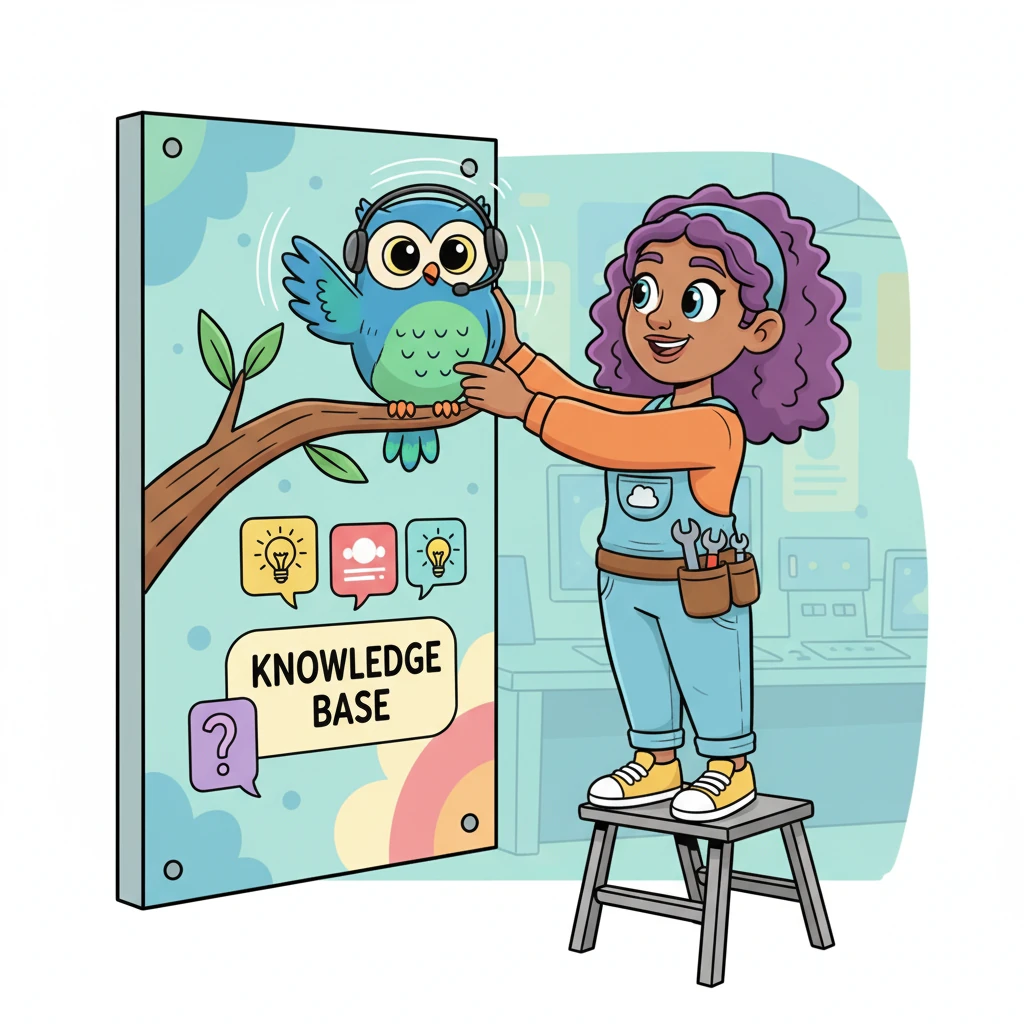
System Architecture – How YOU Should Draw It (Manually in draw.io) Architecture Style to Use ✅ Simple Layered Architecture (Web-Based System) This is safe, standard, and commonly accepted in universities. STEP 1: Open draw.io Go to app.diagrams.net Create Blank Diagram Name it: System Architecture – Animal Health Records System STEP 2: Draw the TOP Layer (Users) 📍 Top of the page Draw 3 small rectangles side by side Label them: Pet Owner Veterinary Staff Admin 👉 These represent system users STEP 3: Draw Presentation Layer (UI Layer) 📍 Below Users Draw ONE wide rectangle Label it: Presentation Layer (Web Interface) Inside the rectangle (optional but good): Login & Registration Appointment Booking Medical Records View Product & Sales UI Chatbot Interface 👉 This clearly shows Figma-based UI STEP 4: Draw Application Layer (Main Logic) 📍 Middle of the page Draw ONE large rectangle Label it: Application Layer (System Logic) Inside, draw small boxes (or list text): User Management Appointment Handling Medical Records Management Product & Inventory Management Sales & Income Management Payment Processing Chatbot Handling Module 👉 This is where all features your sir mentioned live STEP 5: Draw Database Layer 📍 Bottom of the page Draw ONE wide rectangle Label it: Database Server Inside list: User Data Pet Data Appointment Records Medical History Product & Inventory Data Sales & Payment Records 👉 Looks very academic, very normal STEP 6: Draw Chatbot Service (SIDE BOX) 📍 Right side of Application Layer Draw ONE rectangle Label it: Chatbot Service Inside write: Knowledge Base Question Processing Automated Responses 👉 Do NOT write AI, NLP, GPT, ML This avoids “AI-generated suspicion” STEP 7: Connect Everything (IMPORTANT) Use simple arrows only Connections: Users → Presentation Layer Presentation Layer → Application Layer Application Layer ↔ Database Server Application Layer ↔ Chatbot Service 👉 Label arrows lightly (optional): “Requests” “Responses” “Data Access” FINAL LAYOUT (TEXT MAP – FOLLOW THIS EXACT ORDER) [ Pet Owner ] [ Vet Staff ] [ Admin ] ↓ ↓ ↓ ------------------------------------------------ | Presentation Layer (Web Interface) | ------------------------------------------------ ↓ ------------------------------------------------ | Application Layer (System Logic) | | - Appointments | | - Medical Records | | - Inventory & Sales | | - Income Management | | - Chatbot Handling | ------------------------------------------------ ↓ ↔ --------------------- ------------------- | Database Server | | Chatbot Service| --------------------- ------------------- generate system architecture exactly look liked created in draw.io tool

コメント

Loading...