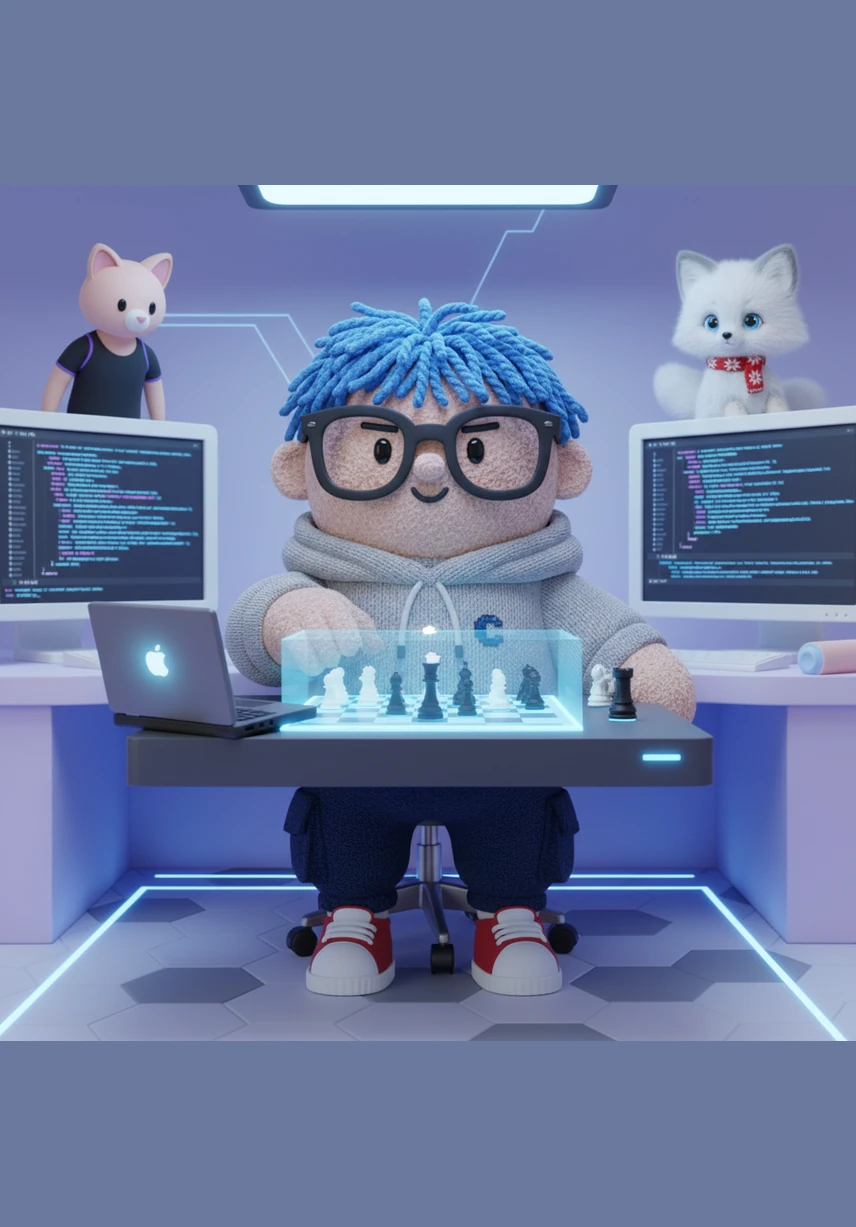
Step into the workspace of Alex, a visionary developer crafting the ultimate digital sanctuary for chess mastery. This story explores the creation of AeternaChess, a modern, colorblind-friendly training platform that blends sophisticated data management with a sleek, minimalist aesthetic. Discover how technology and strategy unite to help players organize their knowledge and sharpen their skills in a beautiful dark-mode environment.
Alex sits before a glowing screen, launching the AeternaChess Dashboard for the first time. The interface is a sleek masterpiece of deep purples and dark grays, welcoming the user with a clean overview of their chess progress and recent training sessions.
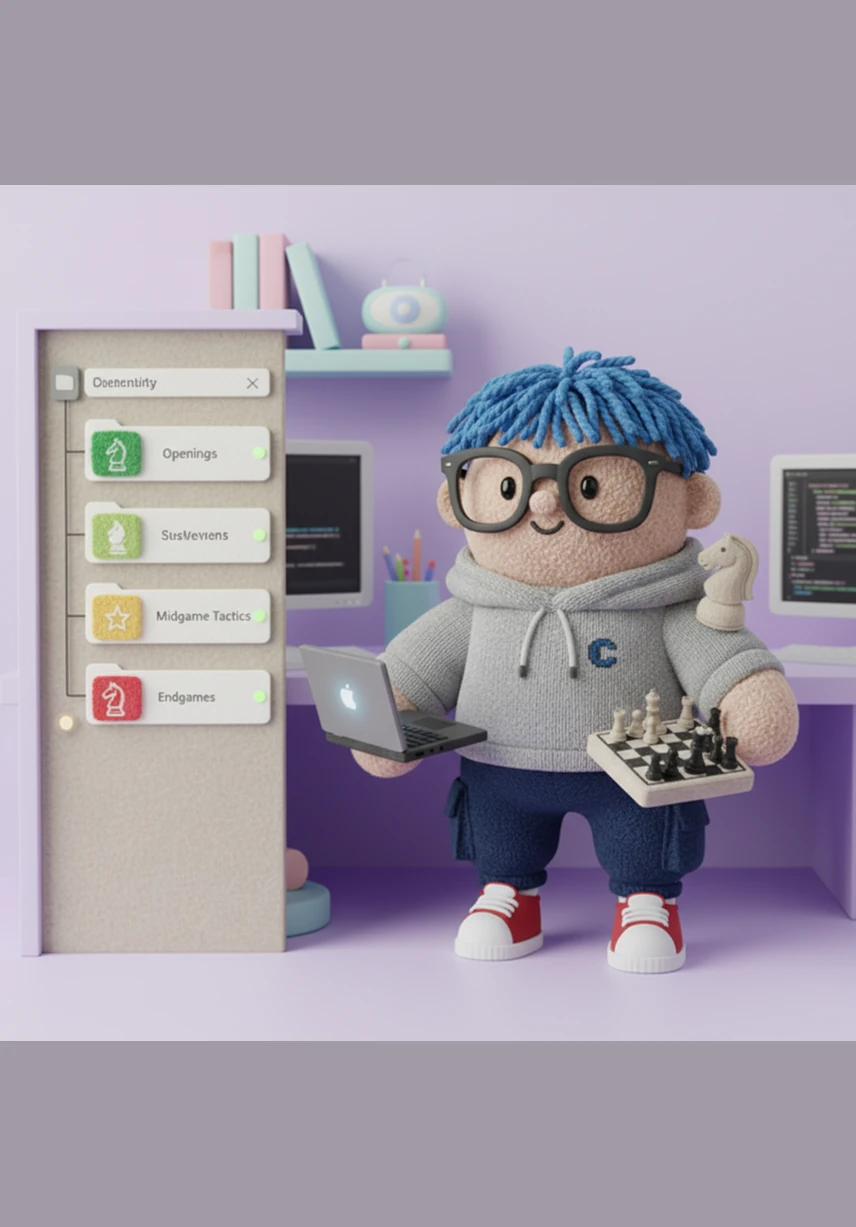
The Library panel slides open on the left, revealing a familiar, nested folder structure inspired by modern code editors. Each folder, from Openings to Endgames, is marked by a distinct colored icon and a subtle status dot indicating when the next spaced repetition review is due.
A New Study dialog appears on the screen, floating elegantly over the dark background with a soft purple glow. Alex selects the Opening discipline from a list of options, carefully choosing a destination within the intricate file system to begin a new chapter of learning.
On the main analysis board, the Stockfish engine hums with silent power, displaying complex evaluations alongside a detailed list of moves and annotations. The deep purple accent color highlights the current position, while the clean typography makes the engine's suggestions easy to read.
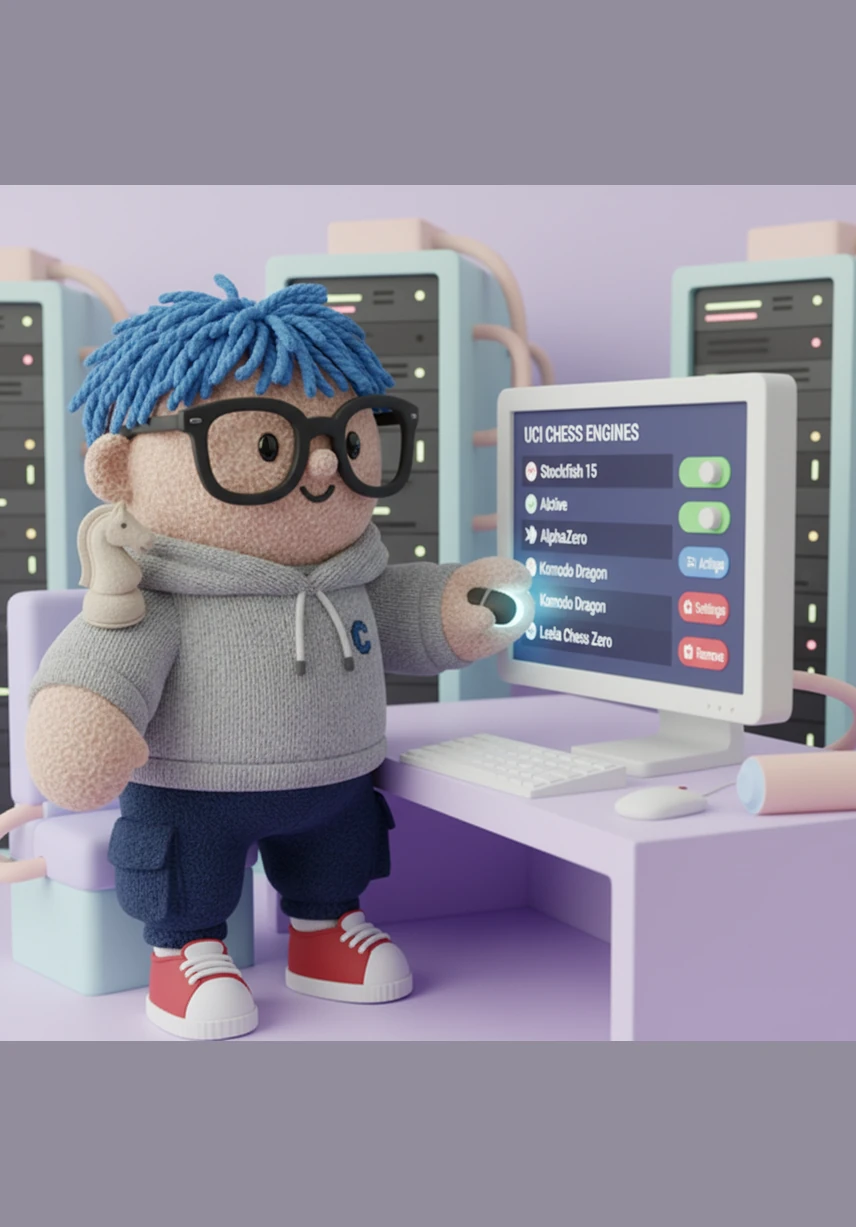
Alex navigates to the Engines section, where a list of UCI chess engines is managed with simple, intuitive controls. This command center allows for the customization of the app's analytical brain, ensuring that the user always has the most powerful tools at their fingertips.
The Database view opens, showcasing a powerful search engine that scans millions of historical games in an instant. The results are displayed in a clean, readable table, allowing Alex to filter by player, year, or opening to study the masterpieces of the past.
Transitioning to the Train section, Alex begins a repertoire drilling session powered by an advanced spaced repetition algorithm. The app tracks every move, using a vibrant blue to signal a correct response and a clear orange for areas that need more attention.
In Tactics mode, the interface strips away all distractions, leaving only the chess board and a ticking timer. The focus is entirely on the puzzle at hand, creating an immersive environment where the only thing that matters is finding the winning sequence.
The Calculation training module presents a series of visualization exercises designed to sharpen the mind's eye. The minimalist design helps Alex focus entirely on the mental board, calculating deep variations and predicting future positions without moving a single piece.
Finally, Alex enters the Play section to test his skills against a formidable engine in a clean, professional match environment. The entire AeternaChess ecosystem comes together, providing a seamless transition from deep study to practical application in a modern digital arena.
Generation Prompt(Sign in to view the full prompt)
I'm building AeternaChess — an all-round chess training PWA (Progressive Web App) for improving chess players. Think "Chessable meets Chess Position Trainer meets ChessBase" but modern, clean, and in the browser. My tech stack: React, Tailwind CSS, shadcn/ui, FastAPI backend, MongoDB. Icons: @tabler/icons-react. Accent color: #7C3AED (purple). Dark mode primary. I am colorblind (deutanopia) — never use red/green together. Use blue (#3B82F6) for correct/positive and orange (#F97316) for wrong/attention. The app has these sections, grouped in the sidebar (Chessquid-style with text group labels): CREATE section: Board — chess analysis board with Stockfish engine, move list, annotations Engines — manage UCI chess engines Database — search large game databases STUDY section: Library — file explorer with nested folders (like VS Code sidebar). Users organize all their content here: Openings, Tactics, Middlegame, Strategy, Endgames. Each folder/file shows a colored icon by discipline type and an FSRS spaced repetition status dot. TRAIN section: Repertoire drilling (spaced repetition for openings) Tactics training (puzzle mode — no move list visible, just board + timer) Calculation training (visualization exercises) PLAY section: Play against engine or online What I need from you: 1. Design the complete app layout — sidebar, main content area, and panels for each section. Show me how the Board page looks, how the Library file explorer looks, how the Tactics training mode looks, and how the Dashboard home screen looks. 2. The Library must support unlimited nested folders like a file system. Each file has a type (Opening, Tactics, Strategy, Middlegame, Endgame) shown with a colored icon. Show me how this explorer panel looks. 3. Design a "New Study" dialog where the user picks a discipline (Opening, Tactics, Strategy, Middlegame, Endgame, Calculation) and creates content inside their folder structure. 4. Make it modern and clean — inspired by Pawn Appétit / Chessifier / Chessquid Pro aesthetic. No clutter. Contextual panels that change based on what the user is doing. 5. Use the Stitch MCP to generate polished visual mockups for each screen.