Join Codey, a young digital architect, as he transforms a blank canvas into a vibrant, interactive world using the magic of web code. This enchanting story blends technical concepts with a whimsical adventure, making the world of programming accessible and inspiring for learners of all ages.
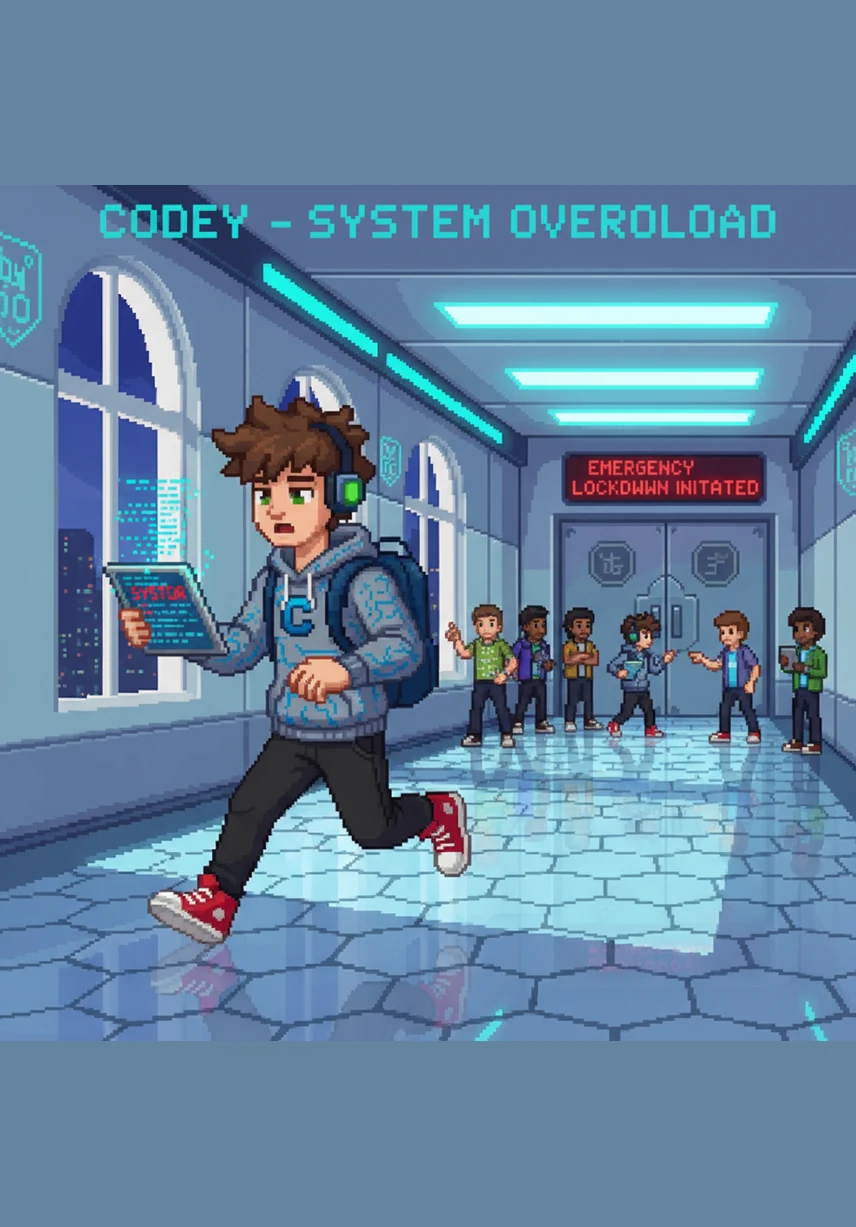
Codey stood before a glowing, empty canvas in the heart of Web-Land, ready to build his identity. He held a magical stylus that hummed with the power of modern code, staring at the vast white space waiting for his first command.
With a flick of his wrist, Codey painted the words Student Profile in a bold heading across the top. He added a soft background color and a gentle text-shadow that made the letters dance and pop against the digital screen.
To make his profile feel organized and cozy, Codey drew a large container with perfectly rounded corners using a special border-radius spell. The box glowed with a warm, inviting light, creating a professional space for his information.
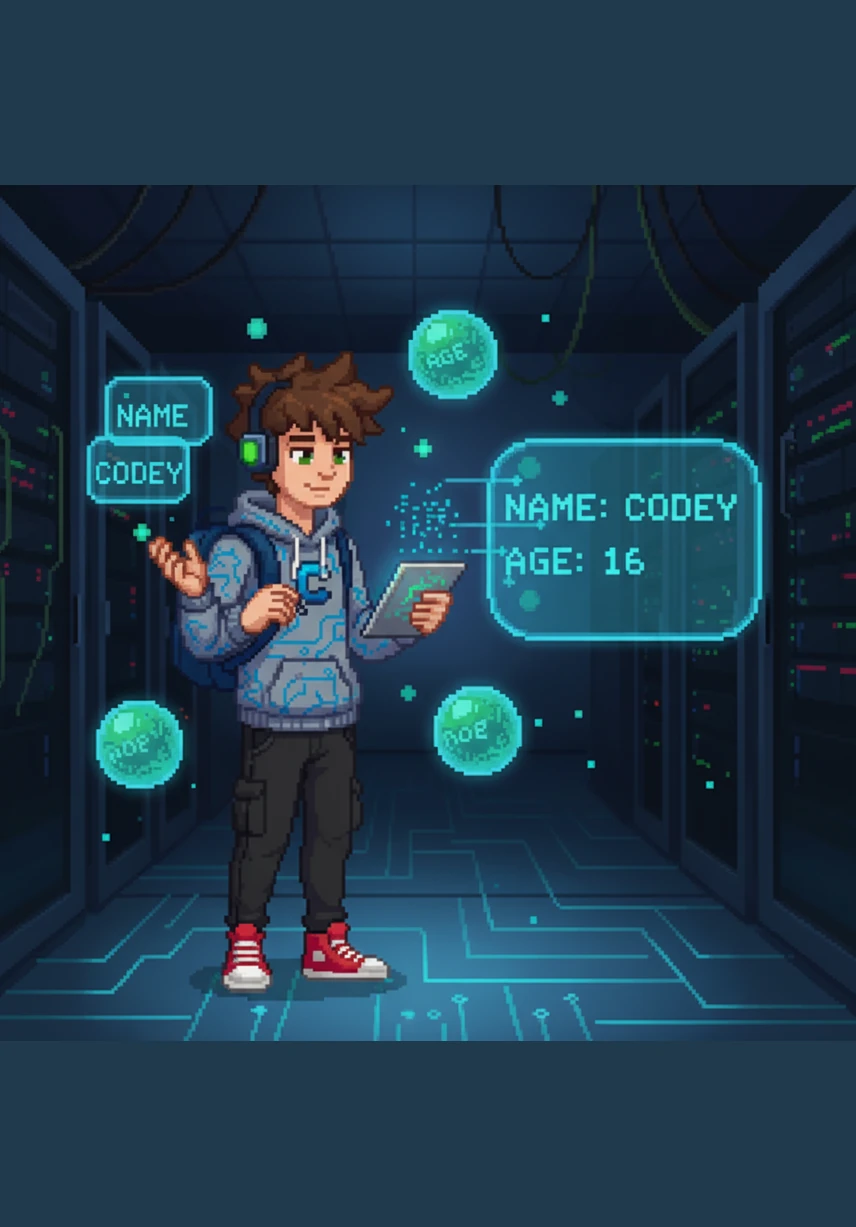
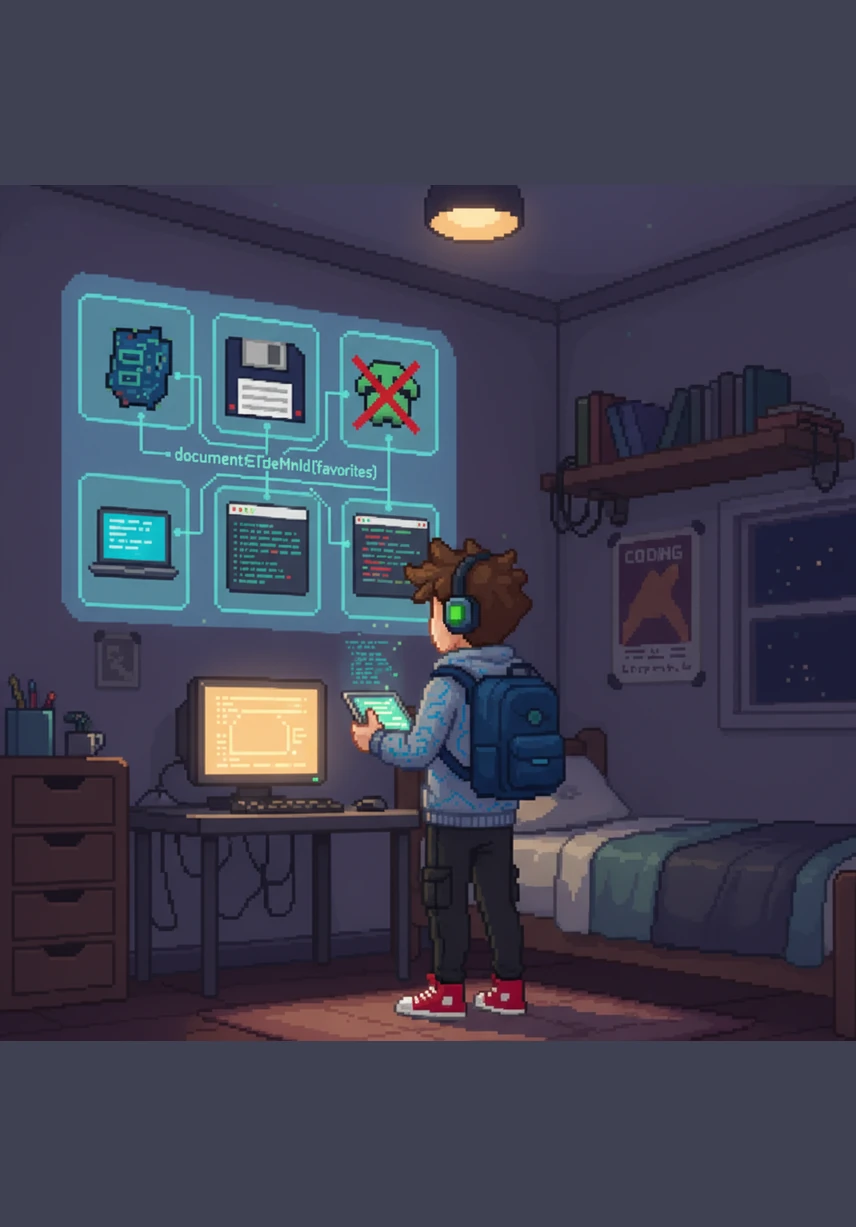
Codey whispered his name and age into the air, turning them into variables that floated like glowing orbs around him. He used a document-write charm to make his identity appear clearly within the rounded box for all to see.
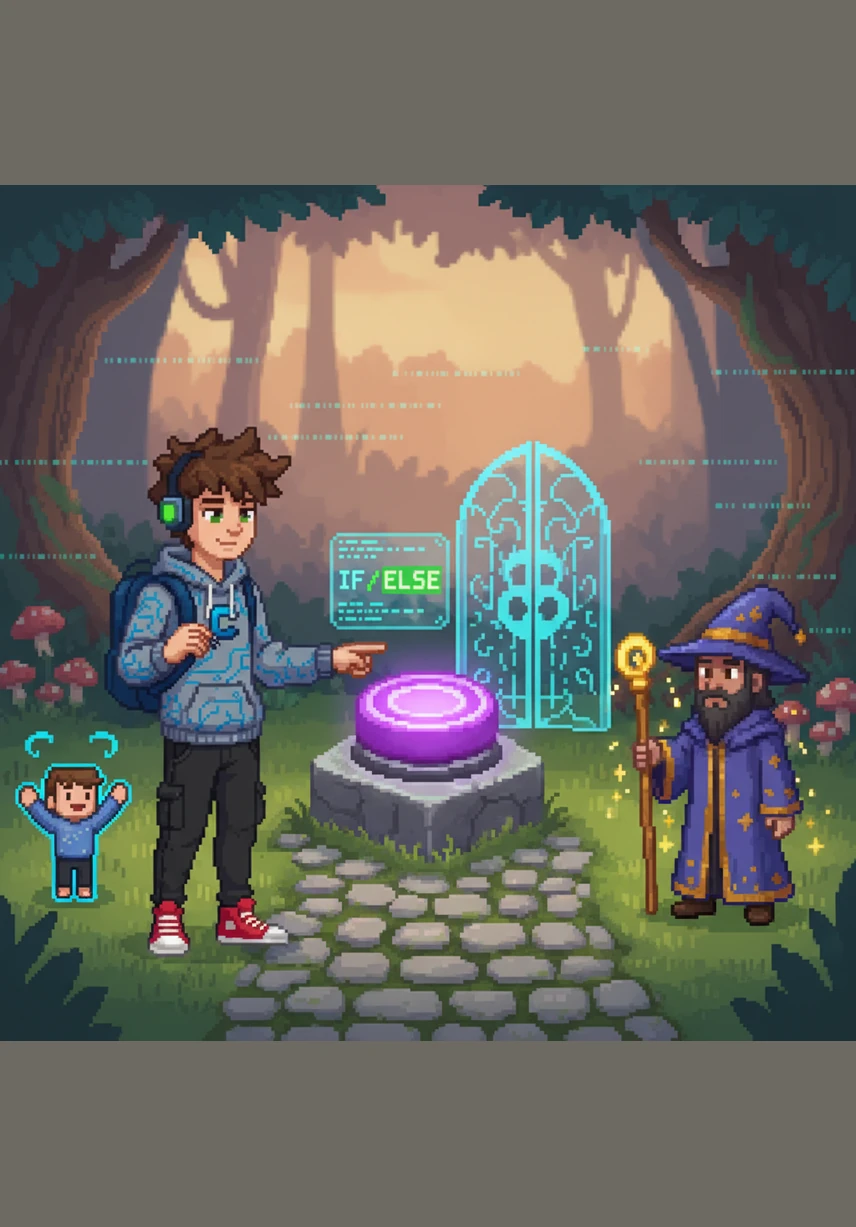
He added a magical button that, when clicked, would trigger a friendly alert greeting to anyone who passed by. Codey even programmed a clever gate using an if-else spell to check if visitors were young explorers or grown-up wizards.
To show off his counting skills, Codey cast a show-numbers spell that triggered a powerful for-loop. A trail of sparkling numbers from one to ten spiraled into the air, lighting up the sky like digital fireworks.
Next, he used a steady while-loop to count from one to five, building a small staircase of light. Each step felt solid and certain, proving his mastery over the repetitive rhythms of the coding world.
Codey then crafted a Student Object, a crystalline structure that held his name, age, and favorite course all in one place. He added a special full-info method so the object could introduce itself perfectly whenever it was called upon.
He gathered his favorite subjects into a colorful array and used a loop to display them neatly on his wall. With a touch of document-get-element-by-id, he made the list appear exactly where he wanted it with precision.
The profile was complete, a masterpiece of CSS and JavaScript that shimmered with life and interactivity. Codey smiled at his creation, knowing he had turned raw code into a beautiful digital home for his dreams.
生成提示词(登录后查看具体 Prompt)
Modules Covered: CSS3, JavaScript Basics, JavaScript Objects Time Allotment: 2 Hours Total Points: 100 PART 1: BASIC WEB PAGE (20 POINTS) Create a simple webpage using HTML + CSS3. Requirements: · - Title: "Student Profile" · - Heading (h1) · - Paragraph description · - Apply CSS: background color, text color, font styling, text-shadow · - Add rounded box using border-radius PART 2: JAVASCRIPT BASICS (30 POINTS) Requirements: · - Declare variables (name, age) · - Display output using document.write() · - Perform addition using operators · - Use if-else (Adult/Minor) · - Add button with onclick alert PART 3: LOOPS AND FUNCTIONS (20 POINTS) Requirements: · - Create function showNumbers() · - Use for loop (1–10) · - Use while loop (1–5) PART 4: JAVASCRIPT OBJECTS (15 POINTS) Requirements: · - Create student object (name, age, course) · - Display properties · - Add method fullInfo() PART 5: ARRAYS AND DOM (15 POINTS) Requirements: · - Create array of subjects · - Display using loop · - Use document.getElementById()