HUBx: The Future of Event Intelligence - 商业企划

HUBx: The Future of Event Intelligence

故事简介

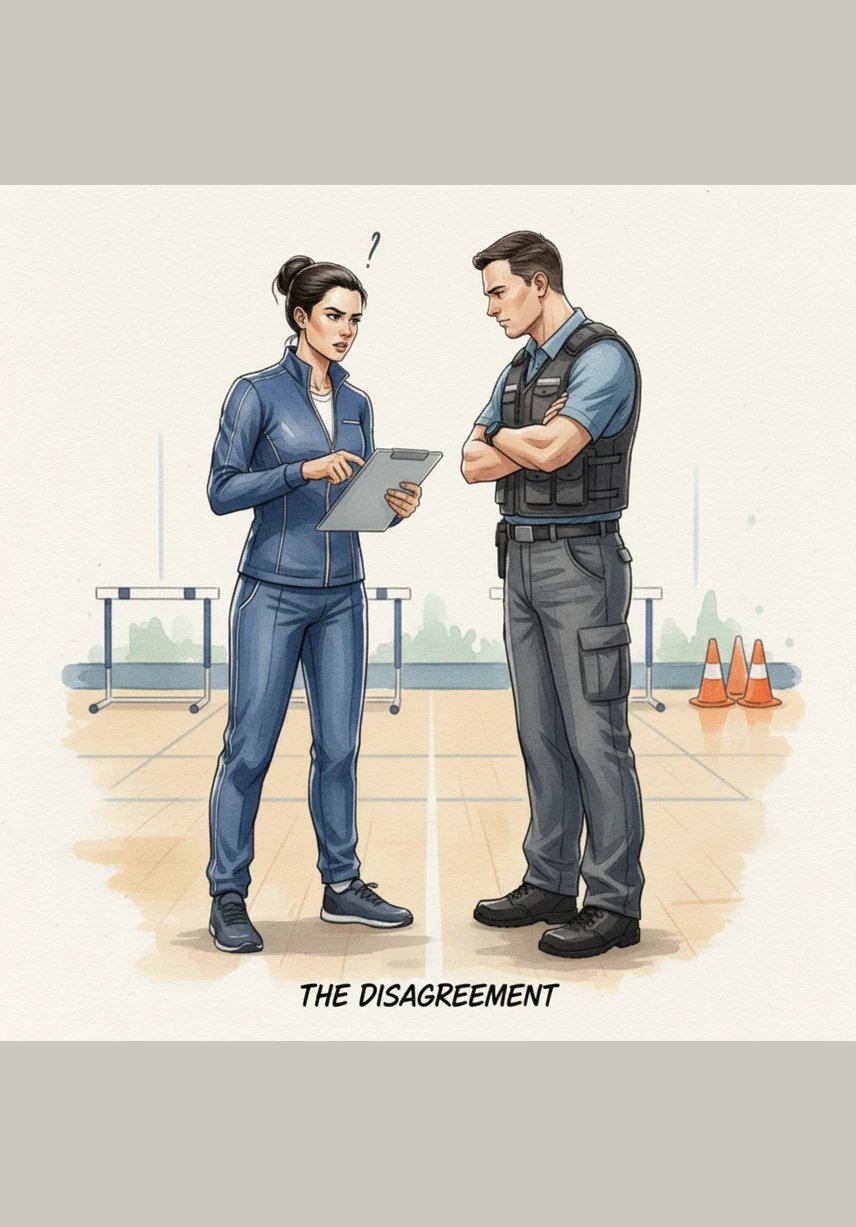
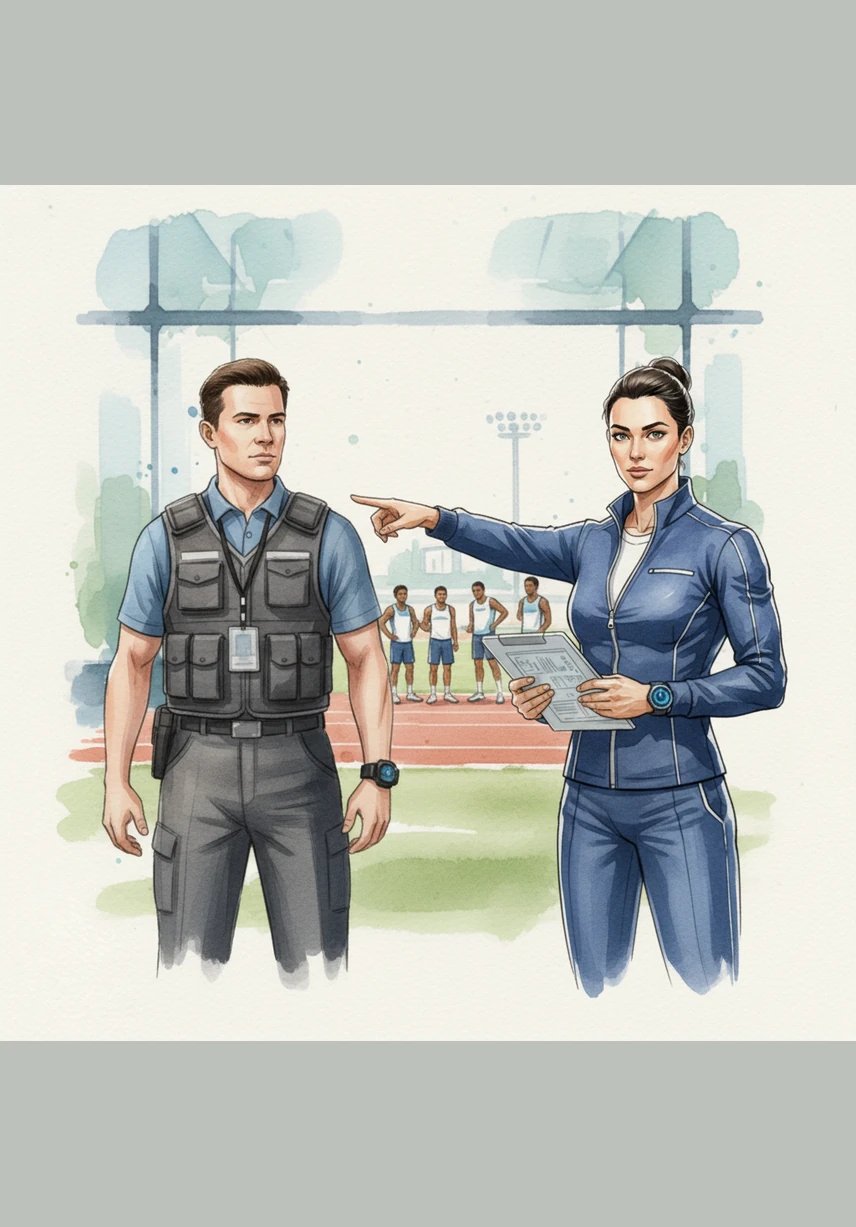
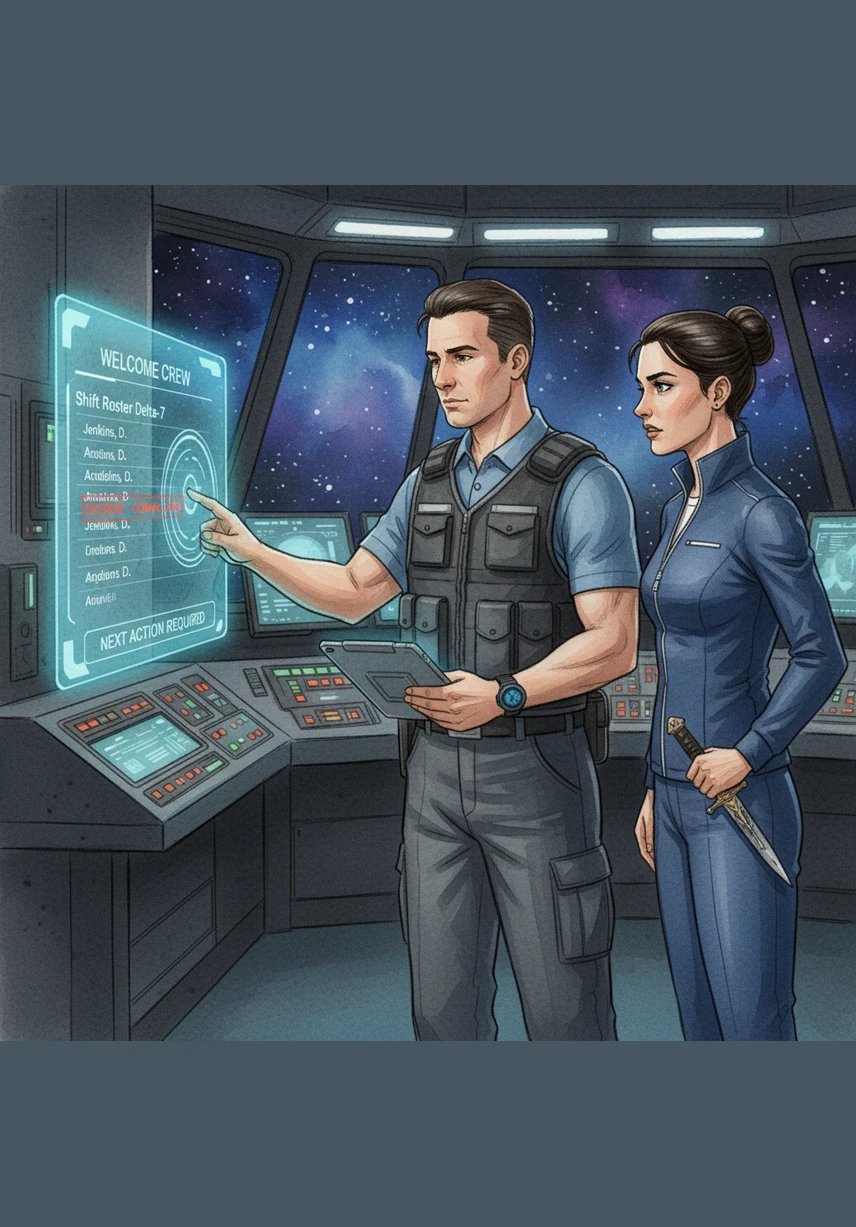
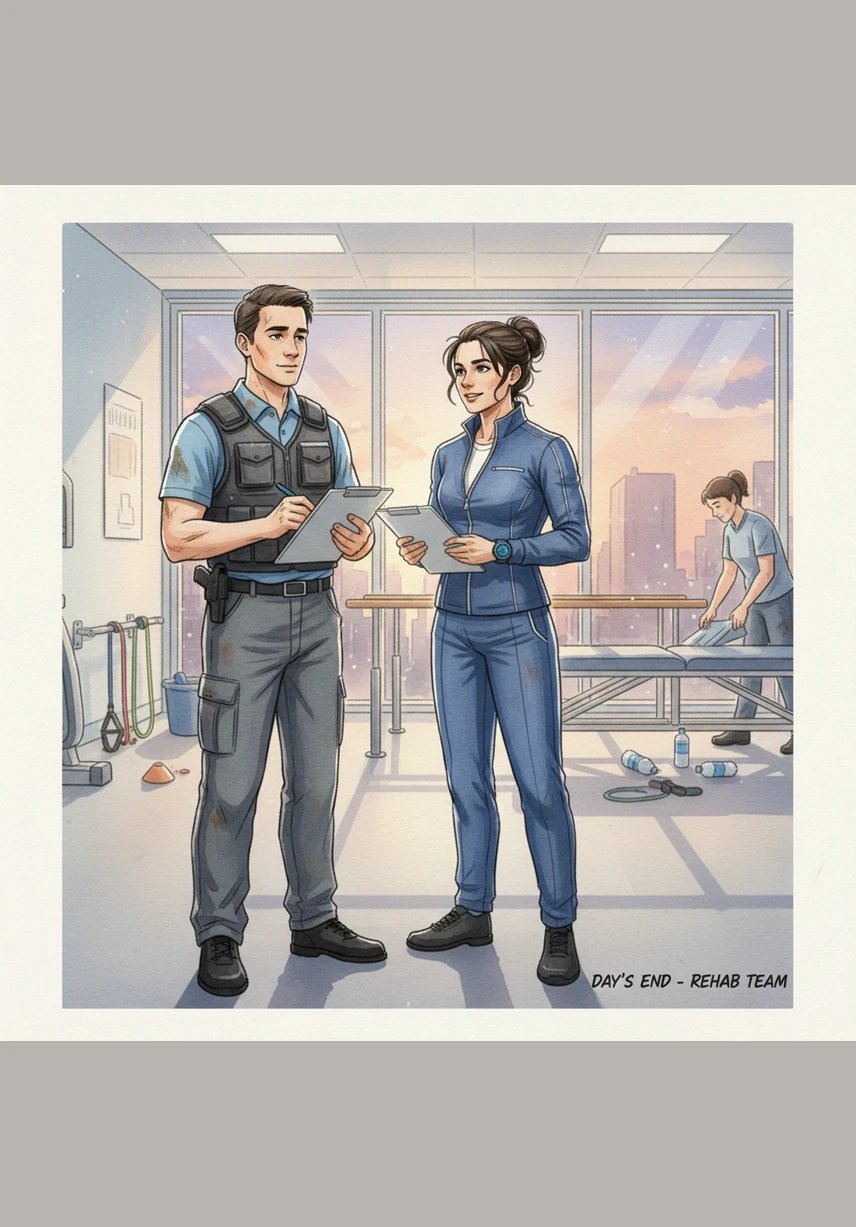
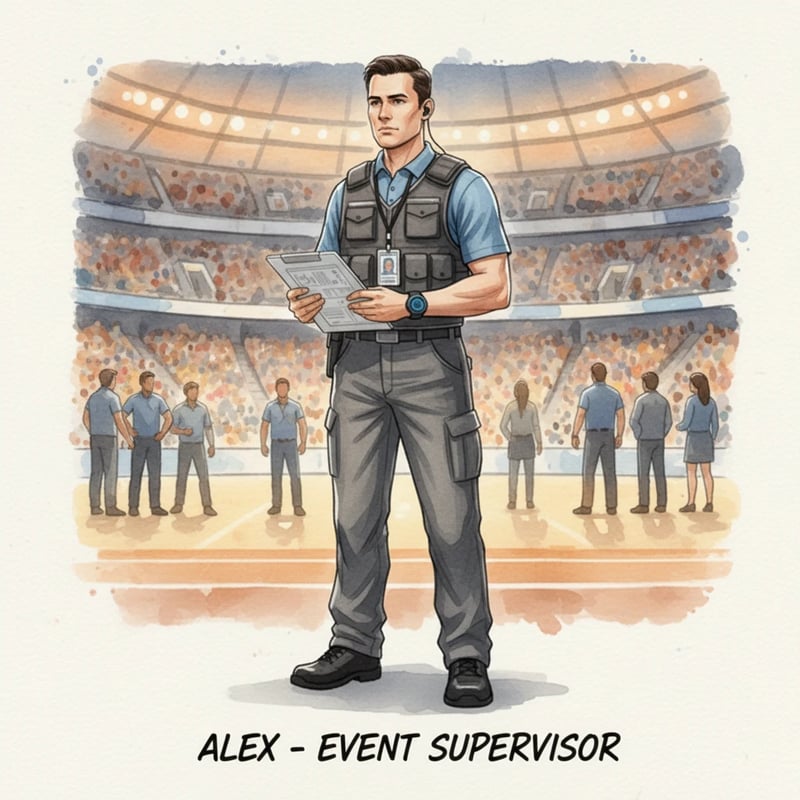
Step into the high-stakes world of large-scale event management where chaos meets cutting-edge technology. Follow Alex as they transform a frantic stadium operation into a symphony of precision using the revolutionary HUBx platform. This story illustrates the power of real-time data and wearable tech in ensuring safety and efficiency for thousands.
评分:评分人数不足
语言:英文
发布日期:
阅读时间:1 分钟

关键词

生成提示词

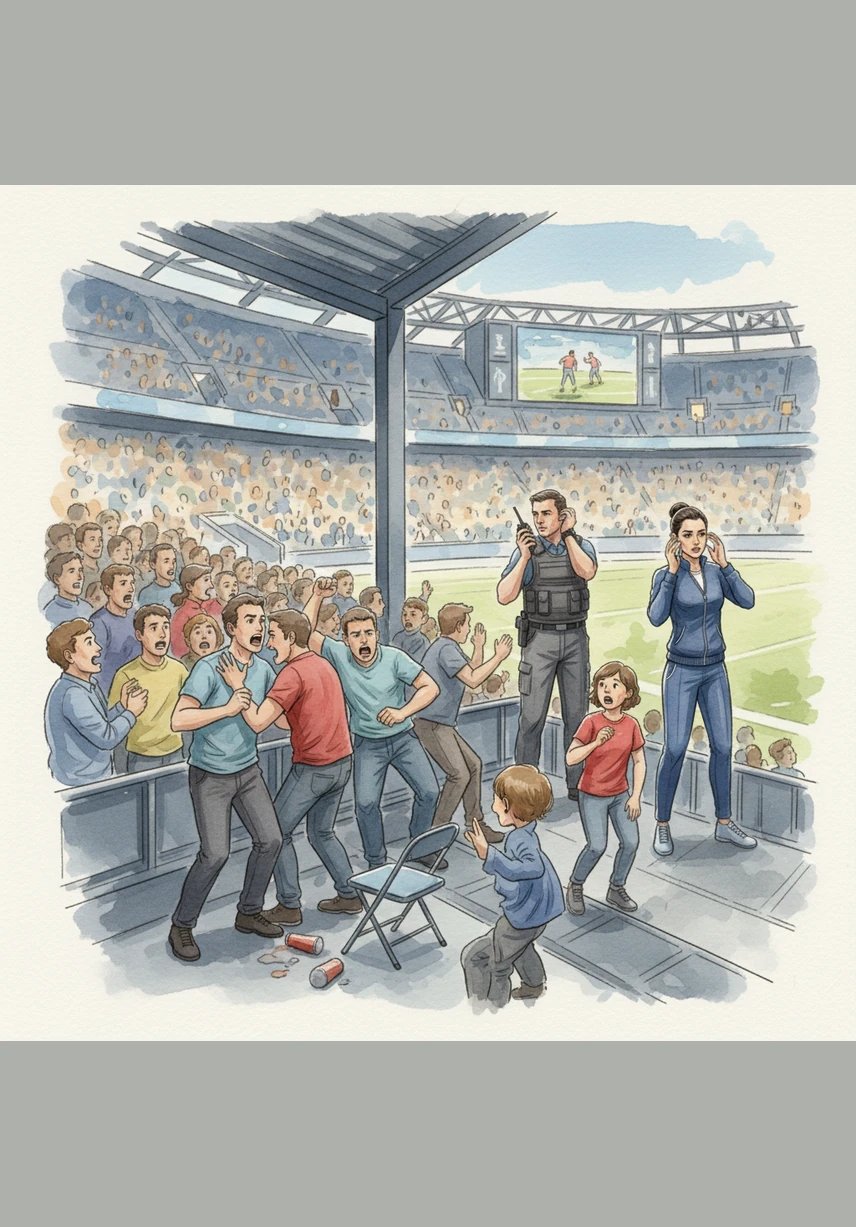
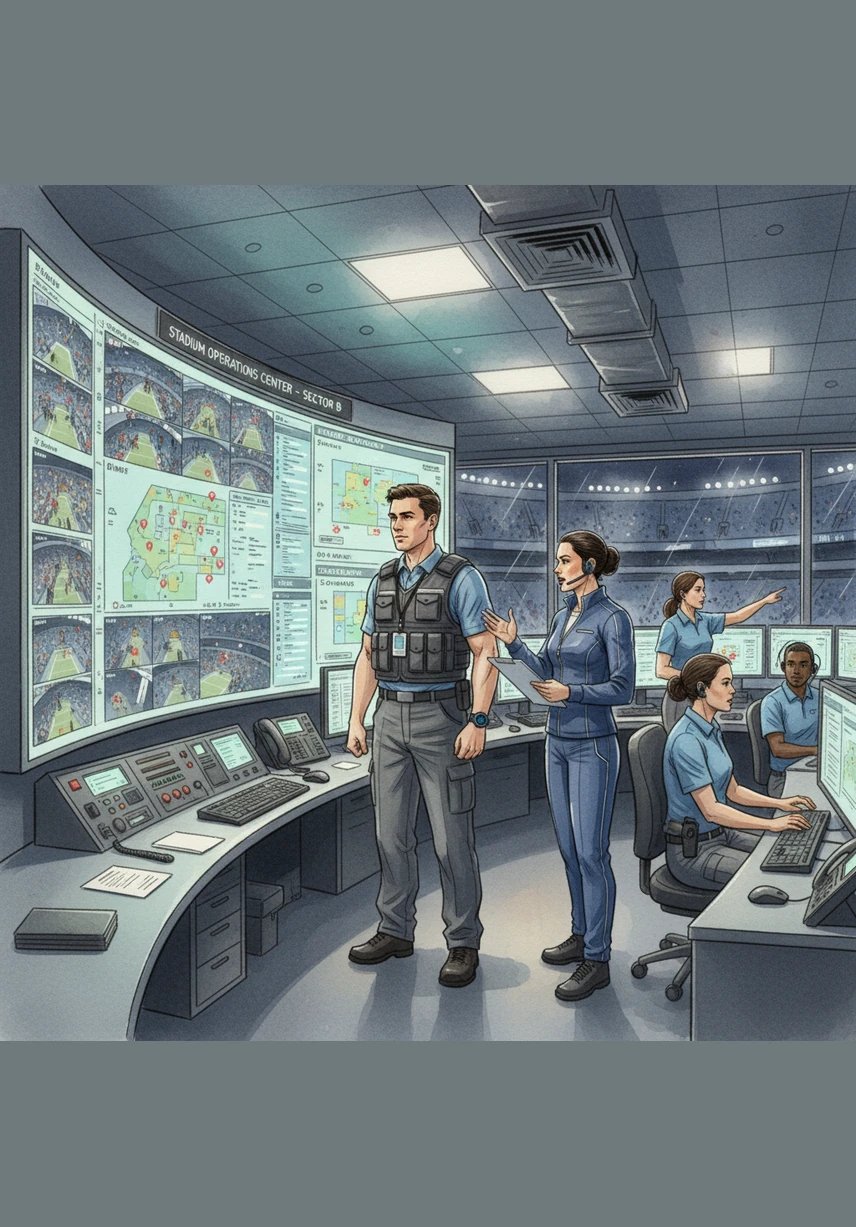
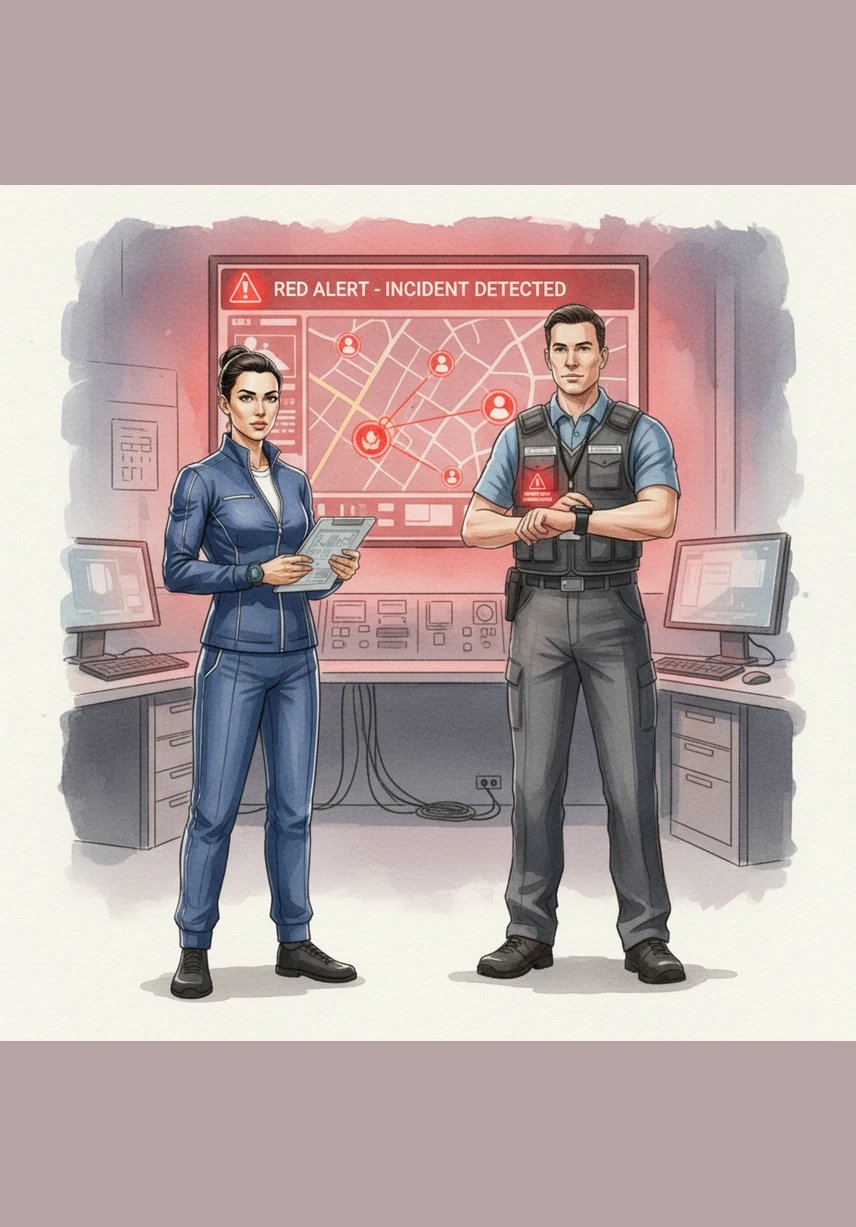
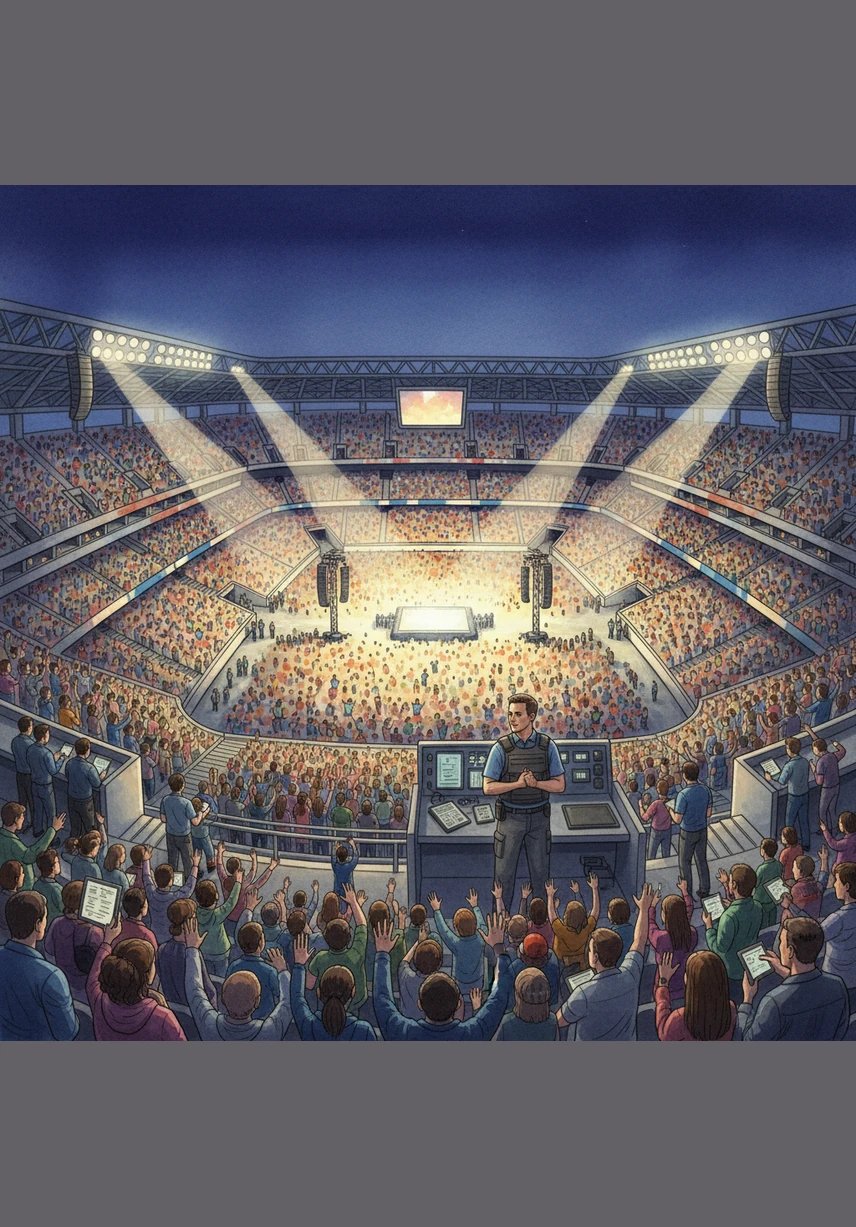
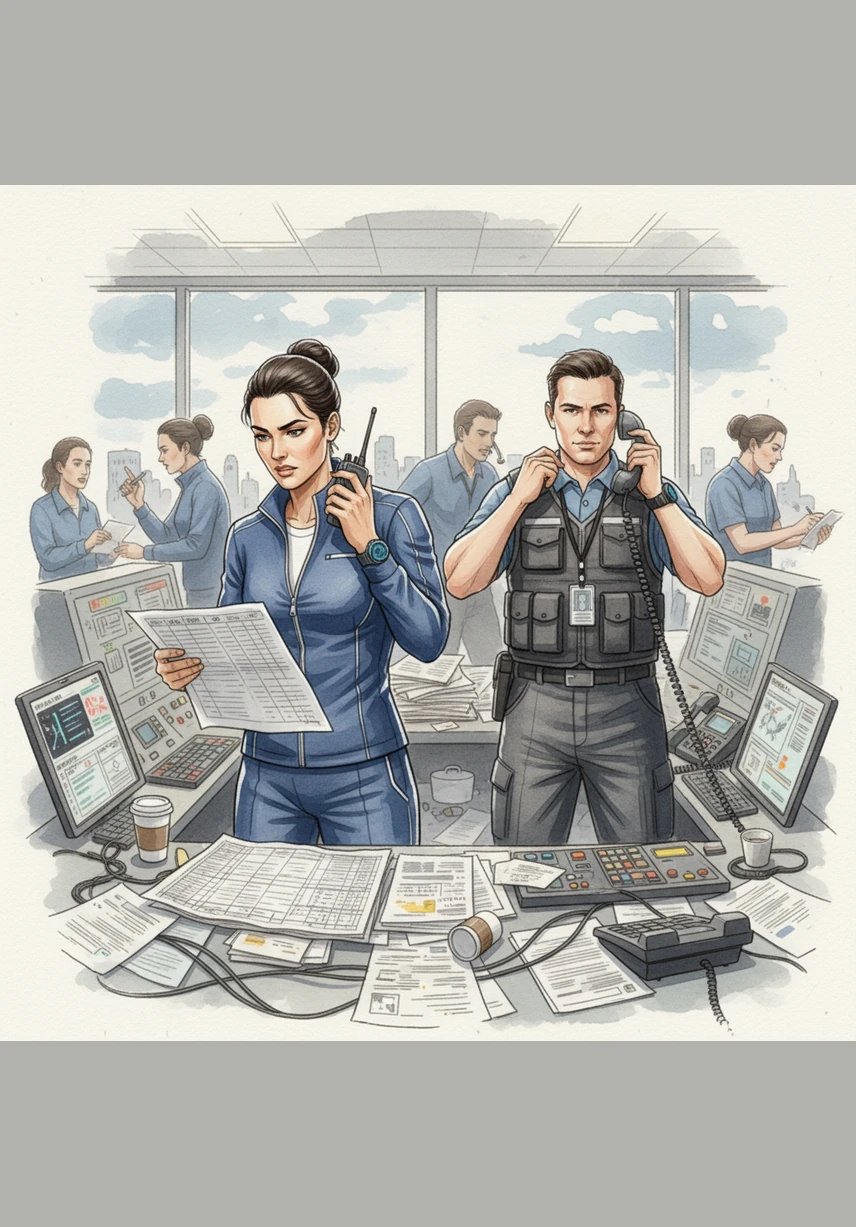
SCENE 1 — EVENT SCALE (ESTABLISHING SHOT) Visual: Wide aerial shot of a massive concert/stadium filled with crowd. Action: Camera slowly zooms into the density of people. Caption: “Large-scale events involve thousands of people and complex operations.” SCENE 2 — BACKEND CHAOS Visual: Control room with staff using: Walkie-talkies Phones Laptops (Excel sheets) Action: Multiple people talking over each other, switching tools. Caption: “Operations are managed using multiple disconnected systems.” SCENE 3 — COMMUNICATION BREAKDOWN Visual: Missed message on phone Overlapping radio chatter Confused staff looking around Action: Supervisor trying to coordinate but failing. Caption: “Unstructured communication leads to confusion and delays.” SCENE 4 — INCIDENT OCCURS Visual: Crowd disturbance / small conflict in one zone. Action: Nearby staff unaware, delay in response. Caption: “Incidents go unnoticed due to lack of real-time visibility.” SCENE 5 — INTRODUCTION OF HUBx Visual: Transition from chaos → clean digital interface (Dashboard appears) Action: UI overlays replace scattered tools. Caption: “Introducing HUBx — a centralized operational command platform.” SCENE 6 — CONNECTED WORKFORCE (WEARABLE) Visual: Staff wearing smartwatch (CX2 device) Action: Device shows: Location ping Notification vibration Caption: “Every team member is connected through wearable technology.” SCENE 7 — ARRIVAL & AUTO CHECK-IN Visual: Staff entering event zone Action: Geofence triggers automatic check-in on system Caption: “Attendance is captured automatically through geo-based check-in.” SCENE 8 — DEPLOYMENT ASSIGNMENT Visual: Supervisor assigning zones on dashboard Action: Staff gets zone assignment on device Caption: “Teams are deployed based on roles and operational zones.” SCENE 9 — LIVE EVENT MONITORING (CORE SCENE) Visual: Live map showing: Moving staff dots Zone boundaries Active indicators Action: Control room monitoring everything in real time Caption: “Operations are monitored through a live command interface.” SCENE 10 — INCIDENT DETECTION Visual: Red alert appears on map Action: System highlights incident location instantly Caption: “Incidents are detected and visualized in real time.” SCENE 11 — RESPONSE & COMMUNICATION Visual: Nearby staff highlighted Notification sent via device Connect Hub message triggered Action: Team moves toward incident Caption: “Nearest teams are alerted for immediate response.” SCENE 12 — WELFARE & SAFETY MONITORING Visual: Dashboard showing: Health stats Fatigue alert Action: Supervisor monitors staff condition Caption: “Workforce health and safety are continuously monitored.” SCENE 13 — ACCESS CONTROL (RFID/NFC) Visual: Staff tapping device to enter restricted zone Action: Access granted / denied Caption: “Access is controlled through secure device-based permissions.” SCENE 14 — SHIFT COMPLETION Visual: Staff leaving event zone Action: Auto check-out triggered Caption: “Shifts are logged automatically with complete activity tracking.” SCENE 15 — DATA & REPORTING Visual: Analytics dashboard with graphs Action: Data being compiled into reports Caption: “All operations are recorded and transformed into insights.” SCENE 16 — TRANSFORMATION (FINAL SCENE) Visual: Split screen: Left → chaotic system Right → organized HUBx dashboard Action: Smooth transition from left to right Caption: “From fragmented chaos to real-time operational intelligence.”

评论

加载中...