Join Pixel Penny, a bright and bubbly web developer, on a delightful journey as she builds the most amazing travel booking website! This charming story, filled with vibrant illustrations and playful energy, introduces young readers to the magic of technology and the joy of creating something wonderful that connects people to exciting new places. Discover the steps of bringing a digital dream to life, from initial sketches to a grand online launch!
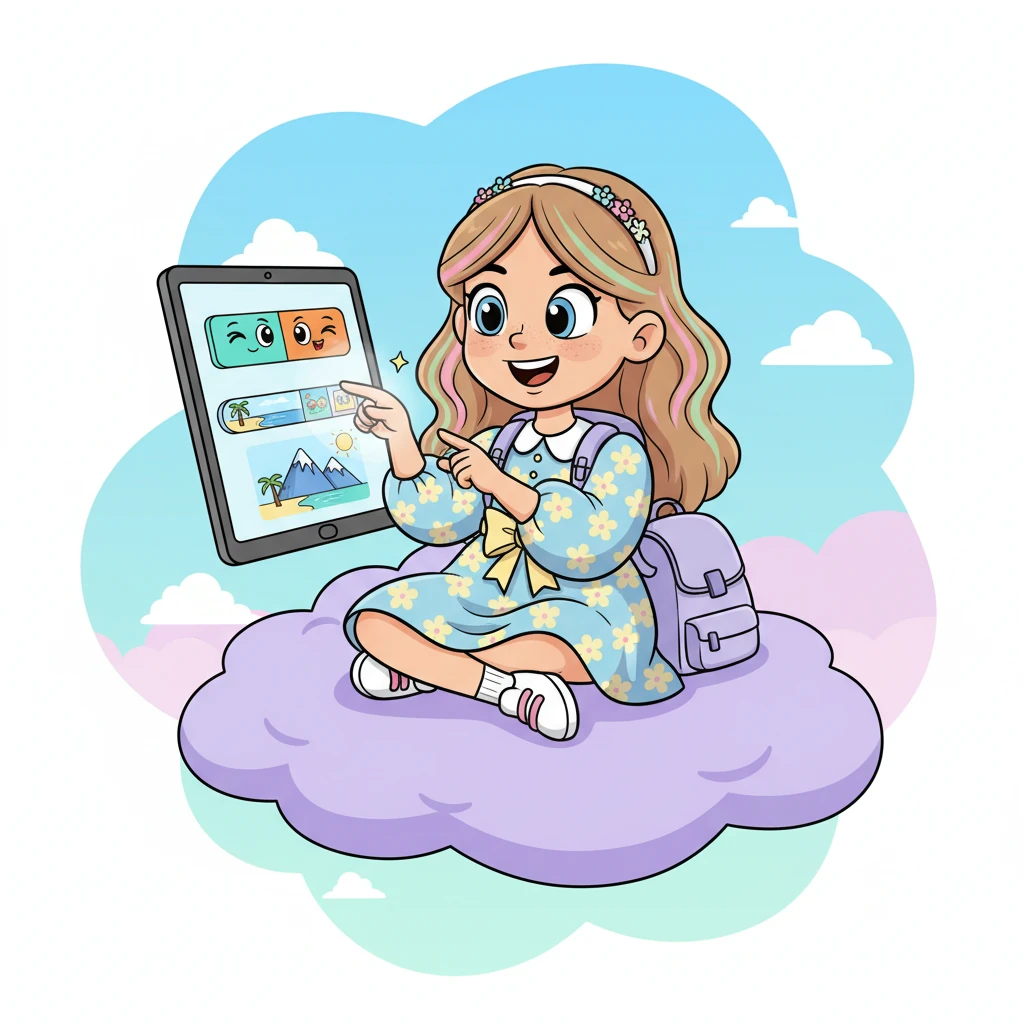
Penny, a cheerful web developer with a spark in her eye, got a super exciting mission: to build a brand-new website for travelers! Ideas zipped around her head like colorful fireflies. She knew this project would be a grand adventure in itself.
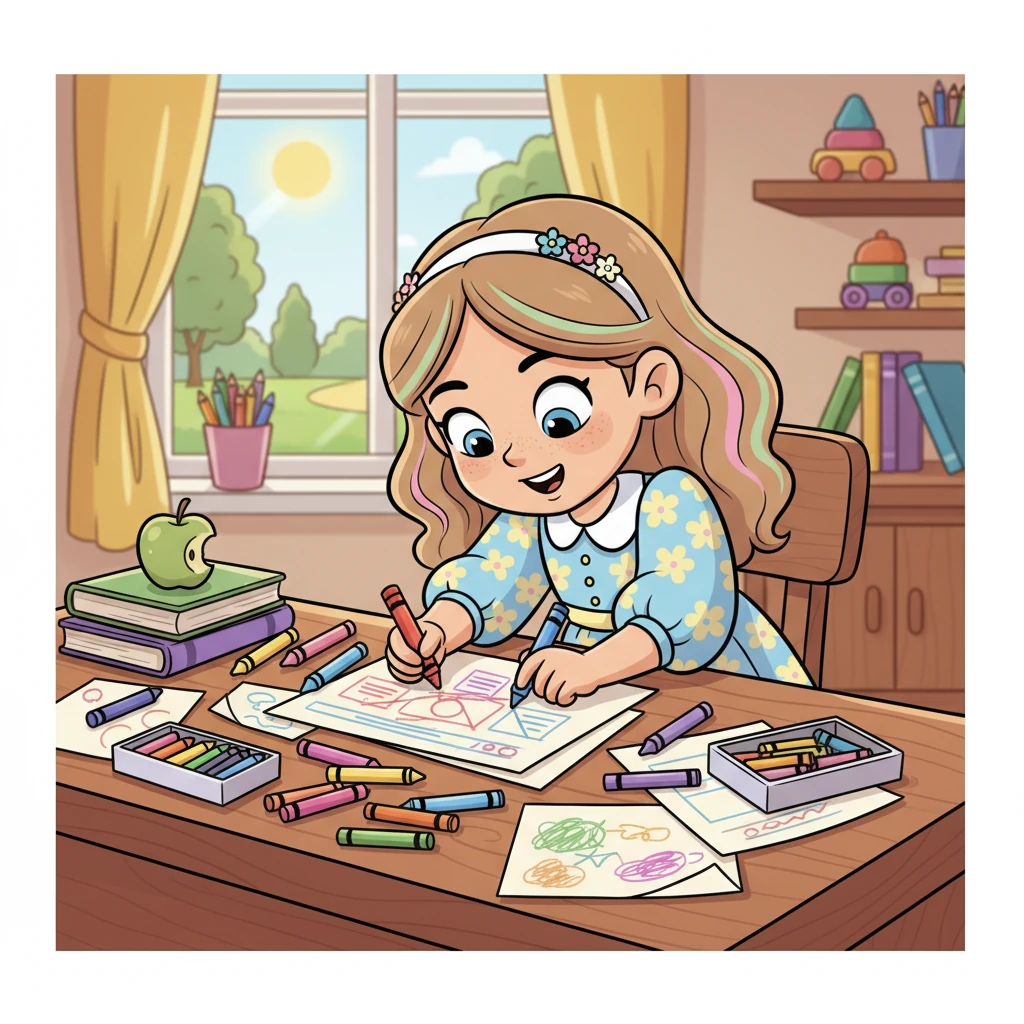
With a happy hum, Penny began sketching her vision. Her desk became a whirlwind of bright crayons and paper, drawing clean layouts and playful buttons. She imagined a website as easy to use as a favorite storybook.
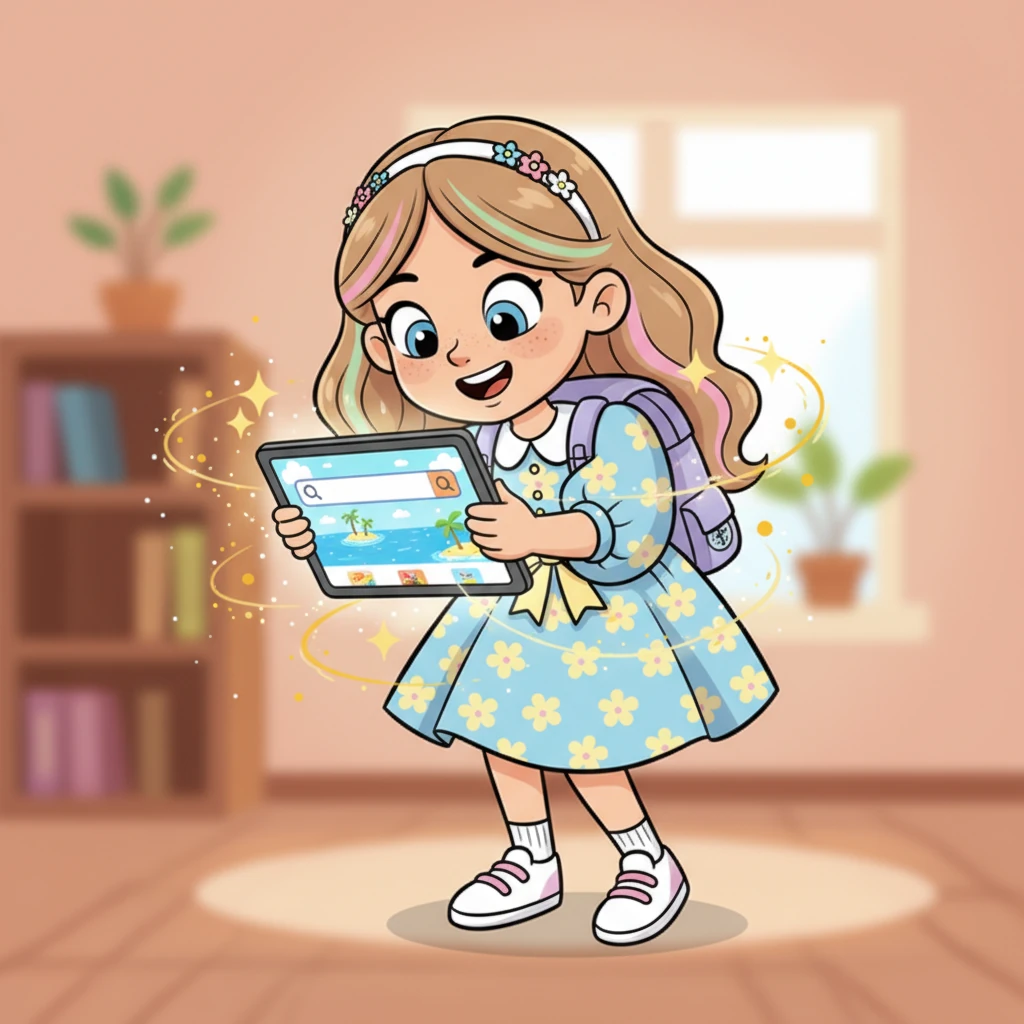
The homepage burst to life on her screen, featuring a magnificent hero section with a sparkling blue ocean background. A giant, friendly search bar appeared, ready to find faraway lands and cozy hotels. It was like magic, but with code!
Next, Penny crafted the navigation menu, with colorful tabs for "Places" and "Hotels" that practically winked. Below, a carousel of featured destinations spun by, showcasing sunny beaches and towering mountains. Each click promised a new discovery.
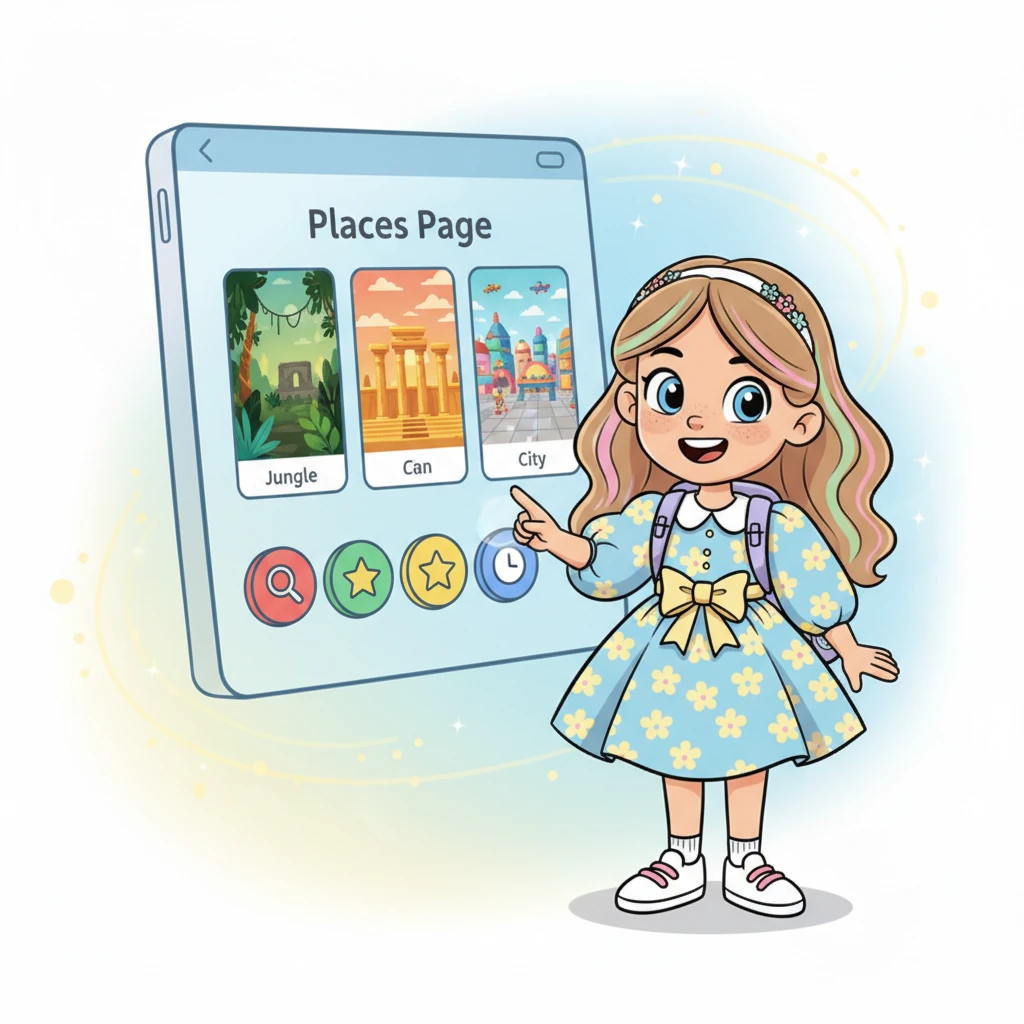
On the Places Page, vibrant cards popped up, each displaying a different adventure – a mysterious jungle, an ancient temple, or a bustling city square. Penny added clever filters, letting users sort their dreams with a tap. It was a world of exploration at their fingertips.
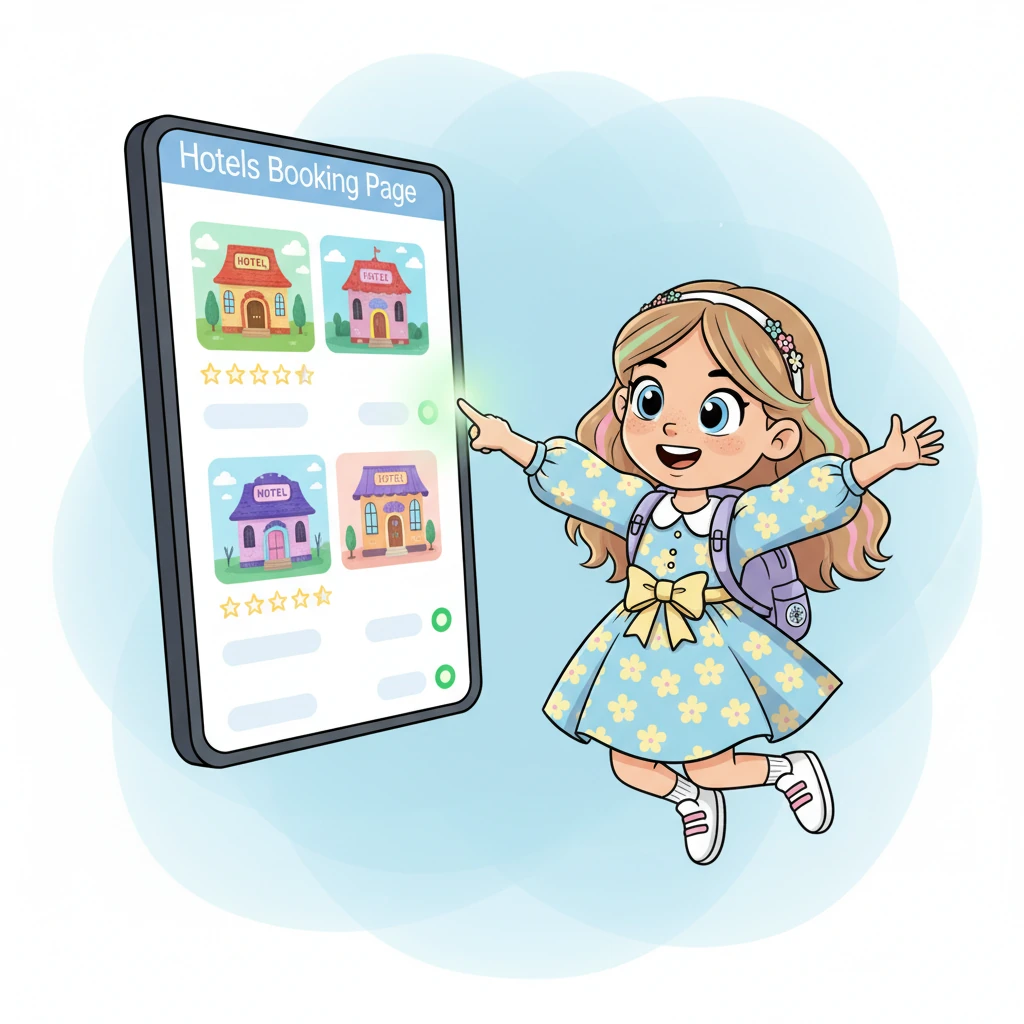
The Hotels Booking Page bloomed with charming hotel illustrations, complete with twinkling star ratings and clear prices. Little green lights glowed beside each room, showing happy availability. Finding a perfect place to rest felt wonderfully simple.
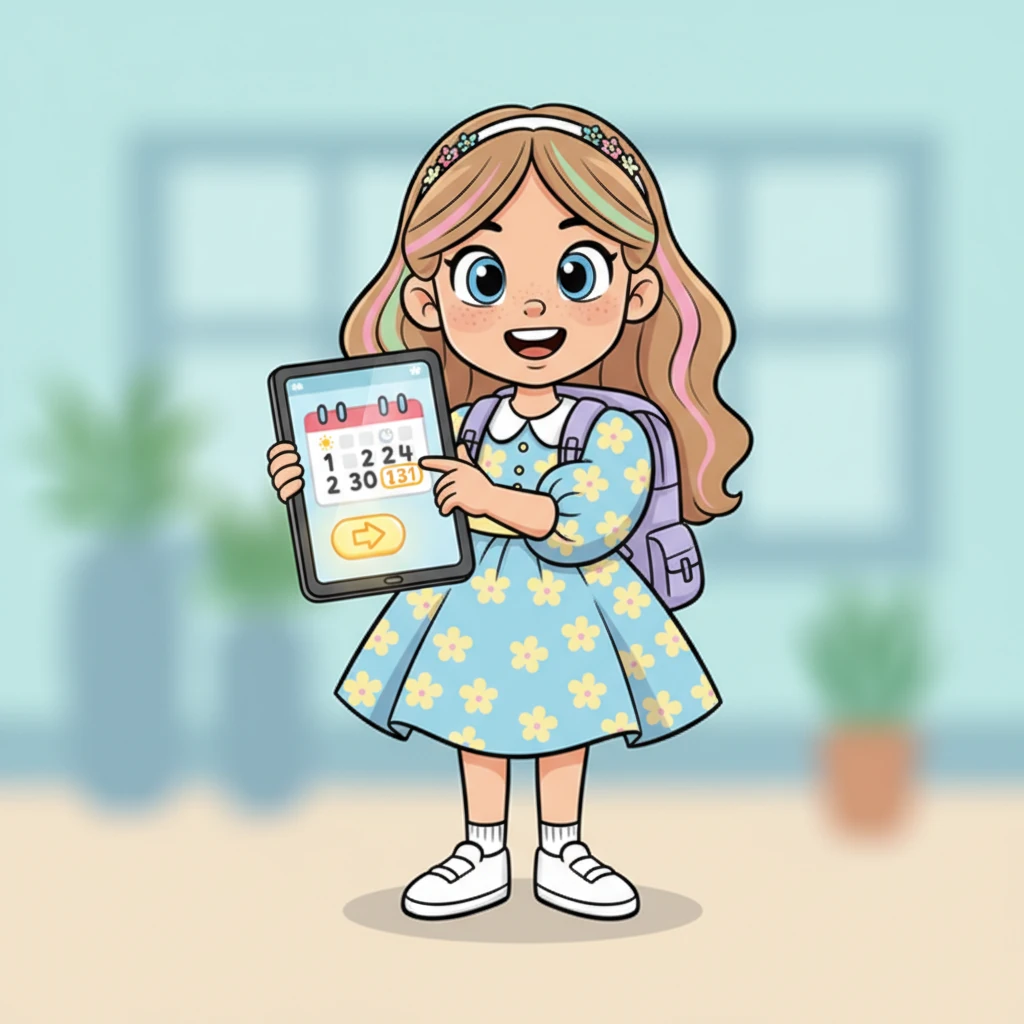
Penny designed the booking form, making it super friendly and easy to fill out. Users could pick their check-in and check-out dates with a playful calendar, and a big, shiny "Book Now" button awaited their click. A booking confirmation screen shimmered with exciting details.
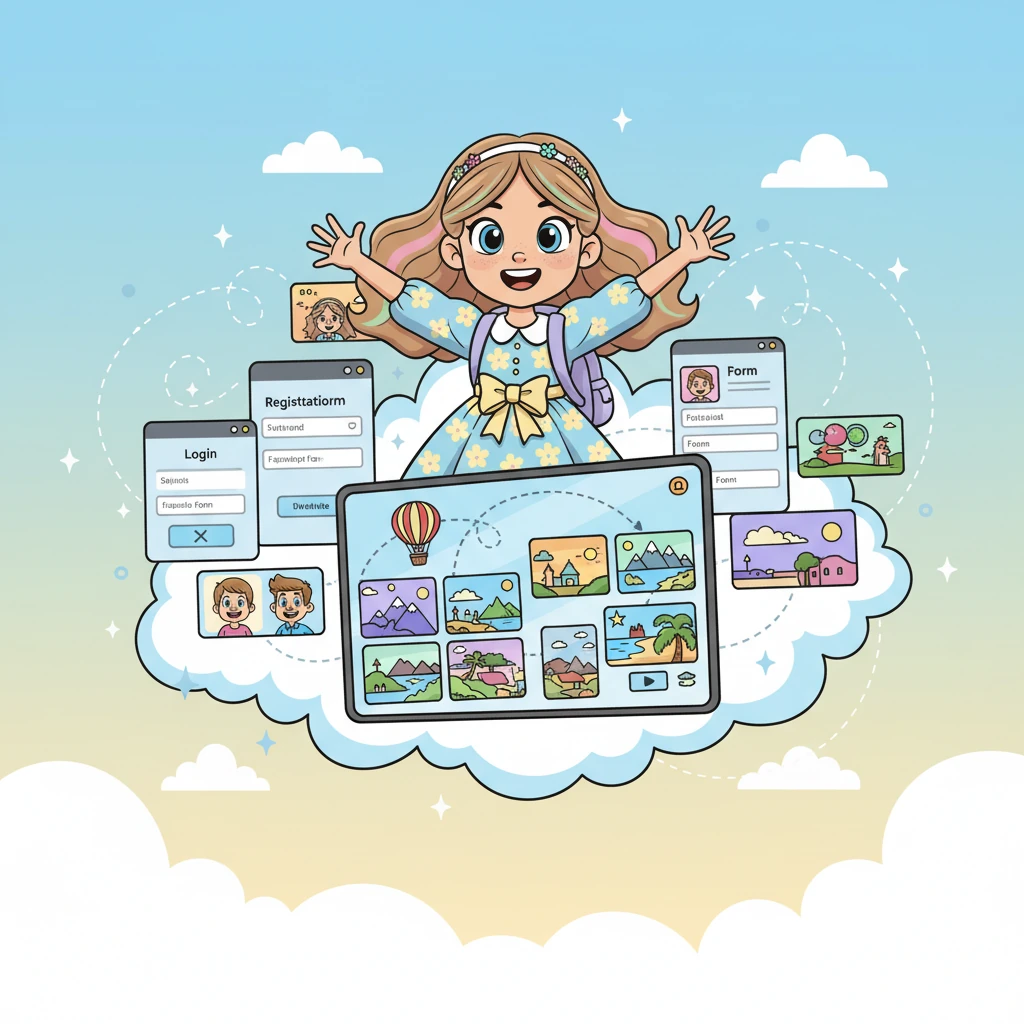
To give every traveler their own special space, Penny built the Login and Registration pages. Now, users could create personal accounts and see all their past adventures in a colorful dashboard. It was like having a secret scrapbook of memories online.
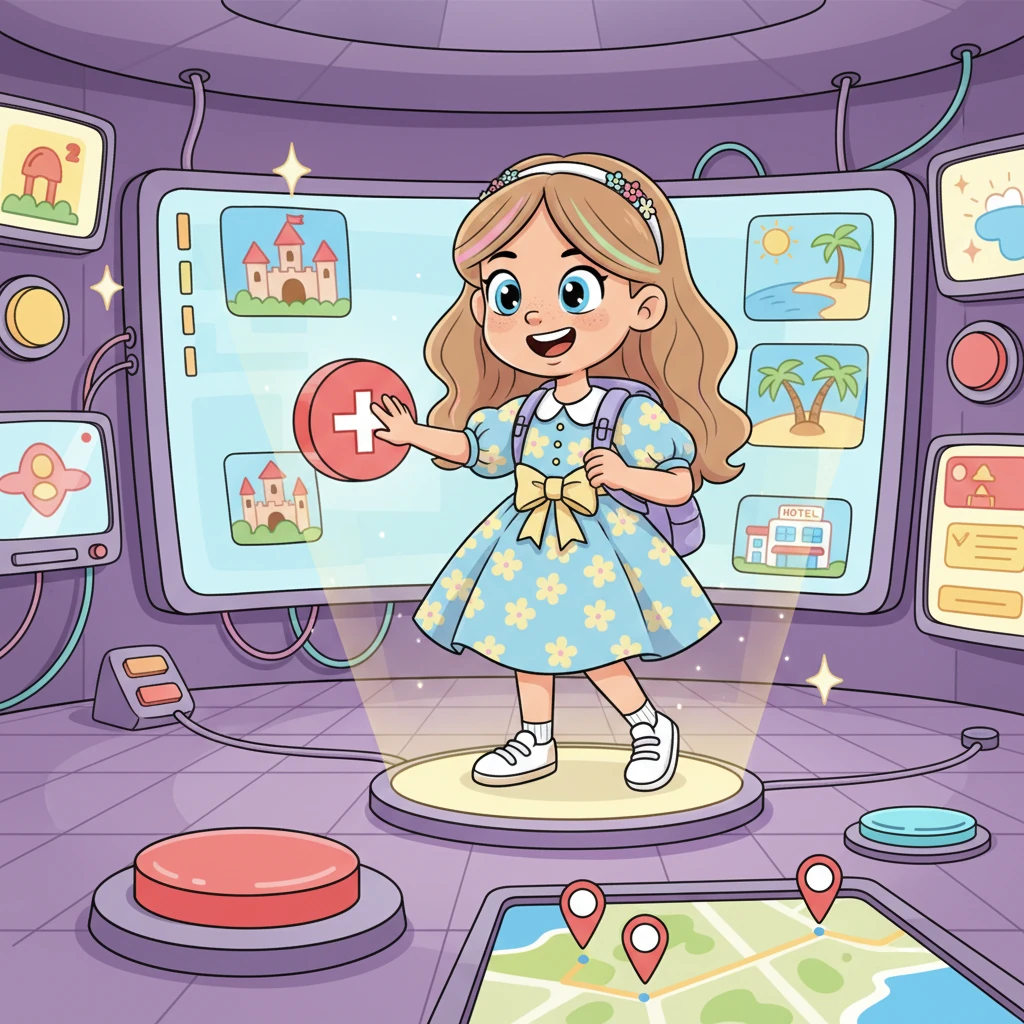
For the website's grand conductors, Penny added an Admin Panel, a super-secret control room. Here, managers could magically add new hotels or destinations with a click, keeping the website fresh and full of new wonders. It was powerful and playful all at once.
Finally, with a celebratory flourish, Pixel Penny launched "Wanderlust Web" to the world! Little animated tourists zoomed across the screen, happily clicking and booking their dream trips. Penny beamed, knowing her creation would bring joy and adventure to so many.
Generation Prompt(Sign in to view the full prompt)
Create a modern, responsive tourism booking website for tourists to explore places and book hotel rooms. The website should have a clean UI, attractive images, and easy navigation. The theme should be professional, travel-focused, and user-friendly. Core Features Required: Homepage Hero section with background image of tourist destination Search bar to search places and hotels Navigation menu (Home, Places, Hotels, Booking, Contact, Login/Register) Featured destinations section Popular hotels section Footer with contact info and social media links Places Page List of tourist places with images Place name, description, location, and rating “View Details” button Filter by category (Beach, Temple, Hill, Museum, etc.) Hotel Rooms Booking Page List of hotels with: Hotel image Name Price per night Rating Location “Book Now” button Room availability display Booking form with: Name Email Check-in date Check-out date Number of guests Booking System Booking confirmation page Display booking summary Save booking details User Authentication Login page Registration page User dashboard to view bookings Admin Panel (optional but preferred) Add/edit/delete hotels Add/edit/delete tourist places View bookings Design Requirements: Modern UI using clean layout Responsive for mobile and desktop Use cards for hotel and place display Use attractive tourism images Use professional color theme (blue, green, white) Technical Requirements: Use HTML, CSS, JavaScript Optional: React.js for frontend Optional: Node.js / Firebase for backend Use reusable components