- Blog
- Create a Custom Storybook for You and Your Child with GenStory
Create a Custom Storybook for You and Your Child with GenStory
A Letter to Parents and Children
Dear parents, and dear children who are growing up day by day,
We spend a lot of time choosing stories for children. But the more stories we browse, the more obvious one problem becomes: there are plenty of books, yet very few truly feel like they belong to your family.
Some stories are hollow and forgettable. Some are inconsistent in quality. Some look polished, but still miss the feeling of "this is our story."
More importantly, most storybooks on the market cannot be customized around what parents actually need:
- You cannot naturally place your child's name into the story
- You cannot bring in the voice, tone, and way parents speak at home
- You cannot turn familiar family scenes, pets, toys, and habits into part of the plot
- You cannot transform a real photo into a memory your family wants to revisit again and again
For children, the most powerful moment in a story is often not "this story is grand," but "I can see myself in it, and I can see the people who love me."
That is exactly why I built GenStory.
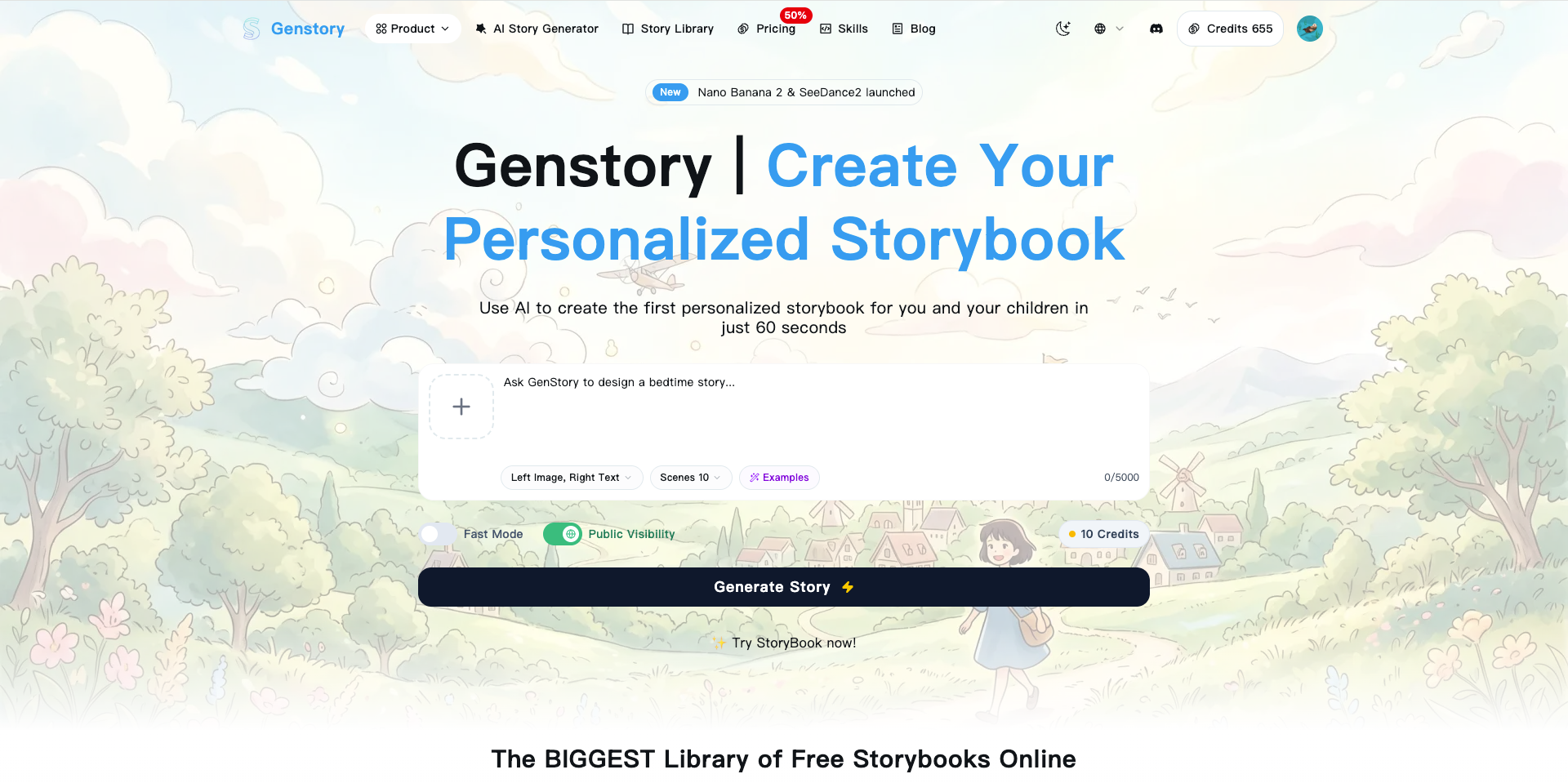
I did not want to make another AI tool that only mass-produces text. I wanted to build a website where parents and children can create their own storybook together. You can include your child's name, bring in the voice of mom or dad, upload photos so the character feels more real, and shape the story around bedtime comfort, early education, courage, or everyday family interaction.

Why Customization Matters More Than Volume
Stories are never just entertainment for children.
A story that truly fits a child can carry many things parents want to say but cannot easily repeat every day:
- It helps children learn how to express emotions
- It makes abstract ideas like sharing, courage, politeness, and persistence easier to understand
- It reduces bedtime anxiety by using familiar roles and settings
- It allows parents to participate through a warm and recognizable voice
If the main character is named Lily and your child is also Lily, if the words of encouragement sound like something her mother would really say, and if the illustrations feel close to your own child, the level of immersion changes completely.
This is one of the most common reactions from parents who use GenStory for the first time:
I didn't expect my child to want the story read over and over just because their own name appeared in it.
Creating a Family Storybook with GenStory Is Actually Simple
If you want to try it for the first time, start here:

The whole process is straightforward. In practice, it comes down to four steps.
Step 1: Decide What Kind of Story You Want to Tell
You do not need a perfect prompt at the beginning.
You only need to know what purpose this storybook should serve:
- Bedtime comfort
- Character education
- Parent-child bonding
- A growth keepsake
- A travel memory
- A birthday gift
For example:
Write a bedtime story for a five-year-old girl named Duoduo. She is afraid to sleep alone, and her mother speaks to her in a gentle voice while they go on a moonlit forest adventure together. By the end, she learns to fall asleep bravely.
That single direction already makes the generated story much more personal than a generic template.
Step 2: Upload a Photo So the Character Feels More Like Your Child
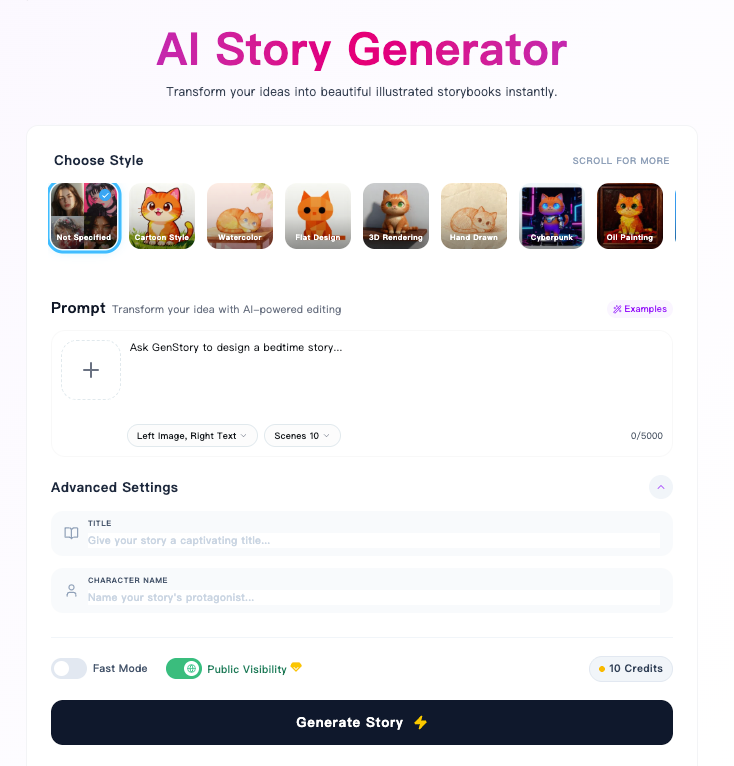
If you want the protagonist to look more like your child, or closer to your family's real image, you can upload a reference photo directly.
In GenStory, the uploaded image can be used as a character reference, helping the story visuals feel closer to your child's hairstyle, clothing, overall vibe, and identity.
When uploading a photo, it helps to choose one that is:
- Clear
- Naturally lit
- Easy to recognize in facial and body outline
- Not too busy in the background
If you prefer not to upload a real face photo, you can also upload a favorite toy, pet, or meaningful object and let it become part of the story.
Step 3: Put the Child's Name and the Parents' Voice into the Story
This step matters a lot.
The biggest weakness of ordinary stories is that they are written for everyone, which means they often feel like no one in particular. A custom story works the other way around. You intentionally hand family details to the story.
In the prompt box, you can add:
- Your child's name
- How mom and dad should be addressed in the story
- What tone parents should use during interaction
- The child's personality traits
- Familiar scenes, items, or routines from home
For example:
The main character is An'an, four years old, and loves dinosaurs and stars. Dad is called "Captain An'an" in the story, and mom gently encourages him at key moments. The tone should feel like a real bedtime reading voice from the parents.
If you already know the protagonist's name, you can also fill in the page's character name field to keep the story centered more consistently on that character.
Step 4: Wait for Generation, Then Choose the Version You Like Best
Once your input is ready, GenStory handles the rest.
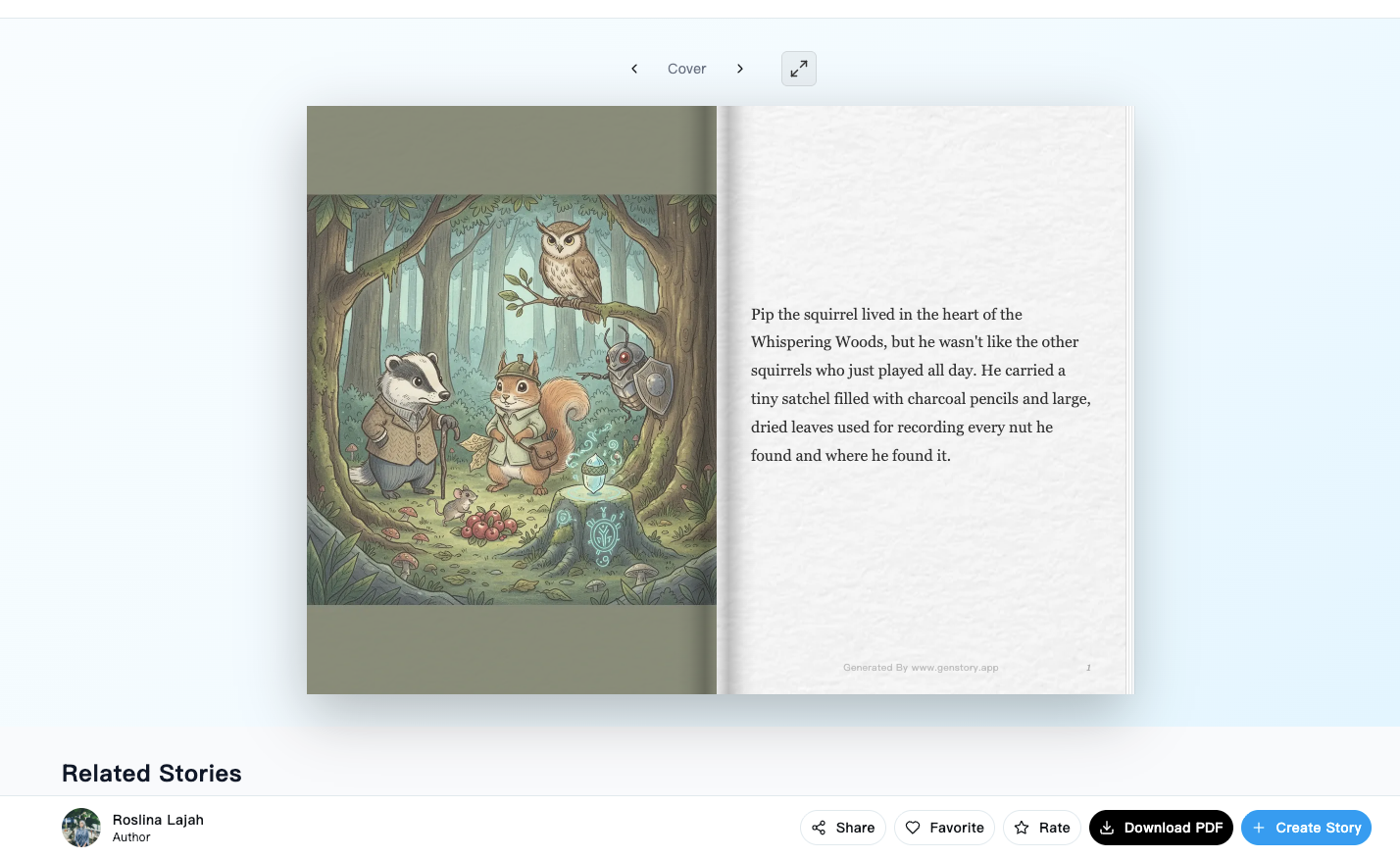
It generates a story with both text and visuals based on your prompt, character name, and reference image. You can use the result for:
- Bedtime reading
- A family keepsake
- A birthday surprise
- Kindergarten sharing materials
- A digital storybook for your child

If the first version is not perfect, that is fine. You can keep refining the prompt:
- Make mom's tone even gentler
- Move the story to a seaside adventure
- Make the protagonist closer to your child's current favorite princess or little hero
- Shorten the story so it fits into a ten-minute reading session
That is far more efficient than hunting for a "close enough" finished book, because here you are generating the version you actually want.
A Real Shift: Parents Stop Being Story Shoppers and Start Becoming Co-Creators
When I built GenStory, the thing I cared about most was not raw generation speed. It was whether families could rediscover the joy of creating together.
Before, parents mostly had to choose from ready-made books.
Now you can decide with your child:
- Who the main character is
- Where the story takes place
- Whether this adventure happens in a forest, by the sea, or in space
- Who helps the protagonist at the critical moment
- Whether the ending feels calm and warm or surprising and adventurous
Children no longer feel that they are only listening to a story. They feel that they are helping create their own story.
Many People Are Also Publishing These Stories as Amazon Ebooks
There is another interesting pattern.
Quite a few users are taking stories generated and organized inside GenStory, improving the layout, adding covers, and then publishing them to Amazon ebook channels such as Kindle.
This matters for more than just "uploading a book."
For some parents, picture-book lovers, and independent creators, GenStory is no longer just a family tool. It becomes the starting point for content creation. Some turn their child's growth memories into family ebooks. Some organize themed stories into children’s content series. Others test niche picture-book ideas to see whether they can attract real readers and even additional income.
Of course, whether a story earns money depends on topic choice, cover quality, layout, consistency, and market fit. But the barrier to starting is much lower now because you do not have to write an entire book from scratch.
If You Want to Try It
If you are a parent, I strongly recommend making at least one storybook where your child is the main character.
If you are a teacher, picture-book creator, or already working in children's content, you can also use GenStory as a fast story-prototyping tool before polishing your final work.
You can start here:
- Open GenStory and create your custom storybook
- Upload a photo and turn it into a story
- Browse stories created by other users
I hope every child gets to see their own name, their own image, and their family's love inside a story.