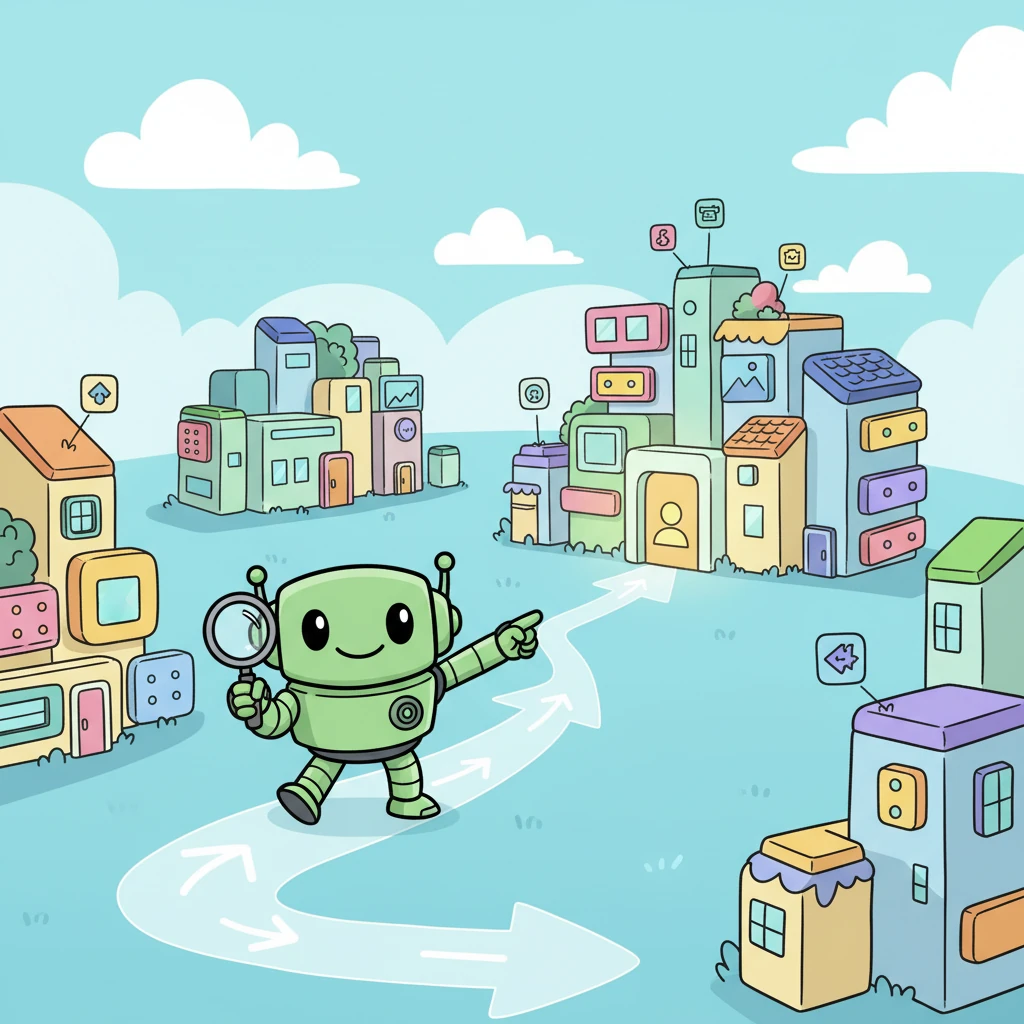
Join Bytey the Builder Bot on a whimsical adventure as he learns to construct the perfect app! From untangling messy wires to discovering magical building blocks and organizing a vibrant digital village, this heartwarming tale celebrates the joy of creation, problem-solving, and teamwork. Follow Bytey's journey to build an app so friendly and robust, everyone can enjoy it!
Bytey the Builder Bot had a big dream: to create the most amazing app ever! But his current workshop was a tangled mess of wires and wobbly parts, making it hard to build anything new. He longed for a simpler, tidier way to make his app dreams come true.
One sunny morning, Bytey discovered a map to the 'Expo Managed Meadow,' a magical place where every tool worked perfectly together! He packed his tiny toolbox, excited to leave the old, messy ways behind and build with harmony. No more wobbly parts or tricky connections for him!
In the meadow, Bytey found shiny, colorful 'React Native Paper' blocks! These weren't just any blocks; they snapped together with a satisfying click, making beautiful buttons and neat lists in a flash. His app started to look so stylish and friendly!
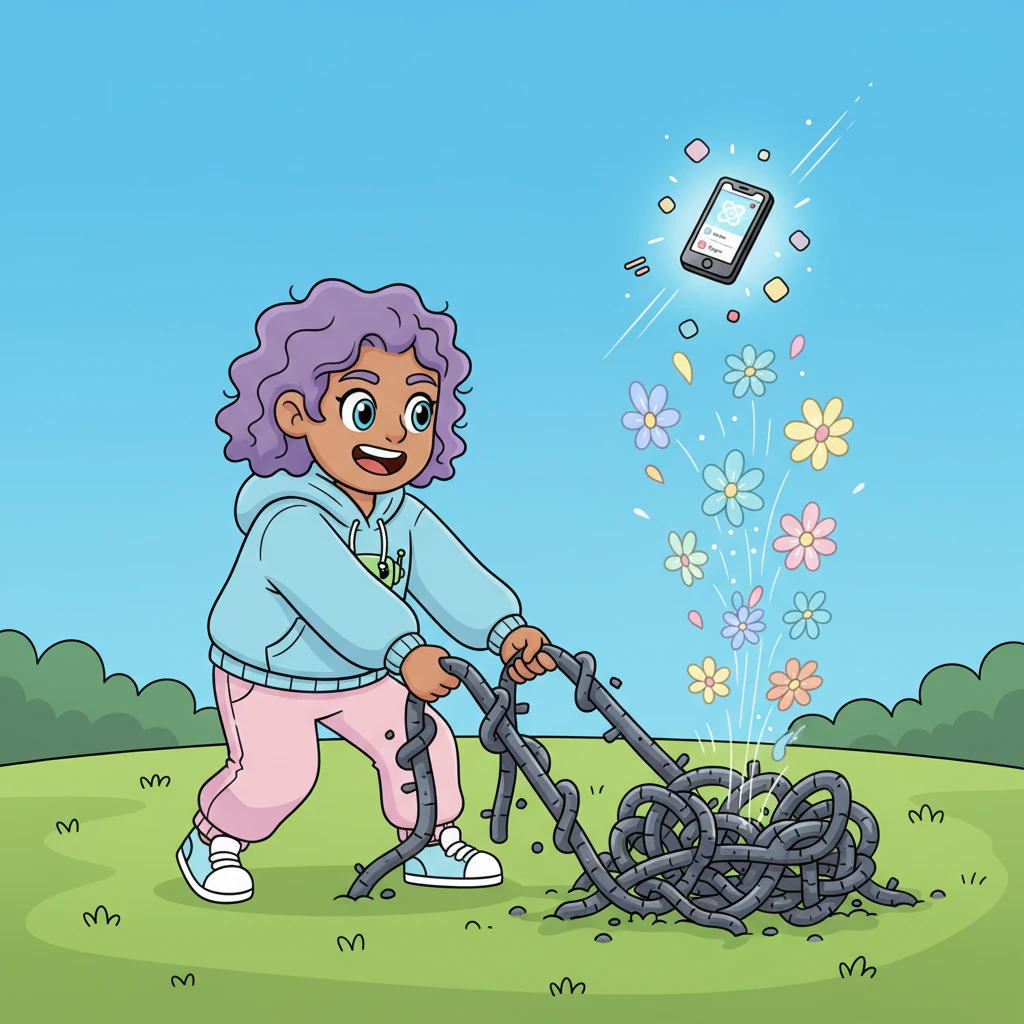
Bytey learned to spot 'tricky tangled vines' that didn't belong in the tidy meadow. With a gentle tug, he removed the heavy, clunky vines, replacing them with light, airy 'Expo-friendly flowers.' His app became much lighter and faster, soaring with newfound freedom!
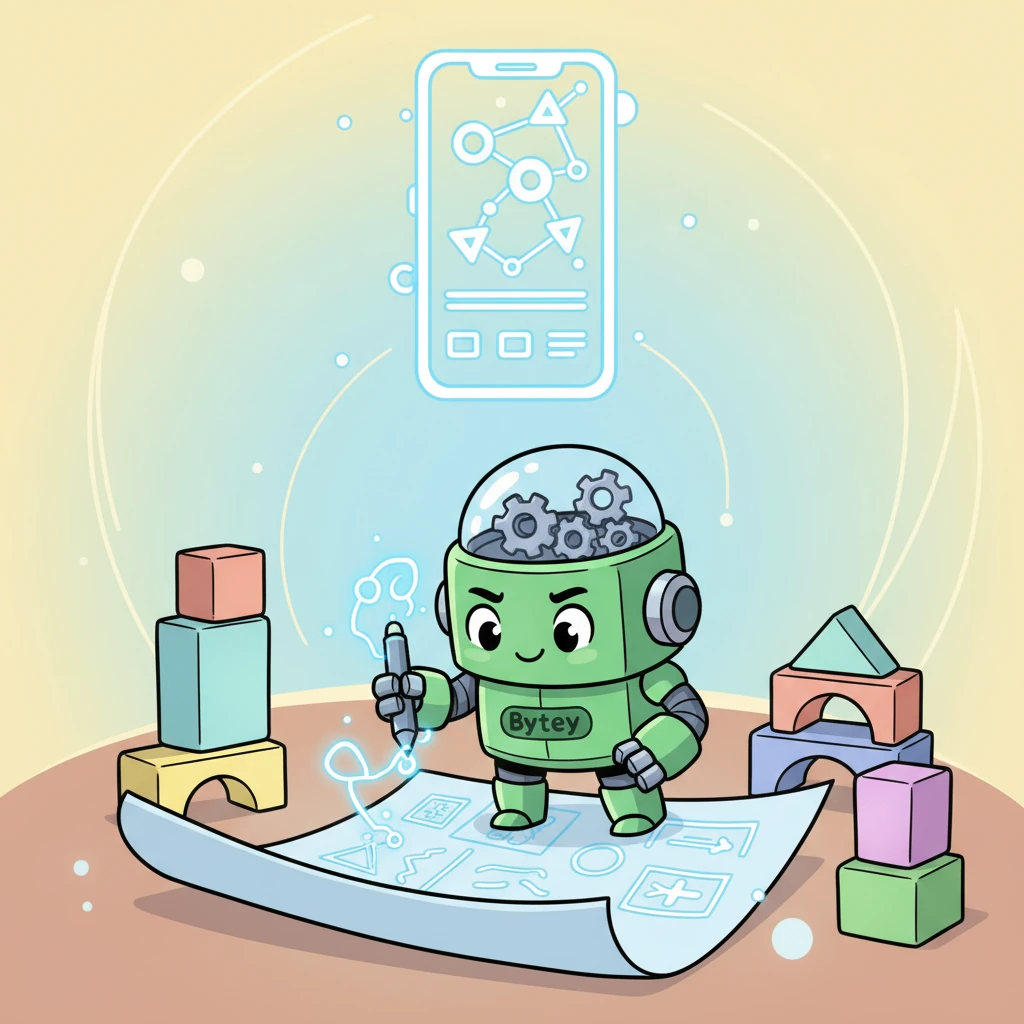
Before adding more features, Bytey always drew a 'TypeScript Blueprint.' These magical plans showed exactly where every piece should go, preventing any wobbly mistakes before they even happened. His app was strong and perfectly aligned!
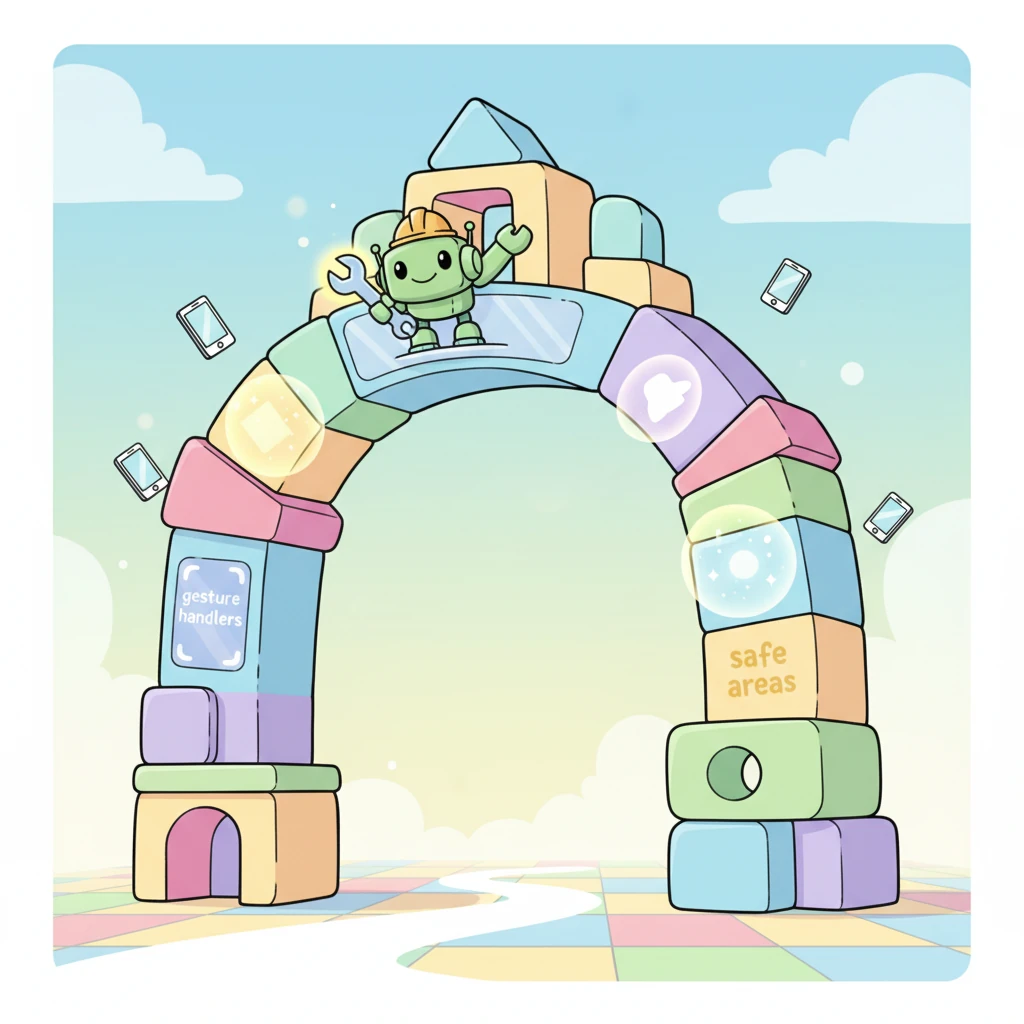
Bytey carefully built the 'App's Grand Entrance,' a special door where all the Paper blocks, gesture handlers, and safe areas came together. This ensured everyone could easily step into his app and enjoy all its wonders, no matter how big their device screen was!
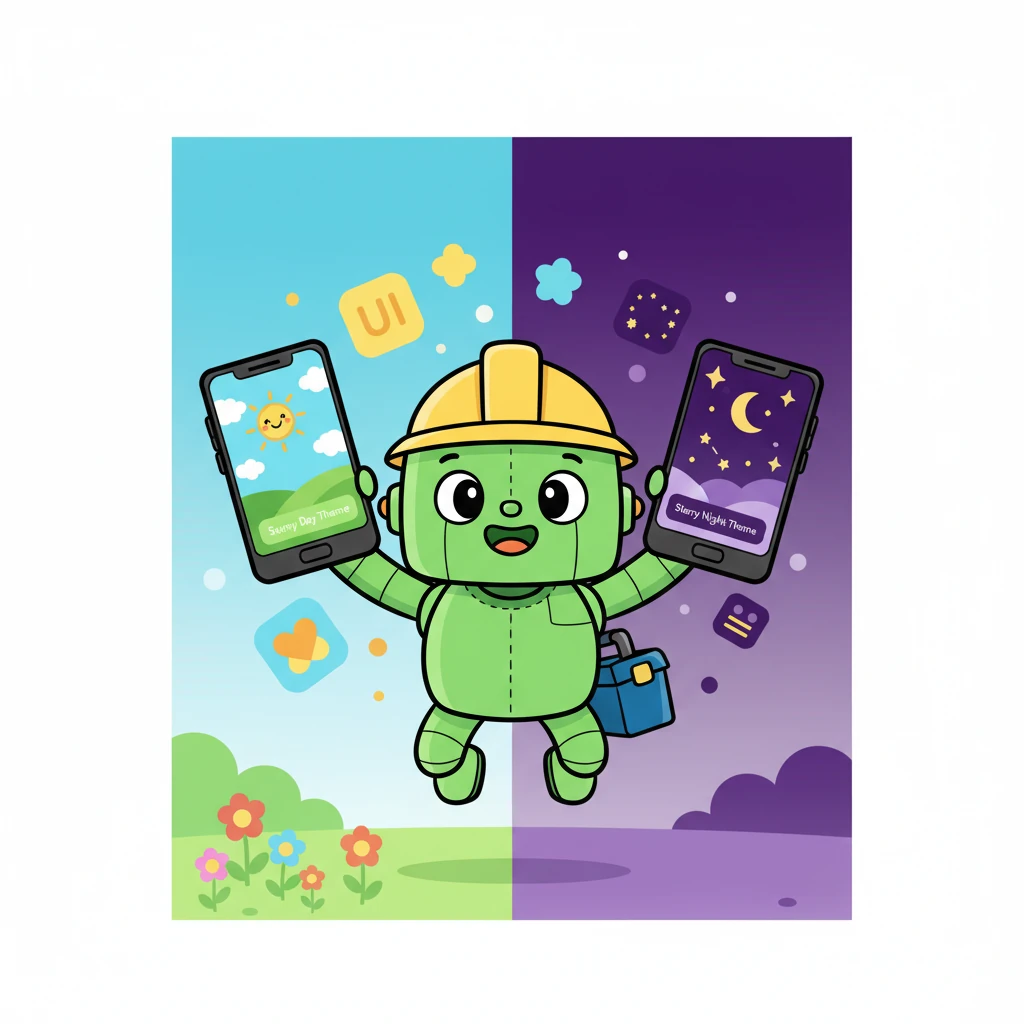
With a flick of a switch, Bytey could change his app's entire look! He created a bright 'Sunny Day Theme' with cheerful greens and blues, and a cozy 'Starry Night Theme' with calming purples. His app was beautiful day and night!
Bytey organized his app into neat 'feature villages' and 'component houses.' Now, finding a specific button or a special image was as easy as finding your own front door! Everything had its own tidy place.
For storing important notes, Bytey built a super-fast 'Data Delivery System' using 'Expo-SQLite Express.' Information zipped from screens to services and back, always safe and sound, without any detours or lost packages.
Finally, Bytey's amazing app was ready! He shared it with all his friends, especially his Windows pals who could now easily run it on their Android devices. Everyone cheered, delighted by the smooth, friendly app built with care and cleverness!
Generation Prompt(Sign in to view the full prompt)
Project Setup — React Native (Expo) + React Native Paper This document defines the **source setup and conventions** for React Native projects using **Expo (Managed Workflow)** and **react-native-paper** as the UI library. This version **removes Expo Dev Client**, avoids bare/native-only libraries, and ensures all dependencies are **Expo-compatible** so the project runs easily on **Windows + Android devices** for all team members. --- ## 1. Goals of This Setup - Use **Expo Managed Workflow only** (no `expo-dev-client`, no `expo run:android/ios`) - Replace **Atomic UI → React Native Paper** - Remove any libraries that **require native linking** - Prefer **Expo-supported libraries** - Ensure **Windows developers can run the app with Android devices** - Maintain **TypeScript + Feature-based architecture** --- ## 2. Prerequisites ### Required Tools | Tool | Version | |------|--------| | Node.js | 20+ | | npm / yarn | Latest | | Expo CLI | Latest | | Android Studio | Installed (for emulator + SDK) | | Git | Latest | | TypeScript | Strict mode | ### Install Expo CLI ```bash npm install -g expo ``` --- ## 3. Create Project ```bash npx create-expo-app my-app --template cd my-app ``` Choose **TypeScript template**. --- ## 4. Install React Native Paper ```bash expo install react-native-paper react-native-safe-area-context react-native-vector-icons ``` Paper also needs gesture + reanimated: ```bash expo install react-native-gesture-handler react-native-reanimated ``` --- ## 5. Remove Unsupported / Bare Libraries ### Remove - expo-dev-client - react-native-worklets - native SQLite libs not supported by Expo - custom native modules - any pod/gradle linked packages ### Replace With Expo Alternatives | Native Lib | Expo Alternative | |-----------|------------------| | react-native-sqlite-storage | expo-sqlite | | react-native-image-picker | expo-image-picker | | react-native-camera | expo-camera | | react-native-fs | expo-file-system | | react-native-permissions | expo-permissions | | react-native-maps (bare config) | expo-maps (or remove) | If no Expo alternative exists → **Remove the library.** --- ## 6. App Entry Setup (`App.tsx`) ```tsx import React from "react"; import { Provider as PaperProvider } from "react-native-paper"; import { GestureHandlerRootView } from "react-native-gesture-handler"; import { SafeAreaProvider } from "react-native-safe-area-context"; import RootNavigator from "./src/route/RootNavigator"; export const App = () => { return ( <GestureHandlerRootView style={{ flex: 1 }}> <SafeAreaProvider> <PaperProvider> <RootNavigator /> </PaperProvider> </SafeAreaProvider> </GestureHandlerRootView> ); }; ``` **Rules** - Named export only. - No default export. - No native modules. --- ## 7. Theme Setup (React Native Paper) Create `src/settings/theme.ts` ```ts import { MD3LightTheme, MD3DarkTheme } from "react-native-paper"; export const lightTheme = { ...MD3LightTheme, colors: { ...MD3LightTheme.colors, primary: "#4CAF50", }, }; export const darkTheme = { ...MD3DarkTheme, }; ``` --- ## 8. Source Structure ``` src/ ├── assets/ │ ├── images/ │ └── localize/ ├── components/ ├── constants/ ├── context/ ├── db/ ├── features/ ├── hooks/ ├── i18n/ ├── route/ ├── services/ ├── settings/ ├── types/ └── utils/ ``` --- ## 9. Path Aliases (tsconfig.json) ```json { "compilerOptions": { "baseUrl": ".", "paths": { "@/*": ["src/*"], "@components/*": ["src/components/*"], "@features/*": ["src/features/*"], "@utils/*": ["src/utils/*"], "@services/*": ["src/services/*"] } } } ``` --- ## 10. Data Layer Rules (Expo SQLite) Use **expo-sqlite** only. Flow: ``` Screen → Service → DAO → DBManager → SQLite ``` ### Rules - No SQL in Screens - DAOs are domain-based - DBManager only handles connection/migration - Services contain business logic --- ## 11. UI Rules (React Native Paper) - Functional components only - Named exports only - No `any` - Styles in hooks - No hardcoded colors - Use Paper components --- ## 12. Feature Module Layout ``` features/ └── Home/ ├── screens/ ├── widgets/ └── components/ ``` --- ## 13. Scripts ```json { "scripts": { "start": "expo start", "android": "expo start --android", "ios": "expo start --ios", "lint": "eslint . --ext .tsx,.ts", "typecheck": "tsc --noEmit" } } ``` --- ## 14. Windows Developer Setup (Android Device) ### Steps 1. Install **Expo Go** from Play Store. 2. Connect Android phone via USB. 3. Enable **USB Debugging**. 4. Run: ```bash expo start ``` 5. Press **a** or scan QR code in Expo Go. No Mac needed. Works fully on **Windows + Android**. --- ## 15. Summary - UI → React Native Paper - Workflow → Expo Managed Only - DB → expo-sqlite - Remove native libs - Windows friendly - Android device testing supported - TypeScript strict