A heartwarming tale of a little robot named Dash who dreams of helping. Follow Dash as he plans, builds, learns, and ultimately teams up with his friend Sparky to overcome challenges, proving that with careful planning and teamwork, anything is possible! This vibrant story celebrates ingenuity, friendship, and the joy of creating.
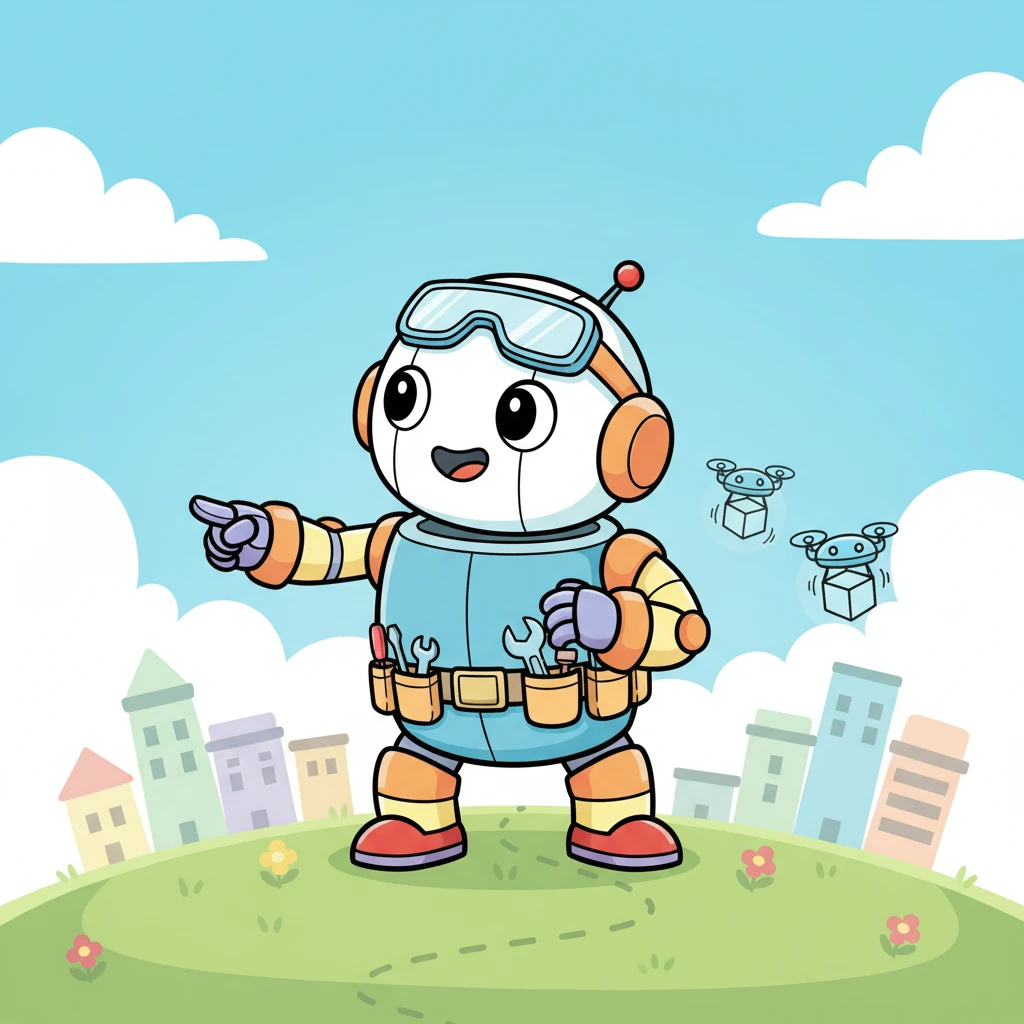
Dash, a round, cheerful little robot, looked out at the world with big, bright eyes. He dreamed of being a super helper, carrying light loads for his friends and asking for help with anything too heavy. He imagined zooming around, making everyone's day a little easier.
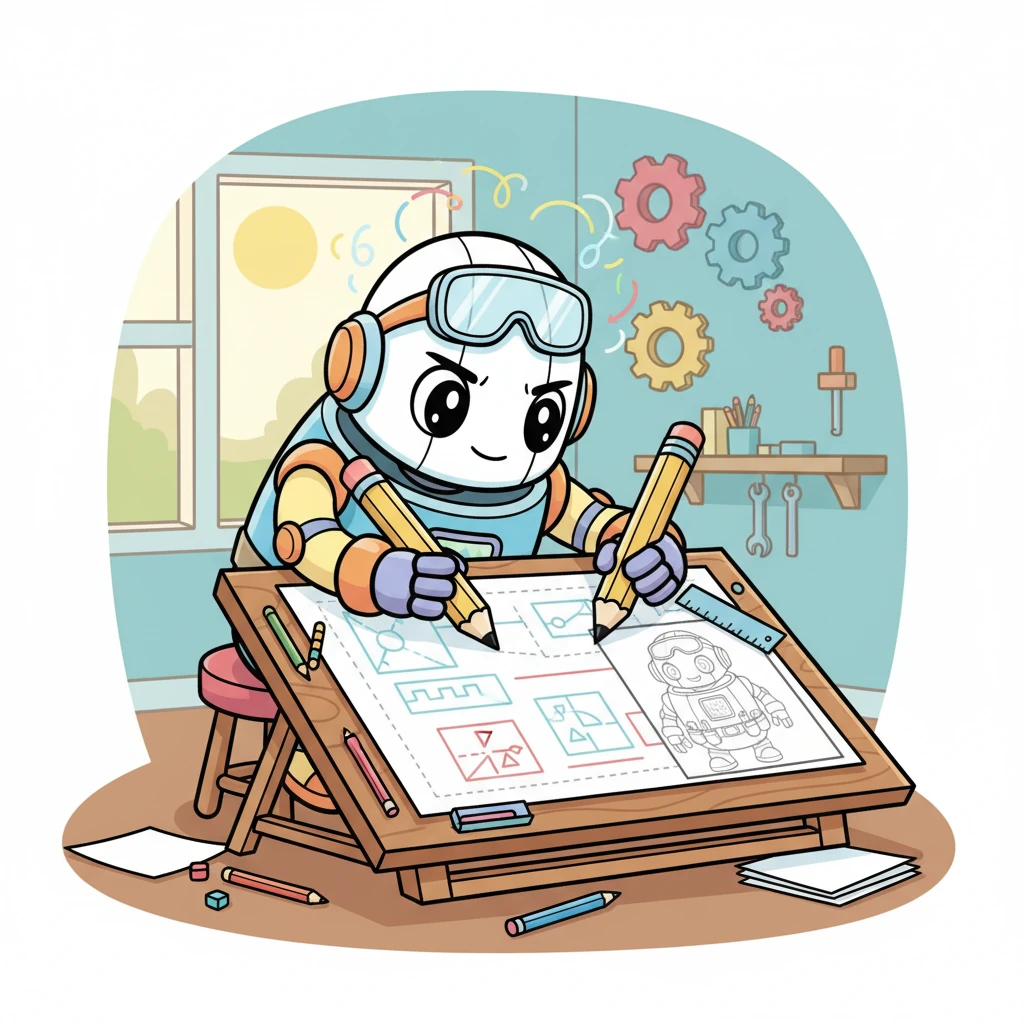
With a determined little hum, Dash sat at his drawing board, covered in colorful blueprints. He sketched out plans for himself and a future friend, drawing lines for how they'd talk and work together. His tiny robot brain whirred with exciting ideas.
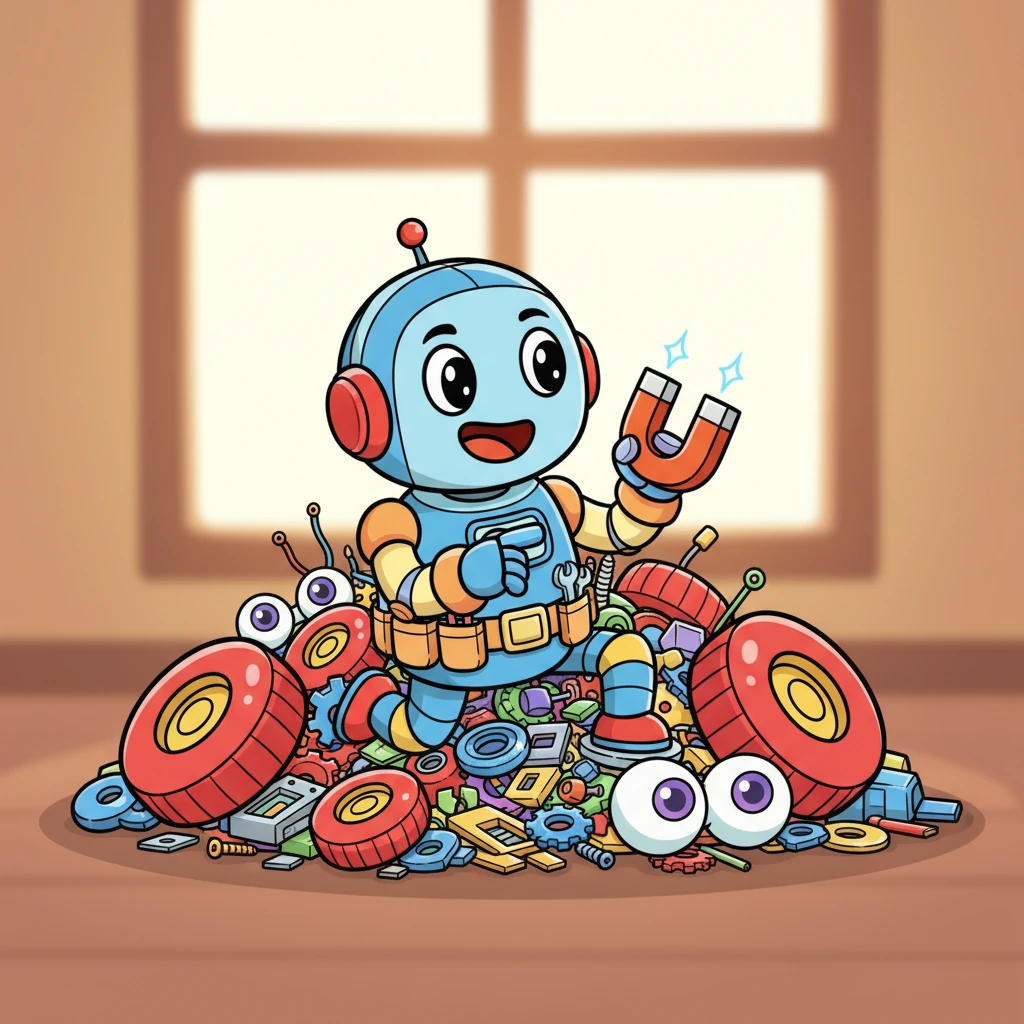
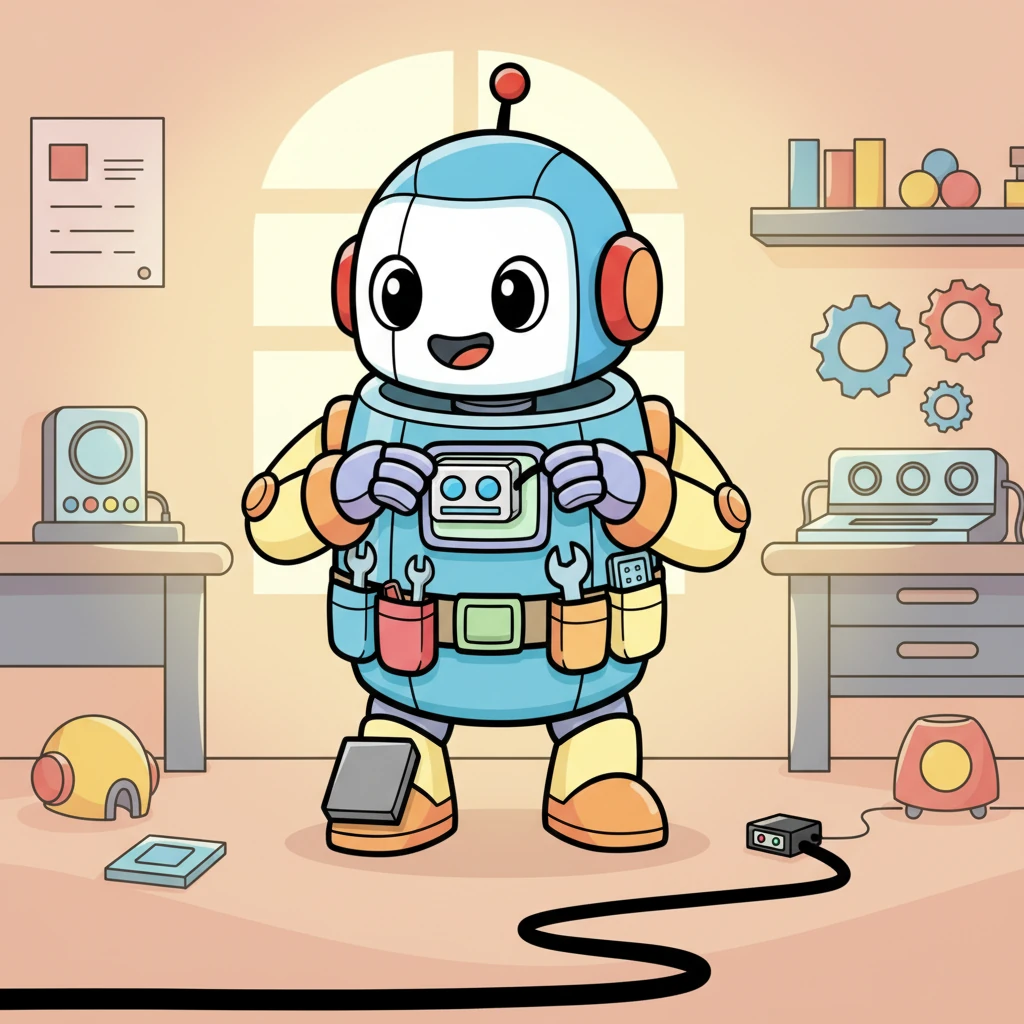
Soon, Dash was surrounded by a mountain of shiny new parts: bright red wheels, blinking sensor "eyes," and a tiny, powerful magnet. He carefully selected each piece, knowing every component was important for his big helper mission. It was like a treasure hunt for robot bits!
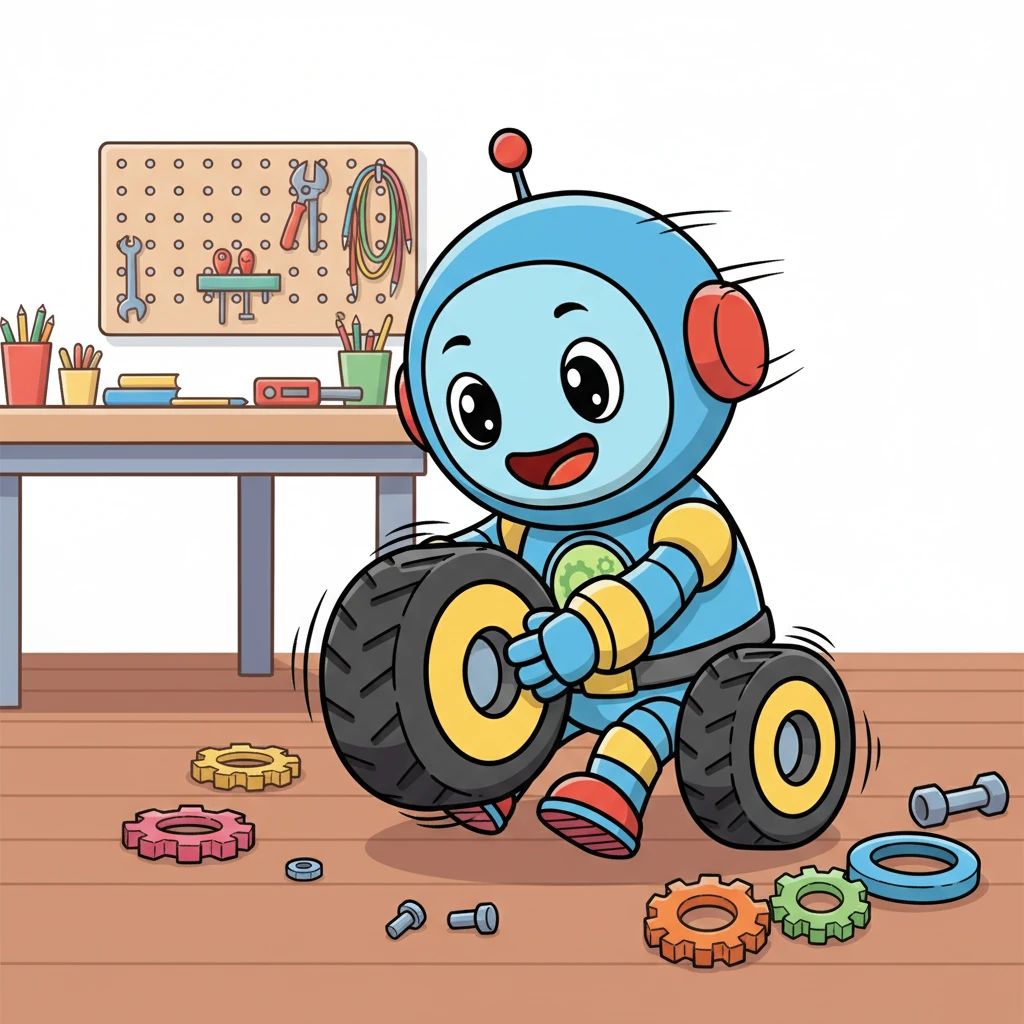
Dash's little arms whizzed as he carefully assembled his sturdy chassis, connecting the base plates with satisfying clicks. He then mounted his chunky, all-terrain wheels, giving them a proud spin. He was starting to look like a real robot!
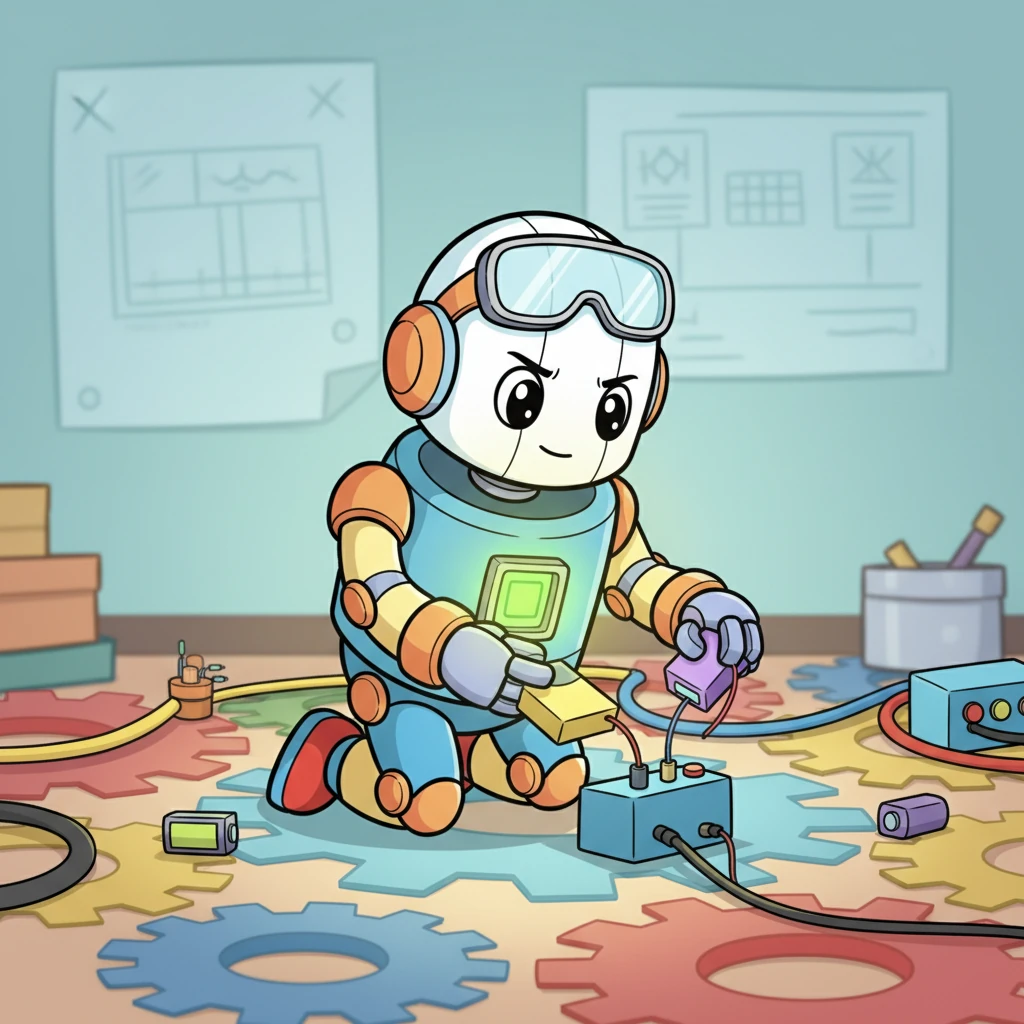
Next, Dash focused on his power system. He meticulously connected the battery pack and tiny voltage regulators, making sure every wire was just right. A small indicator light on his chest glowed a happy green, signaling he was alive with energy!
With his power ready, Dash eagerly added his "senses." He attached ultrasonic sensors for seeing obstacles, a special load cell to "feel" weights, and infrared sensors to follow lines on the floor. Now he could perceive the world around him!
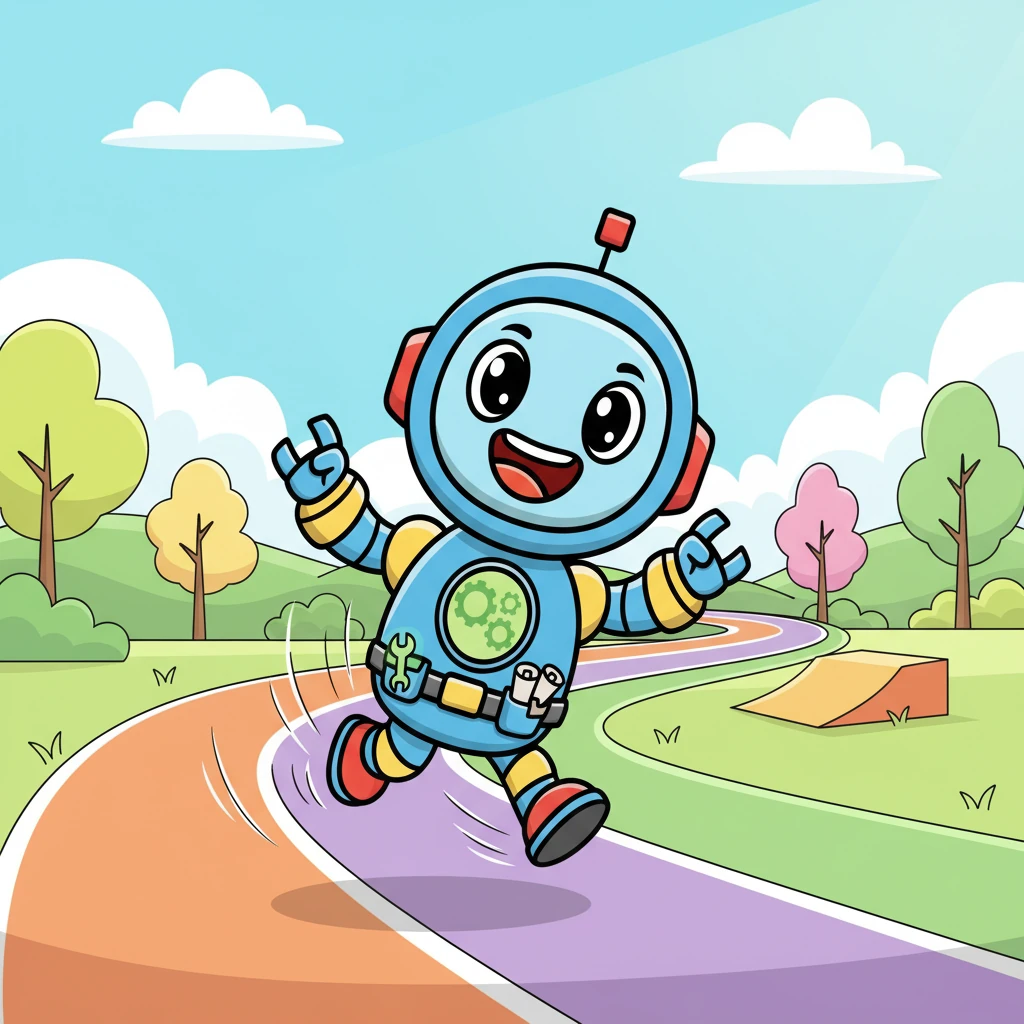
It was time to move! Dash practiced controlling his motors, zipping forward and backward on a test track. He wobbled a bit at first, but soon he was moving with smooth, confident turns, giggling with every successful maneuver.
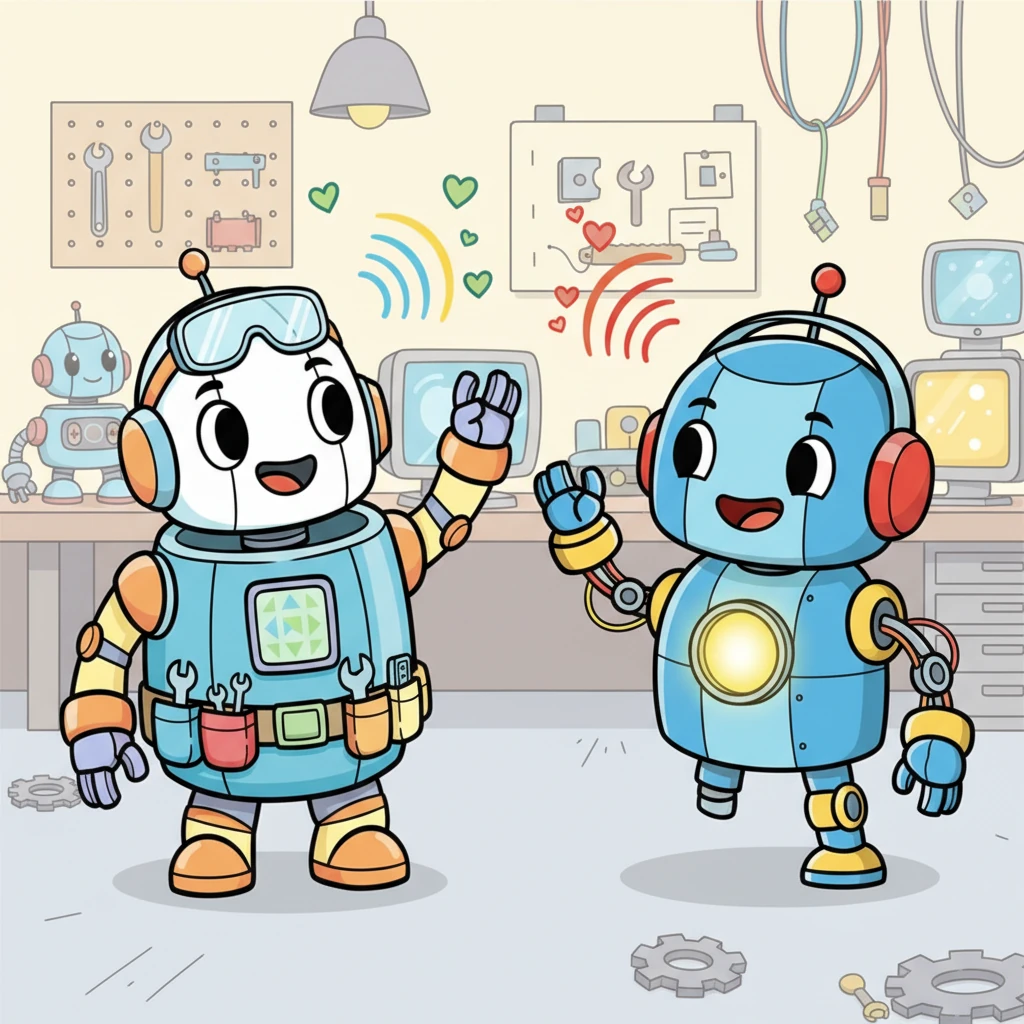
Dash learned to "talk" next, sending a cheerful message to his friend, Sparky, who was being built nearby. Sparky's communication light blinked back a friendly greeting, showing their signals were clear. They were ready to connect!
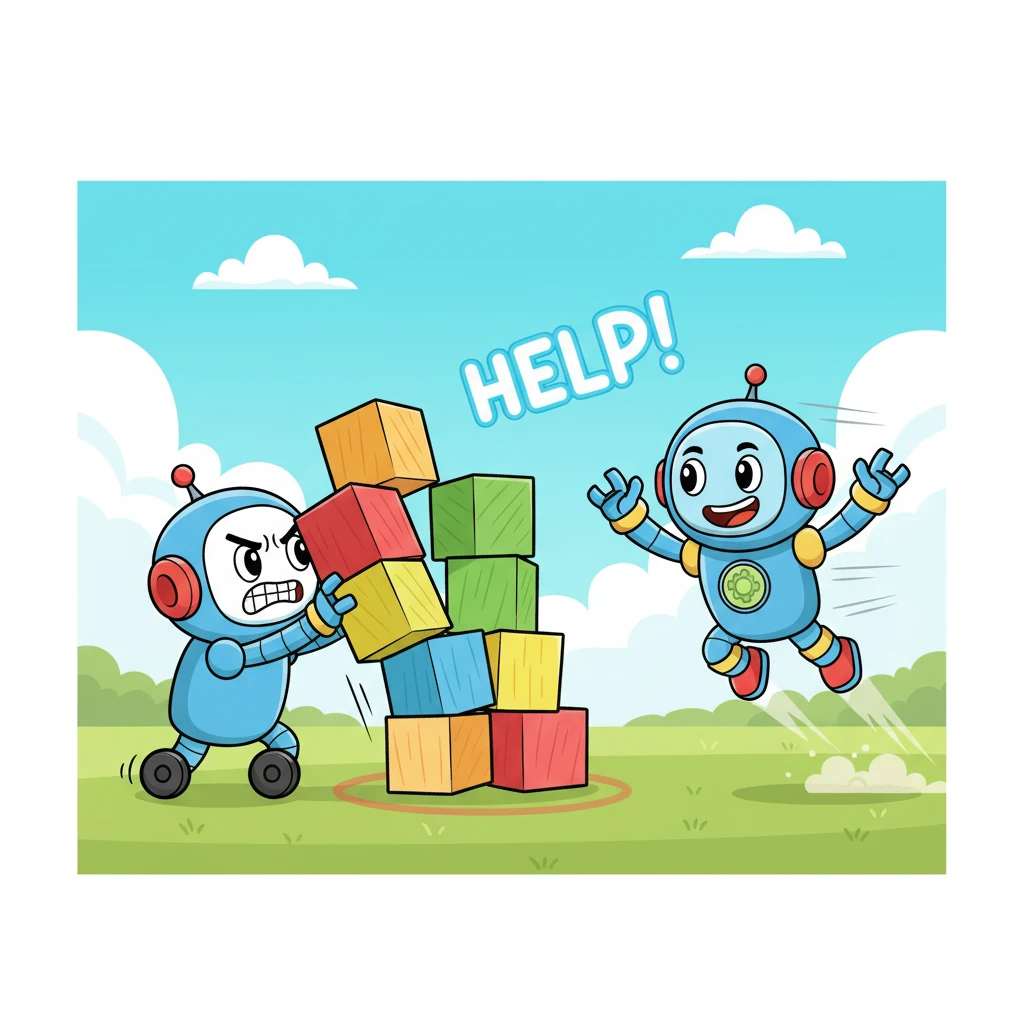
During a big test, Dash rolled up to a giant, wobbly toy block. He tried to push it, but his weight sensor signaled it was too heavy! Immediately, he sent a "Help!" message, and his friend Sparky zoomed into view.
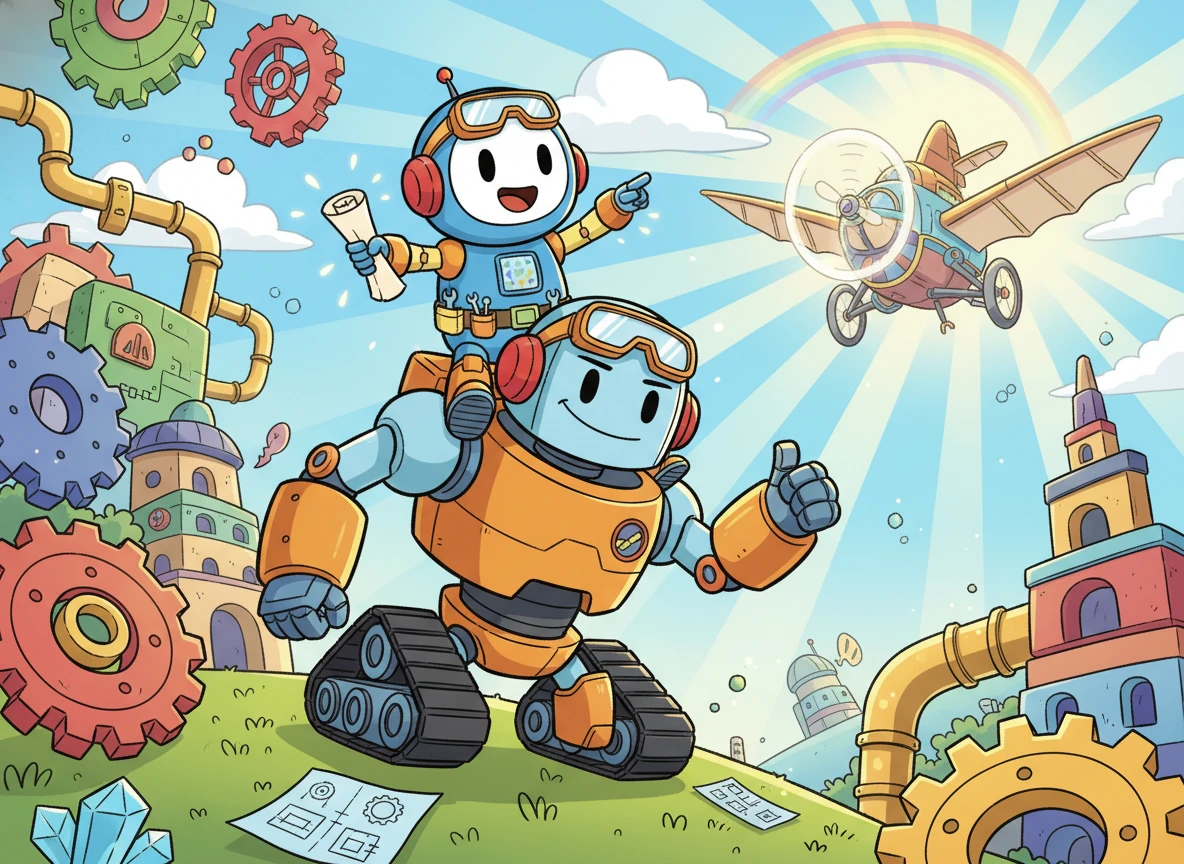
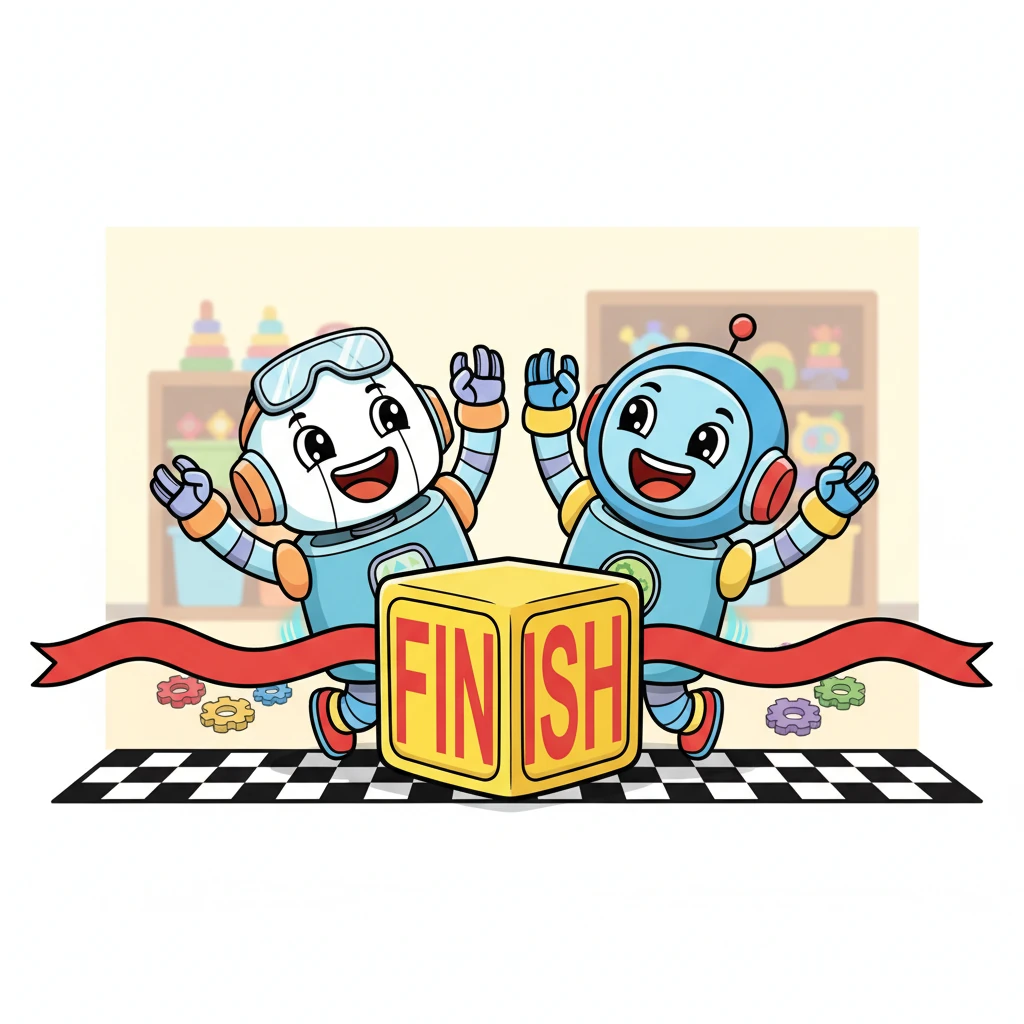
With a magnetic *clunk*, Dash and Sparky docked perfectly together, side-by-side. Together, their combined strength easily pushed the giant toy block across the finish line. They shared a happy, synchronized cheer, proud of their teamwork!
Generation Prompt(Sign in to view the full prompt)
Complete Step-by-Step Project Plan for CoBot Prototype PHASE 1: PROJECT DEFINITION & DESIGN (Weeks 1-3) Step 1: Finalize Your Project Scope Based on your budget(~$200-250) and constraints, define EXACTLY what "100% success" means: · Success Criteria 1: Robot A autonomously moves light load (<500g) from Point X to Point Y · Success Criteria 2: Robot A detects heavy load (>500g), stops, and broadcasts help request · Success Criteria 3: Robot B receives request, navigates to Robot A · Success Criteria 4: Robots dock (magnetically/physically) and move heavy load together · Success Criteria 5: Complete task within 3 minutes maximum Step 2: Detailed System Architecture Create these documents before buying ANY components: 1. Block Diagram showing each robot's components 2. Communication Protocol Specification (exact message format) 3. State Machine Diagram for each robot's behavior PHASE 2: COMPONENT SELECTION & PROCUREMENT (Weeks 3-4) Step 3: Final Hardware Selection Based on your constraints,I recommend: Option A (Lower Cost, Easier Programming): · Controller: ESP32 Dual Core ×2 ($10 each) - Use PlatformIO/Arduino IDE · Chassis: 2WD Smart Car Chassis Kit ×2 ($25 each) · Motor Driver: L298N ×2 ($3 each) · Weight Sensor: HX711 + 5kg Load Cell ×2 ($5 each) · Distance: HC-SR04 Ultrasonic ×2 per robot ($3 each) · Line Following: TCRT5000 IR Sensor Array ×2 ($5 each) · Power: 18650 Battery ×2 + Holder ($8 per robot) · Docking: Neodymium Magnets ($5) **Total:~$180** Option B (More Professional, Mesh Capable): · Controller: RAK4631 + RPi Pico ($45 each) for Zephyr RTOS (Same other components) **Total:~$250** Recommendation: Start with Option A (ESP32) - more tutorials, easier debugging. Step 4: Order Components with Contingency Order 20%extra of: · Jumper wires · Voltage regulators · Fasteners · Create a shared spreadsheet tracking delivery dates PHASE 3: HARDWARE ASSEMBLY (Weeks 5-7) Step 5: Sequential Assembly Process Follow this EXACT order to avoid damage: 1. Week 5 - Base Assembly: · Assemble chassis without electronics · Mount motors and wheels · Test mechanical movement manually 2. Week 6 - Power System First: · Install battery holders · Add voltage regulators (5V for sensors, 3.3V for ESP32) · Add power switch · CRITICAL: Test voltages at every connection point 3. Week 7 - Component Integration: Day 1: Mount ESP32 and connect motor drivers only Day 2: Add load cell and test independently Day 3: Add ultrasonic sensors Day 4: Add IR sensors for line following Day 5: Install docking magnets Day 6-7: Cable management and stress testing PHASE 4: SOFTWARE DEVELOPMENT (Weeks 8-12) Step 6: Development Environment Setup · Install PlatformIO VSCode extension · Create separate folders: Robot_A, Robot_B, Shared_Libraries · Set up serial monitoring for debugging Step 7: Modular Code Development (TEST EACH MODULE) Week 8 - Motor Control: ```cpp // Test pattern: Forward 2s, Stop 1s, Backward 2s // Verify: Motors respond correctly, no overheating ``` Week 9 - Sensor Validation: · Load cell: Test with known weights (100g, 500g, 1000g) · Ultrasonic: Test at known distances (10cm, 30cm, 50cm) · IR sensors: Test on black vs white tape Week 10 - Communication Protocol: Use ESP-NOW(simpler than Bluetooth Mesh for prototype): ```cpp // Message structure: struct RobotMessage { uint8_t robotID; uint8_t messageType; // 1=HELP, 2=ACK, 3=POSITION float positionX; float positionY; uint8_t loadWeight; }; ``` Week 11 - Navigation Algorithm: Implement PID-controlled line following: ```cpp // Pseudo-code: error = left_sensor - right_sensor; adjustment = Kp*error + Kd*(error - last_error); left_speed = base_speed - adjustment; right_speed = base_speed + adjustment; ``` Week 12 - Integration & State Machine: ```cpp enum RobotState {IDLE, MOVING, HEAVY_LOAD, REQUESTING_HELP, WAITING_HELP, DOCKING, COOPERATIVE_MOVE}; ``` PHASE 5: TESTING & REFINEMENT (Weeks 13-16) Step 8: Systematic Testing Protocol Create a testing checklist: 1. Individual Robot Tests: · Robot follows line for 5m without deviation · Weight detection accurate within ±20g · Ultrasonic detects obstacles at 15cm · ESP-NOW communication range >10m 2. Communication Tests: · Message delivery success rate >95% · No interference between robots · Help request timeout mechanism (30s) 3. Collaboration Tests: · Docking alignment success rate · Cooperative movement synchronization · Undocking mechanism reliability Step 9: Failure Mode Analysis Prepare solutions for these common failures: · Communication Failure: Implement retry mechanism (3 attempts) · Docking Misalignment: Add IR proximity sensors for fine alignment · Battery Depletion: Implement low-battery warning system · Line Following Errors: Add recover