Follow Leo, a determined shopkeeper, as he transforms his struggling retail business into a high-tech success story using the power of machine learning. Discover how a mountain of old receipts can be turned into a crystal ball for business growth, ensuring every customer finds exactly what they need.
Leo stood in the middle of his small grocery store, surrounded by crates of wilting lettuce and empty shelves where the bread should have been. He sighed, realizing that guessing what his customers wanted was much harder than it looked.
That evening, Leo gathered every sales receipt and dusty ledger from the past year. He realized this pile of paper held the secrets to his shop's future if only he could find a way to read the patterns hidden within the numbers.
Leo opened his laptop and began organizing the information into a digital table. He carefully noted which days were holidays, when he ran sales promotions, and exactly how many items were sold during every season of the year.
Using a powerful tool called a Random Forest, Leo taught his computer how to learn from the past. The digital brain began to understand how rainy Mondays differed from sunny Saturdays and how promotions changed his customers' habits.
Leo built an invisible bridge using Flask to connect his smart model to a new web page. This backend system would act as the engine of his shop, processing complex math in the blink of an eye to provide instant answers.
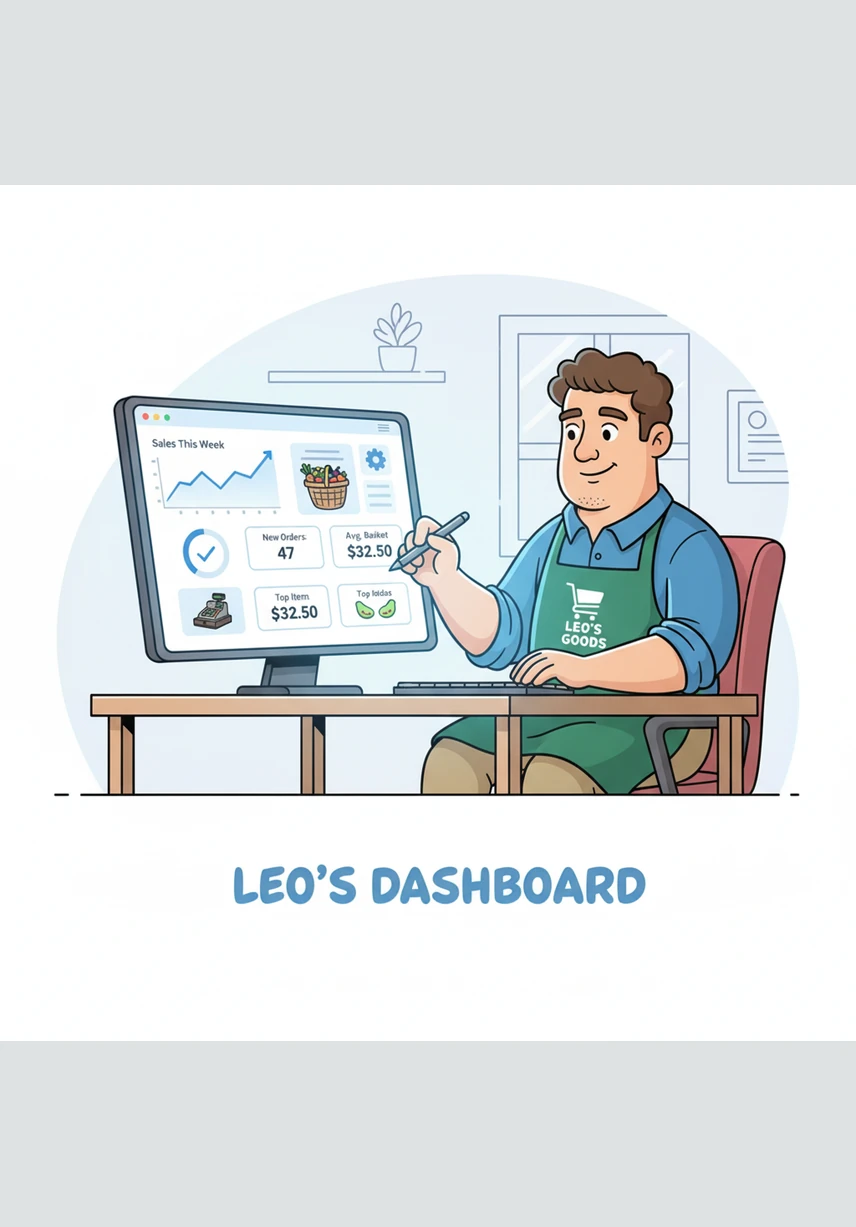
Next, he designed a bright and simple dashboard on his screen with buttons for dates and switches for promotions. He wanted a tool that would make the complicated world of data feel like a simple, friendly conversation.
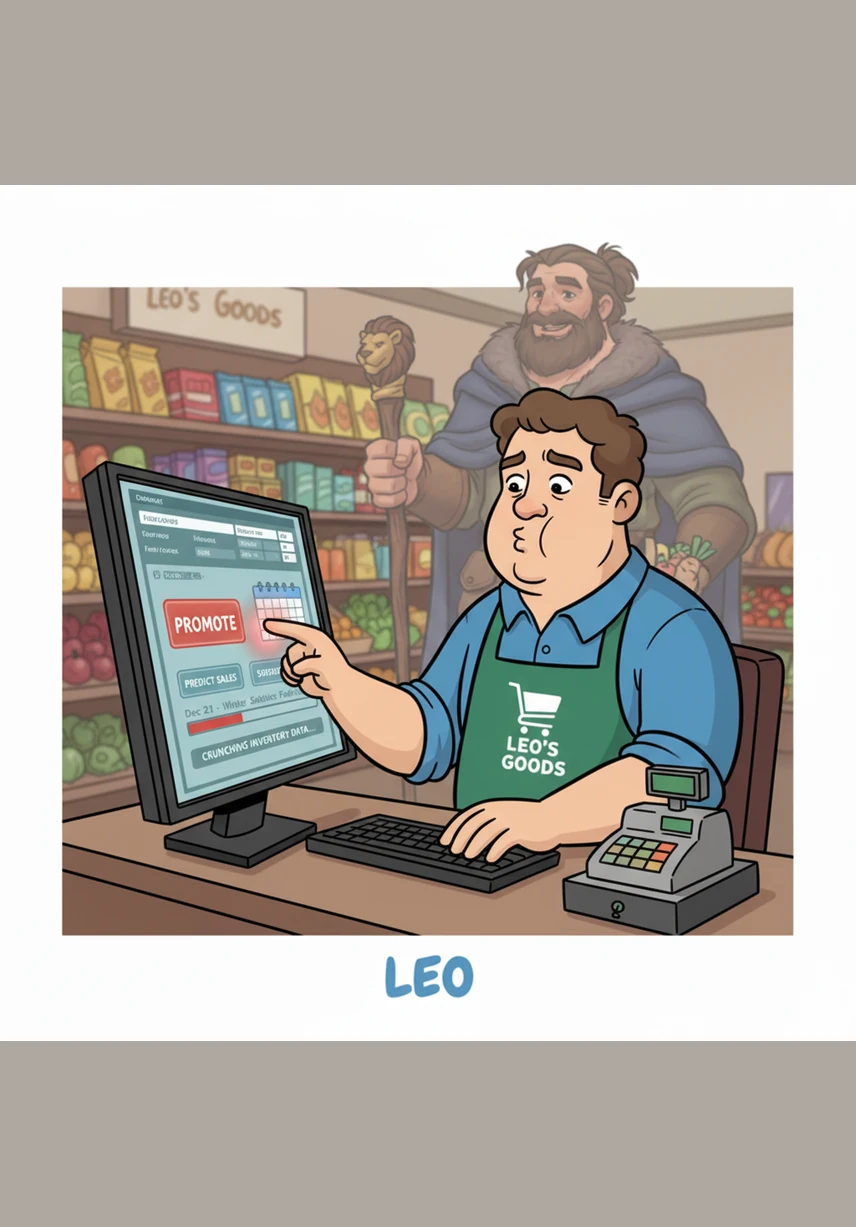
With a deep breath, Leo selected a date for the upcoming winter festival and toggled the promotion switch to active. He clicked the predict button, his heart racing as the computer began to crunch the numbers for his inventory.
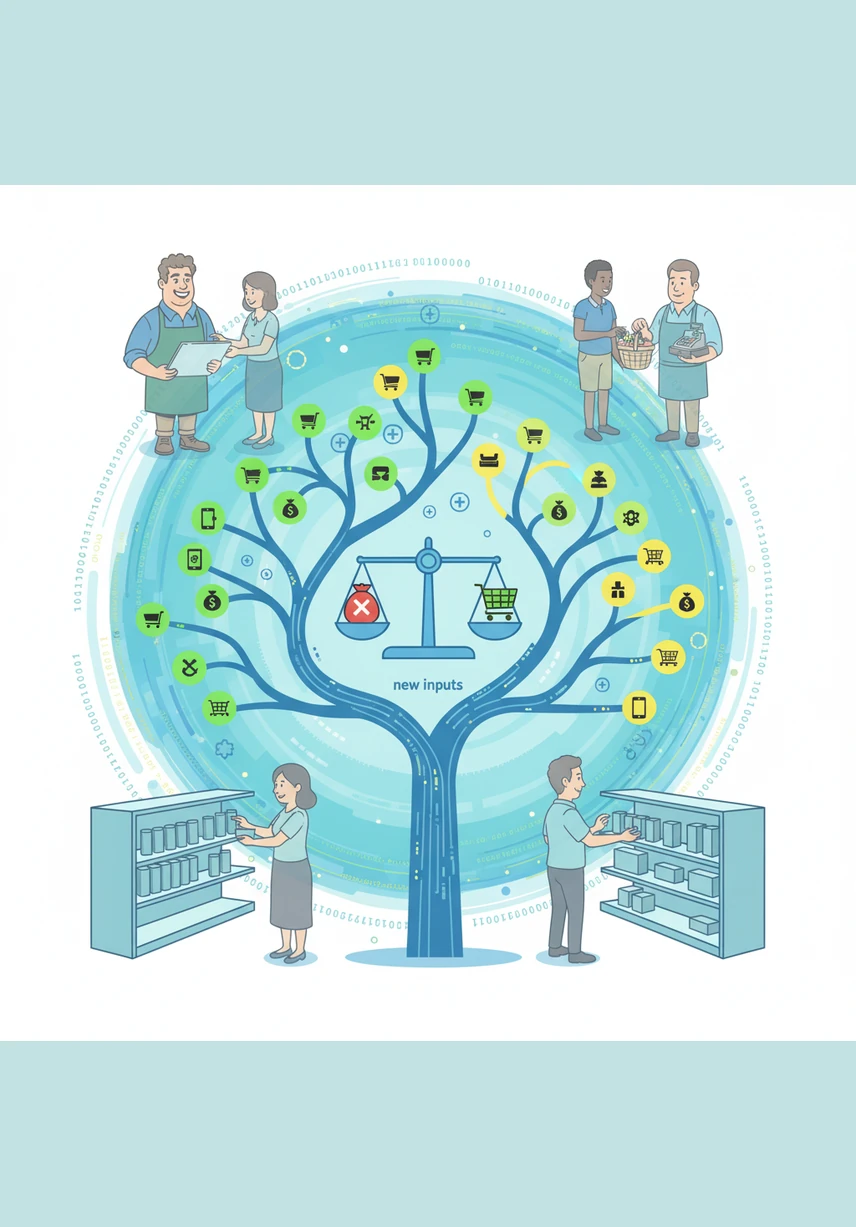
Deep inside the system, the algorithm branched out like a growing tree, weighing the historical trends against the new inputs. It calculated the most likely demand, ensuring Leo wouldn't waste money on overstock or lose sales to empty shelves.
The screen lit up with a clear prediction and a colorful chart recommending exactly how many crates of goods to order. Leo felt a surge of relief as the uncertainty that had plagued his business finally began to fade away.
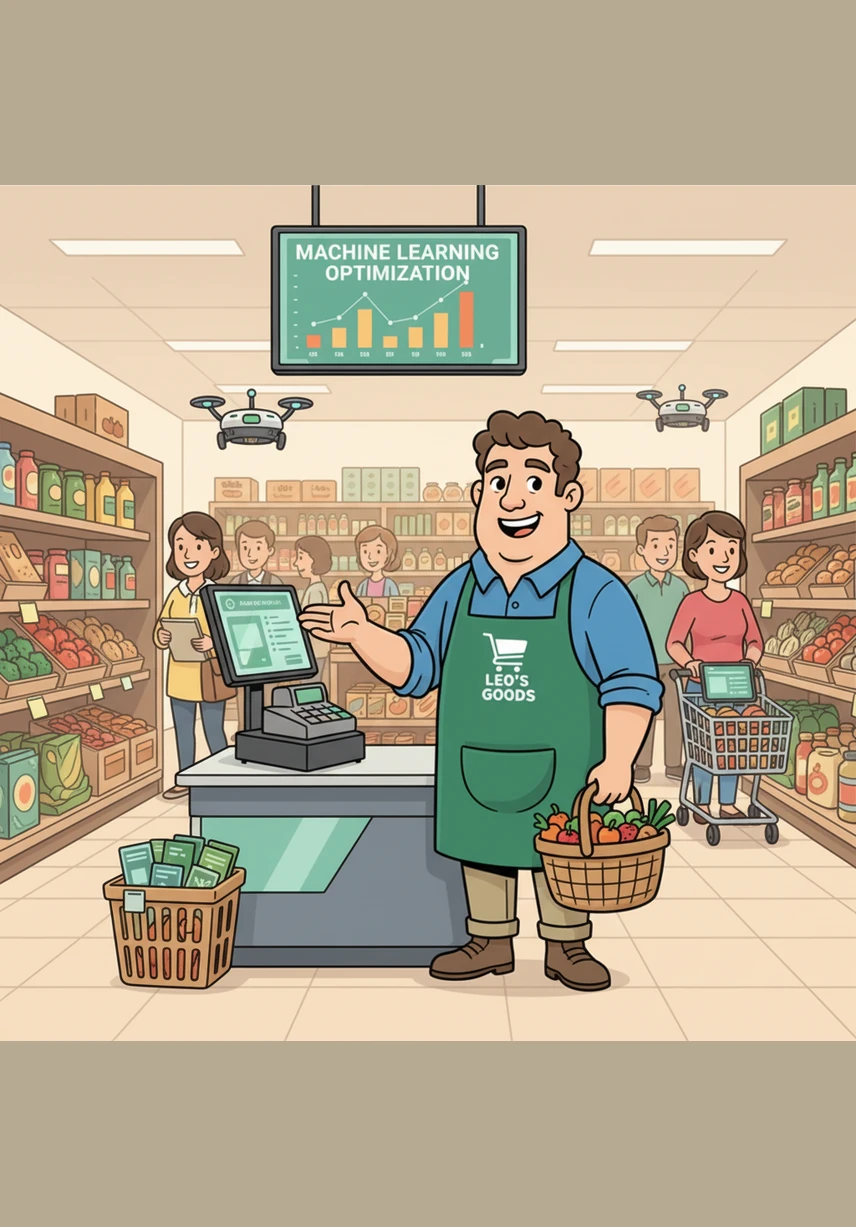
Weeks later, Leo’s shop was a picture of perfect balance, with fresh goods and happy customers filling the aisles. By using the power of machine learning, he had turned his humble store into a smart retail success where nothing ever went to waste.
Generation Prompt
Create a complete Smart Retail Demand Forecasting system using Machine Learning in the backend. The system should help retail stores predict product demand based on historical sales data, seasonal trends, promotions, and holidays. The goal is to help retailers manage inventory efficiently by avoiding overstocking and stockouts. Requirements Frontend UI Build a simple web interface where users can: Select a date Choose whether a promotion is active Choose whether the date is a holiday Click a button to predict demand Display the predicted demand clearly. Use HTML, CSS, and JavaScript for the UI. Backend Use Python with Flask to build the backend API. The backend should receive input from the frontend and send it to the machine learning model for prediction. Return the predicted demand in JSON format. Machine Learning Model Use Random Forest Regressor from scikit-learn to forecast product demand. Train the model using a dataset containing: Date Product name Sales quantity Promotion indicator (0 or 1) Holiday indicator (0 or 1) Data Processing Convert the date column into useful features such as: Day Month Weekday Use these features along with promotion and holiday indicators to train the model. Project Structure The project should follow this structure: RetailDemandForecast │ ├── data │ └── sales_data.csv │ ├── model │ └── train_model.py │ ├── backend │ └── app.py │ ├── frontend │ └── index.html │ └── model.pkl Functional Workflow Historical sales data is stored in a CSV file. A machine learning model is trained using this data. The trained model is saved as a .pkl file. The Flask backend loads the model. The frontend sends user input to the backend. The backend processes the input and predicts the demand. The prediction is returned and displayed in the UI. Additional Features (Optional but preferred) Display demand prediction using charts. Provide an inventory recommendation based on predicted demand. Make the UI visually appealing.