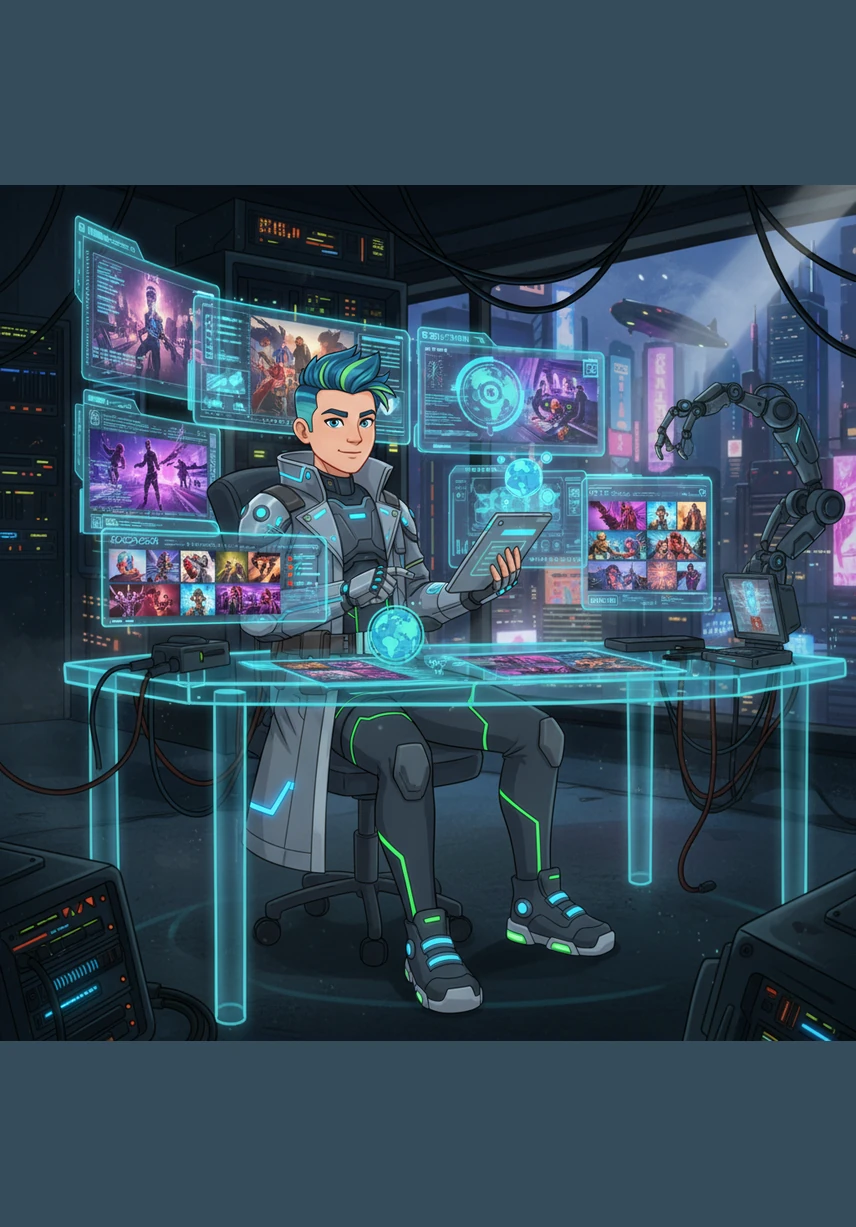
Follow Alex, a visionary digital architect, as he crafts a premium online empire from lines of code and sleek designs. This story explores the intersection of modern technology and industrial elegance, showing how a simple plan becomes a world-class shopping experience through dedication and craft.
Alex stands before a blank digital canvas, envisioning a sleek, silver-toned world for Leader Aluminium. He dreams of a place where strength meets elegance, planning the foundation of a premium e-commerce sanctuary with meticulous care.
In a studio bathed in soft blue light, Alex masterfully codes the core styling and logic files, weaving threads of silver, dark gray, and white. The screen glows with glassy effects and modern typography, bringing a sophisticated aesthetic to the digital skeleton.
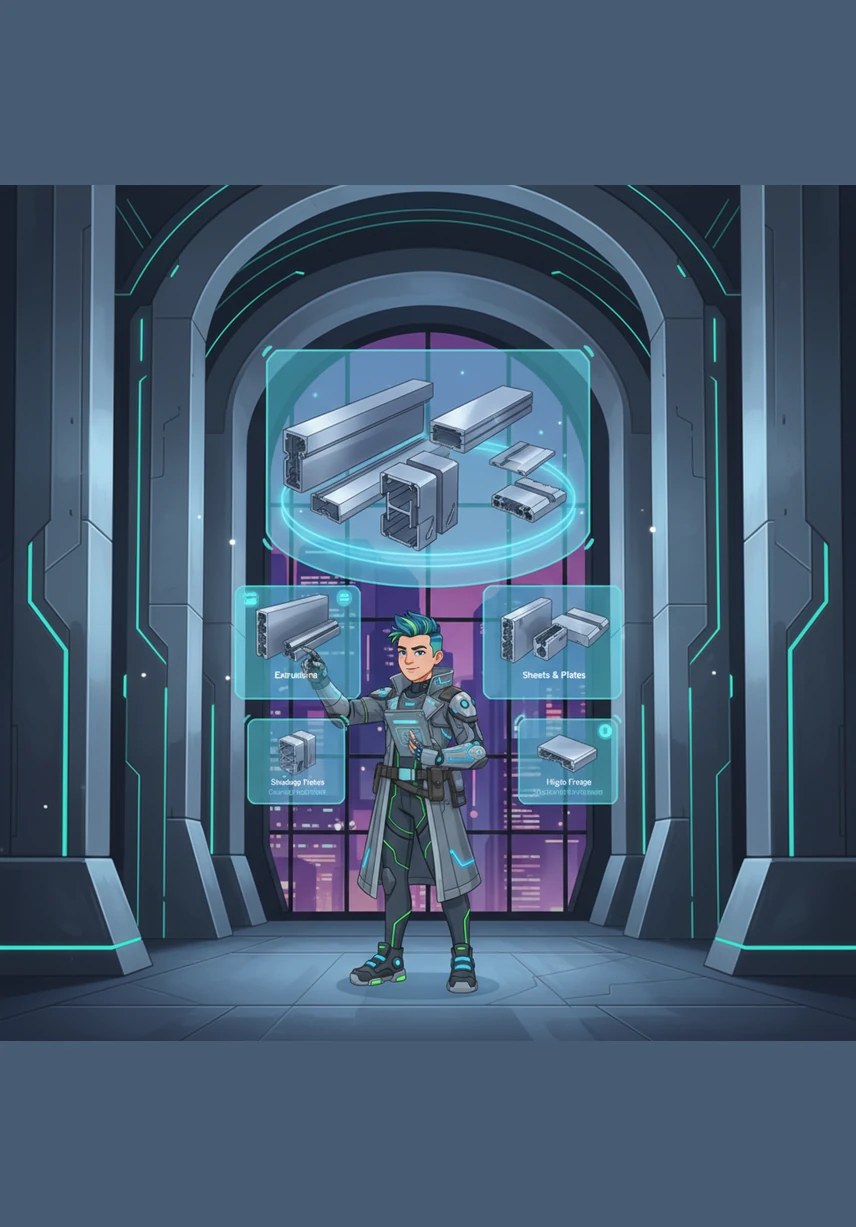
The home page emerges like a grand architectural entrance, featuring a hero section that showcases the shimmering beauty of industrial aluminium. Alex carefully arranges categories and popular products, ensuring every visitor feels the premium quality of the brand immediately.
Next, he constructs the vast catalog, a digital library where every product finds its place in a perfect, responsive grid. He adds intuitive filters for indoor and outdoor treasures, making the search for the perfect piece as smooth as polished metal.
Within the detailed product pages, Alex focuses on the fine details, highlighting the texture and strength of every aluminium component. He installs a clever quantity selector and a seamless button, inviting users to bring a piece of this craftsmanship into their own lives.
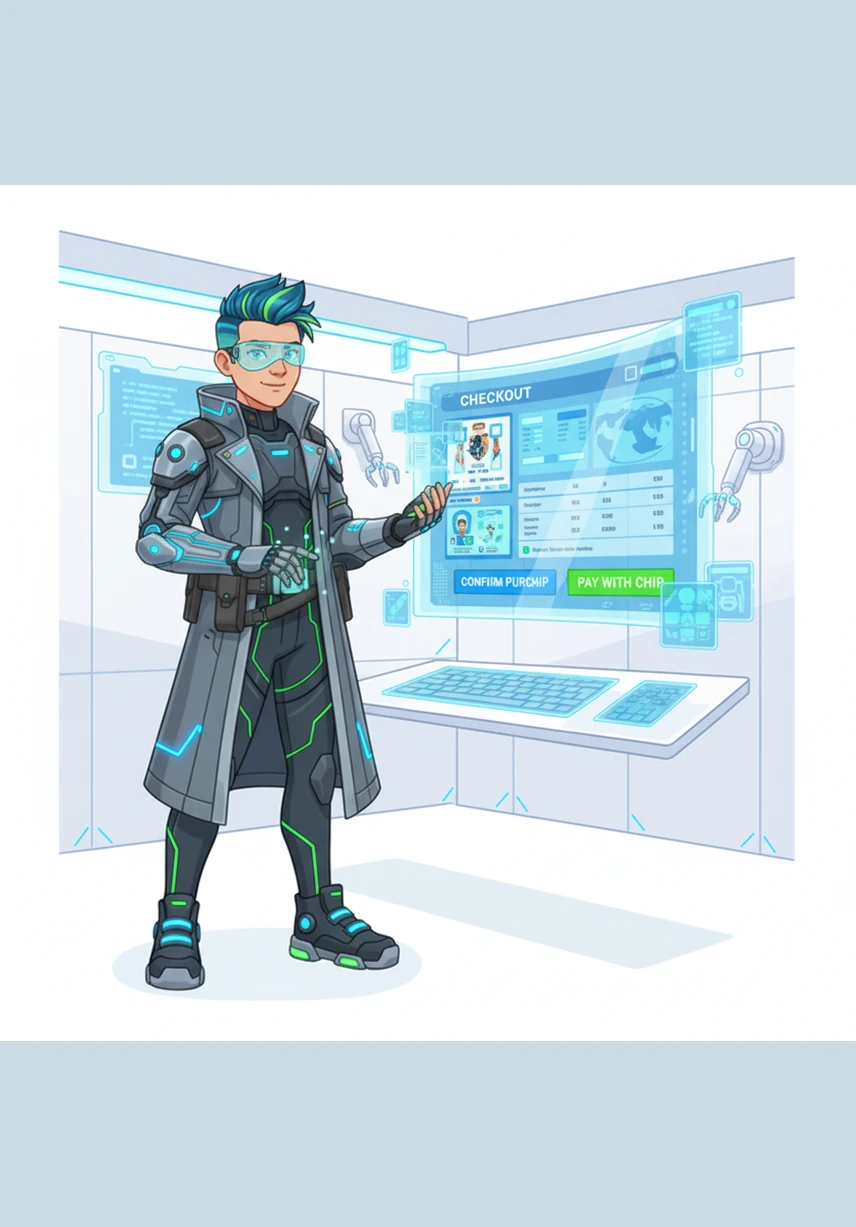
The cart and checkout sections are built with clinical precision, ensuring a path of trust and simplicity for every traveler. Alex designs a clear order summary and a secure form, transforming a simple transaction into a professional promise of quality.
Alex creates a welcoming space for users to join the community through the elegant login and registration portals. He builds personal profiles where customers can view their history and manage their own aluminium-clad dreams with ease.
To bring the site to life, Alex populates the galleries with vibrant, high-definition images that capture the essence of modern living. Each picture tells a story of durability and style, making the digital space feel warm, populated, and ready for the world.
The final touch is the contact page, a bridge between the creator and the customer. Alex ensures that help and company details are always a click away, fostering a professional relationship built on transparency and excellent service.
With a final click of the mouse, Alex launches the site and watches it transform perfectly from a large monitor to a handheld mobile screen. The Leader Aluminium digital home is now open, standing as a testament to modern design and technical mastery.
Generation Prompt(Sign in to view the full prompt)
LEADER ALUMINIUM E-commerce Site Implementation Plan This plan outlines the steps to build a modern, responsive, premium vanilla HTML/CSS/JS e-commerce site for LEADER ALUMINIUM. Proposed Changes We will create the following files in c:/Users/Wala/Desktop/site tass/: Styling & Logic [NEW] style.css Contains all CSS, CSS variables for the color theme (Silver, Dark Gray, White), flexbox/grid layouts, responsive media queries, and animations (hover effects, smooth scrolling). We will use a premium aesthetic with glassy effects and modern typography. [NEW] script.js Handles state management using localStorage (for cart, user auth simulation, and products). Includes functions for rendering products, search, filtering, cart updates, and mobile navigation. HTML Pages [NEW] index.html Hero section, Categories, Popular Products, Promotions, About Us, Footer. [NEW] catalog.html Grid layout of products, Sidebar for filtering (Category, Price, Indoor/Outdoor), Search bar. [NEW] product.html Product details (Image, Name, Price, Description, Stock, Quantity selector, Add to Cart). [NEW] cart.html Cart items, quantity controls, total calculation, remove buttons. [NEW] checkout.html Form for Full Name, Phone, Address, City, Payment method. Order summary. [NEW] login.html Forms for User Login and Registration. [NEW] profile.html User info, edit options, past order history. [NEW] contact.html Company details, contact form, admin simple UI link. Assets [NEW] /images/ We will auto-generate some AI images to place in images/ to make the site look populated. Verification Plan Manual Verification Verify that opening index.html correctly displays the site. Navigate to the catalog and ensure filters work. Add an item to the cart, verify it appears in cart.html and the count updates. Test the checkout flow. Ensure the site is responsive on mobile widths.